Projects/plants
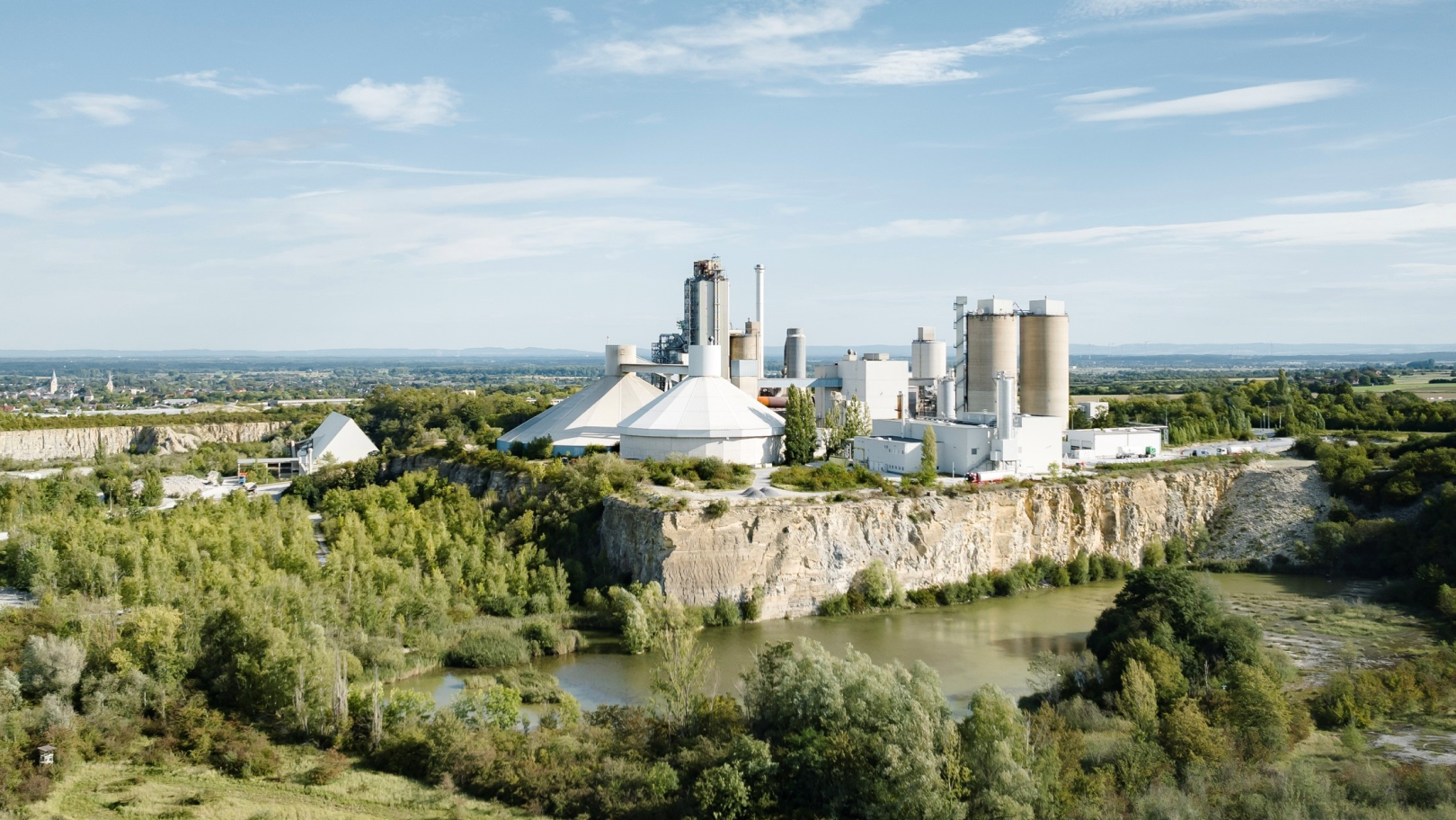

If it has been decided that a project or plant requires branding and Heidelberg Materials either owns the majority or has the authority to determine the visual appearance, the project/plant will be branded with its project/plant name in accordance with Heidelberg Materials' CI.
If a partner wishes for their logo to be integrated into the design for plants/projects or wishes for an even greater visibility, please refer to the chapter Brand partnerships.
Projects/plants logos
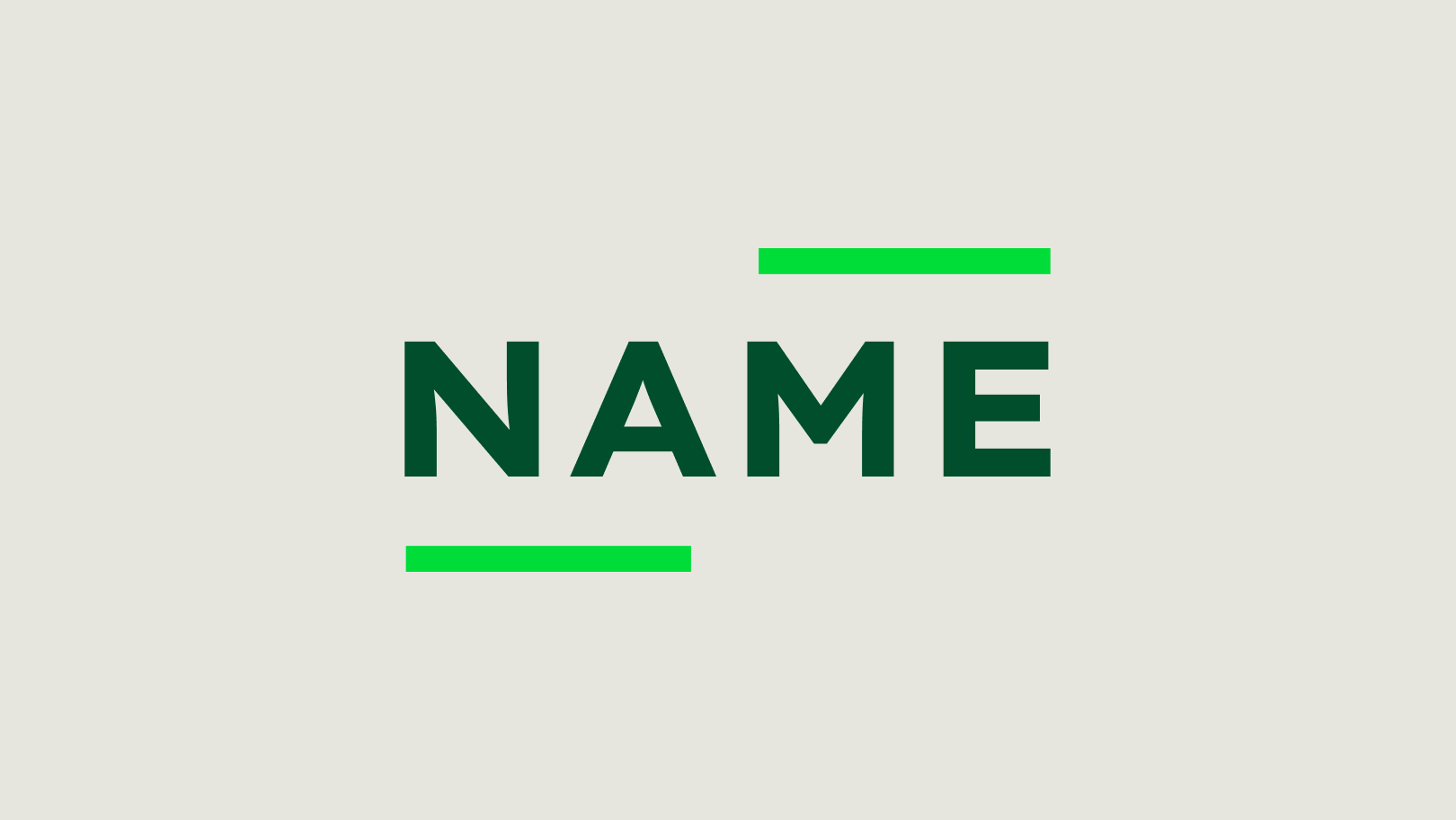
The above-mentioned projects/plants have their own visual identity, which creates a unique, distinctive look within the design system to clearly associate them with the Heidelberg Materials corporate brand.

Variations
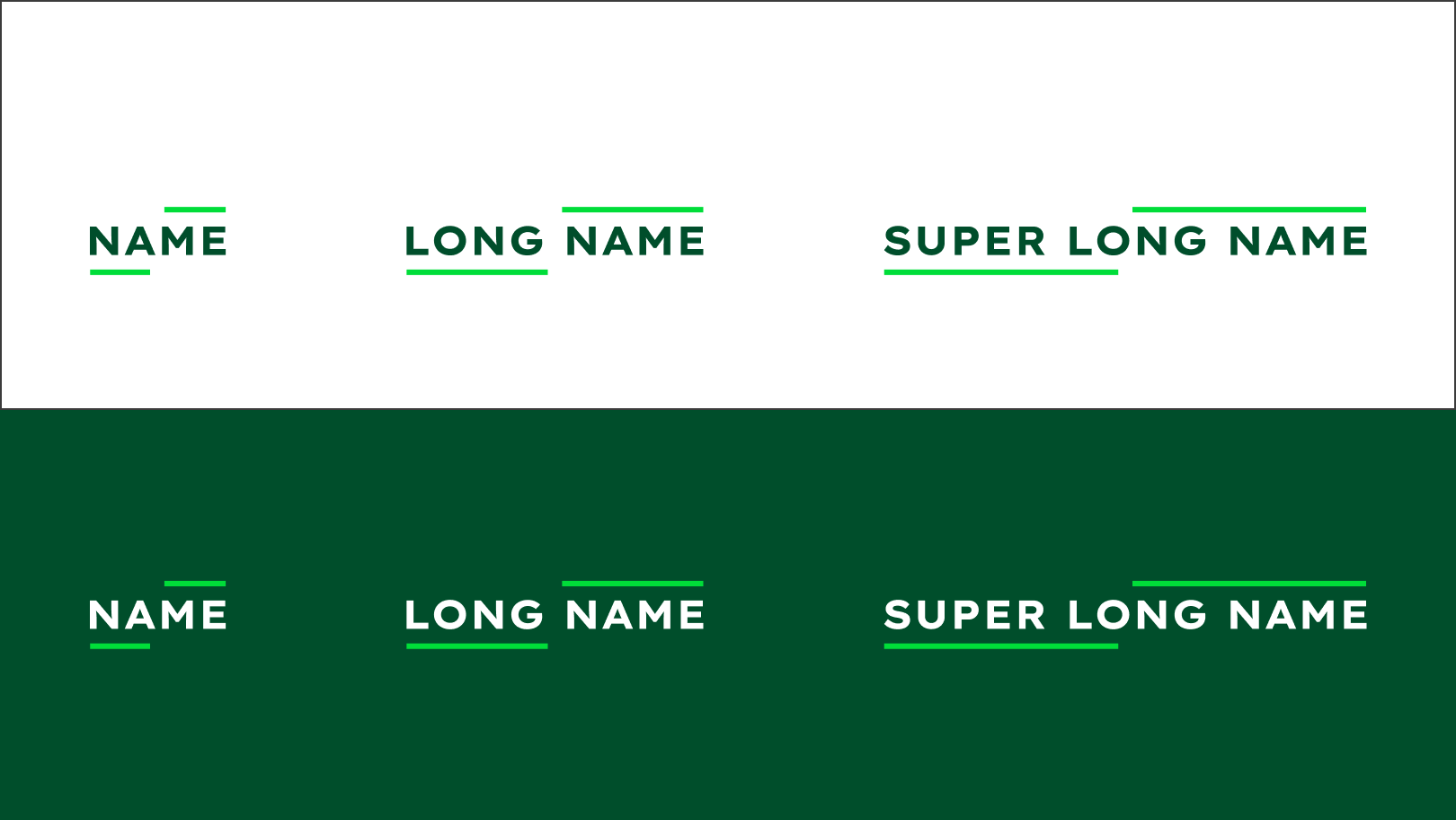
Depending on the length of the name or number of words, the length of the line can be adjusted. Each logo has two colour options for bright and dark backgrounds, respectively.

Construction
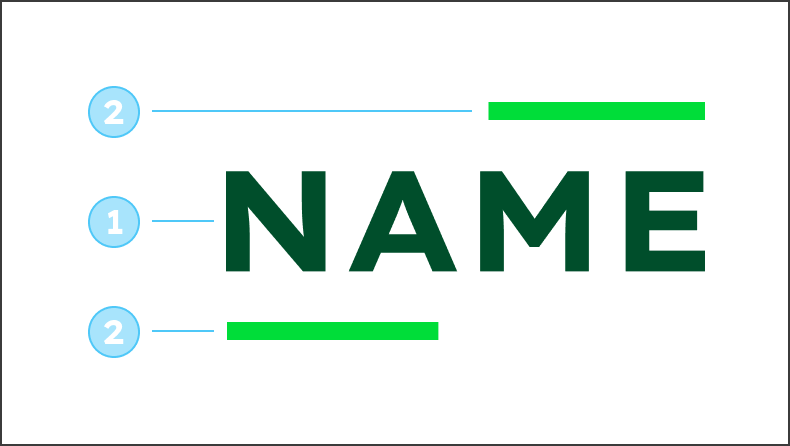

The logo consists of the project/plant name (1) and two lines (2) that frame the word mark.
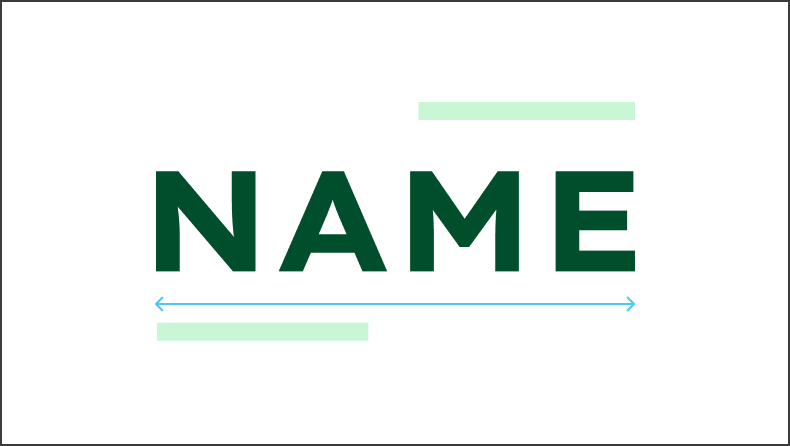

Use Lexend Exa HM Bold with capital letters for the project/plant name. The character spacing always has a value of 100.
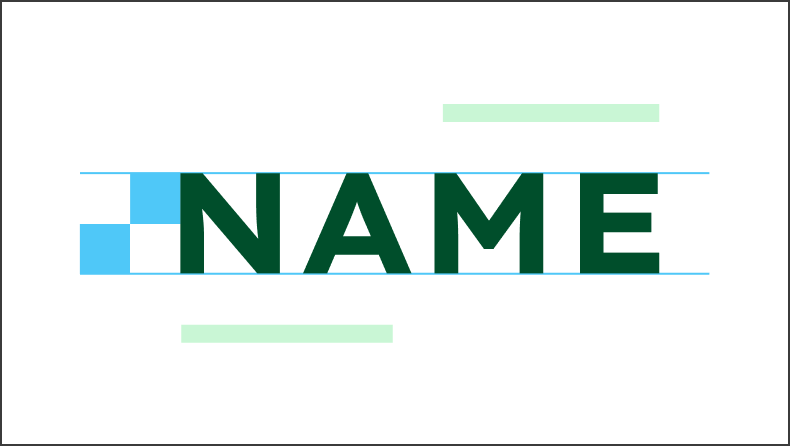

The height of the project/plant name is 2 building blocks.
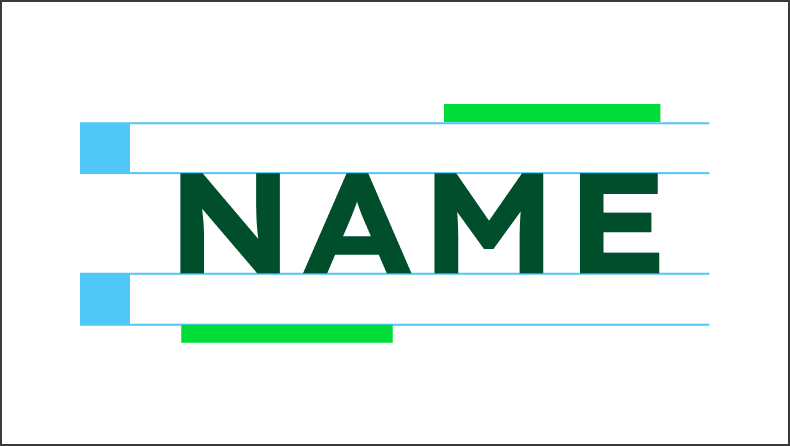

The distance between the project/plant name and the lines is 1 building block.
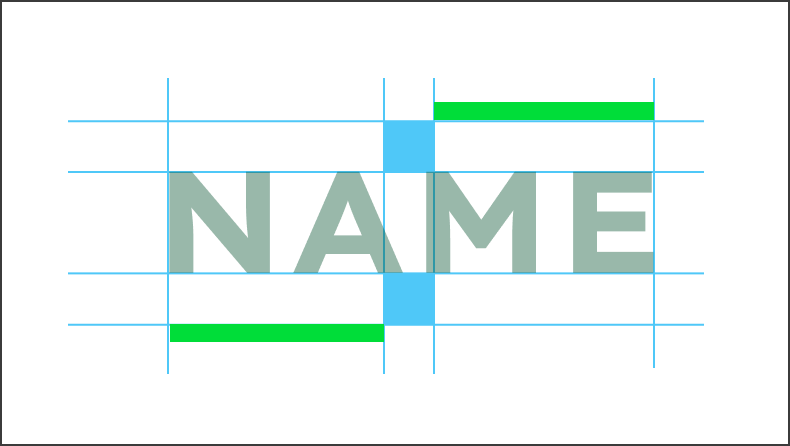

The distance between the lines is always 1 building block. The upper line is always aligned to the right, and the lower line is always aligned to the left of the project/plant name.
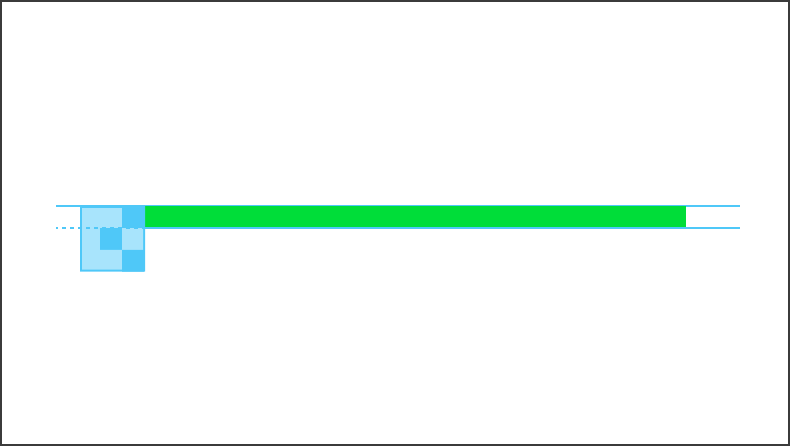

The stroke height of the lines is 1/3 of a building block. Please note: When exporting the logo, the line should always be converted into a path or area to ensure a proportional enlargement.
Layout projects/plants
Usage
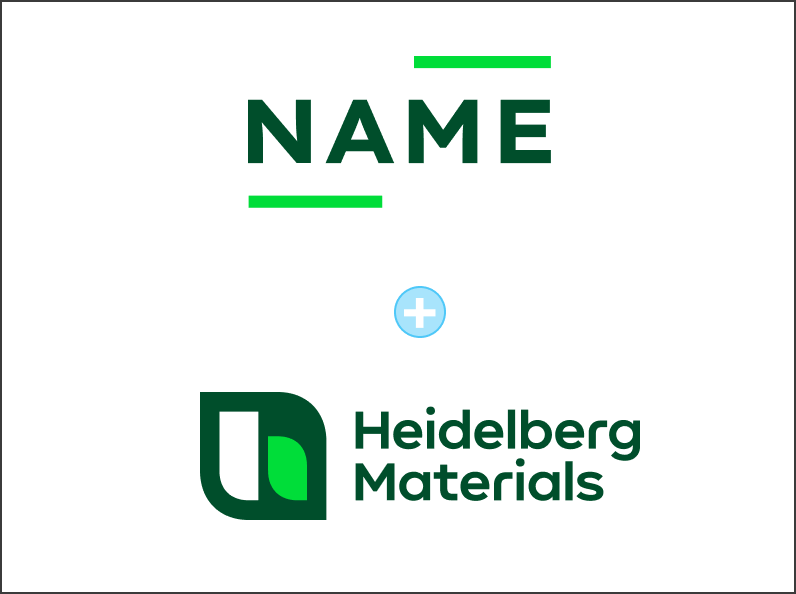

The project/plant logo always appears in conjunction with at least the Heidelberg Materials compact logo.
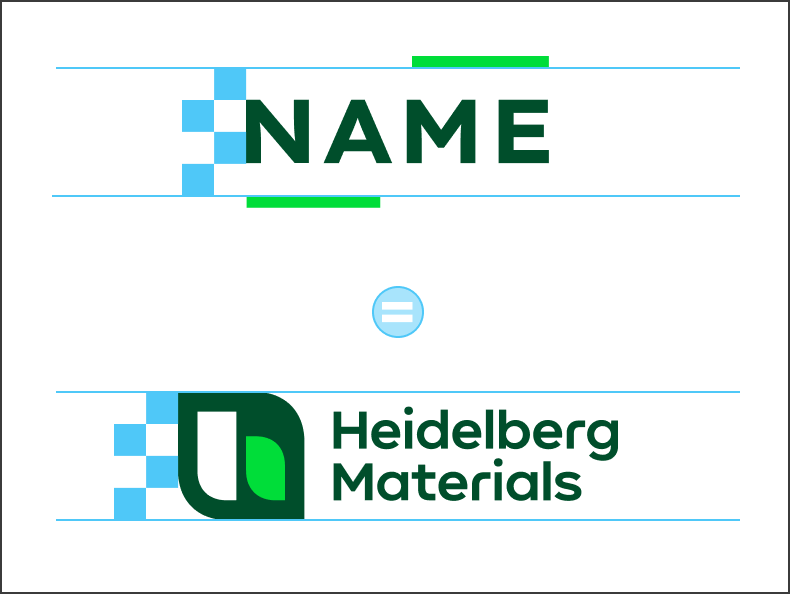

The distance between the two lines for project/plant logos is exactly the same height (4 building blocks) as the compact logo.
Position
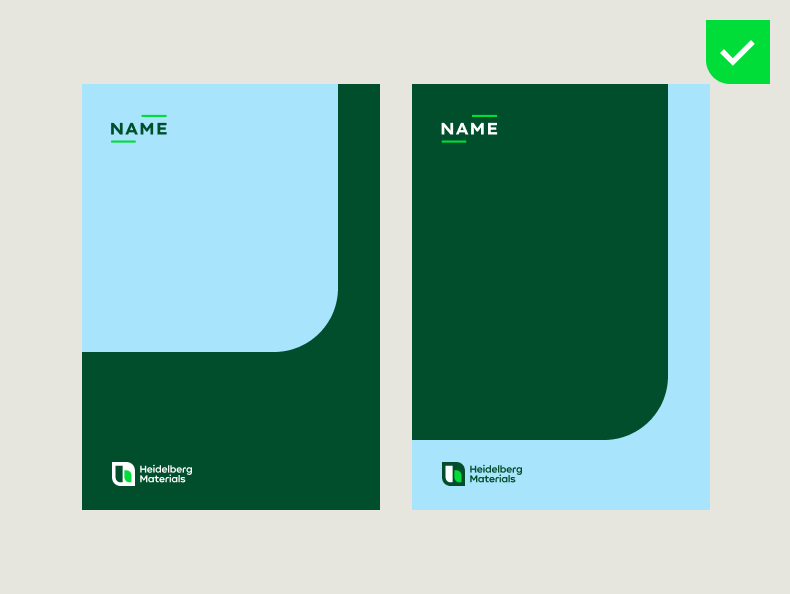

The project/plant logo is always at the top left. The Heidelberg Materials compact logo is always at the bottom left.
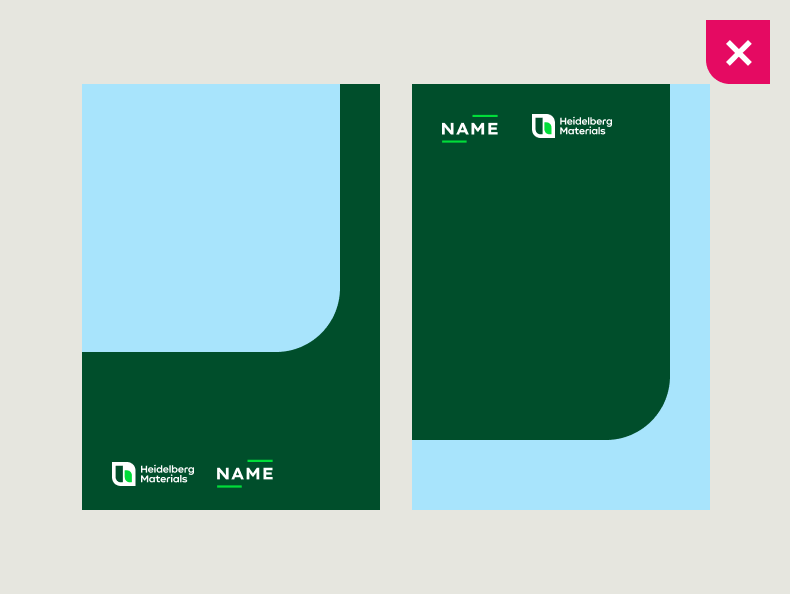

Do not place the project/plant logo next to the Heidelberg Materials logo.
Level of expression
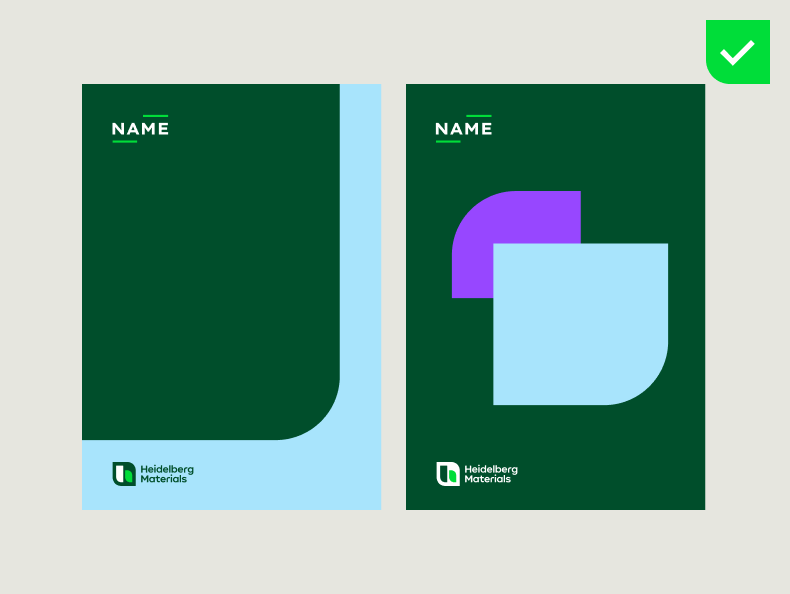

Both design fields, “Inform” and “Inspire”, can be used for communication. Please note: Contrary to the general rule, please also use the compact logo in the "Inspire" design field for projects/plants.
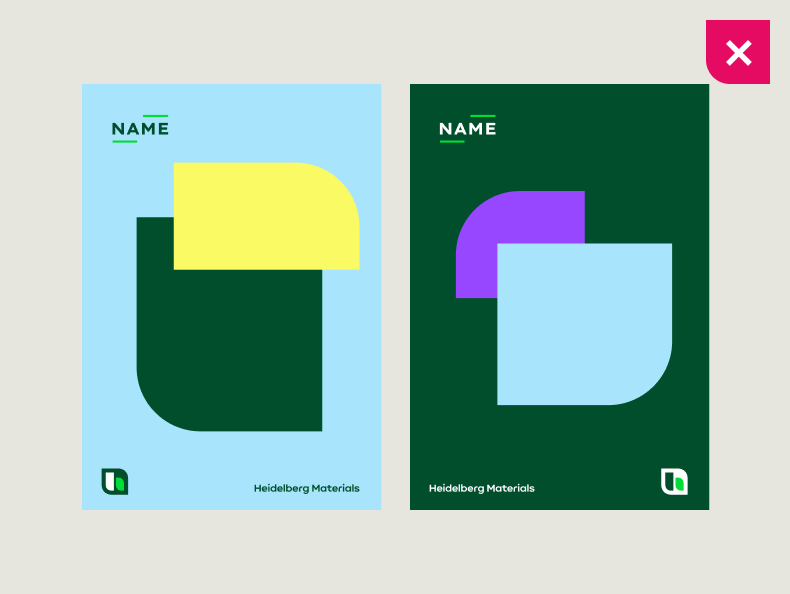

Depending on the project/plant, there may be multiple partners or investors. For reasons of space, we exceptionally only use the compact logo and not the floating logo in the “Inspire” field.
Sponsorship
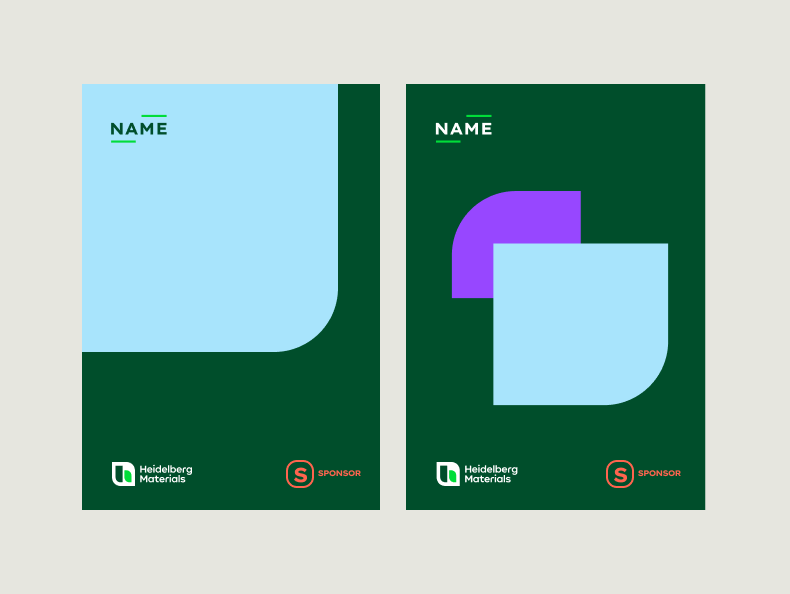

In the case of funding, the sponsor's logo is placed as prominently as possible and at the same time as far away as possible from both the project/plant logo and the Heidelberg Materials compact logo.
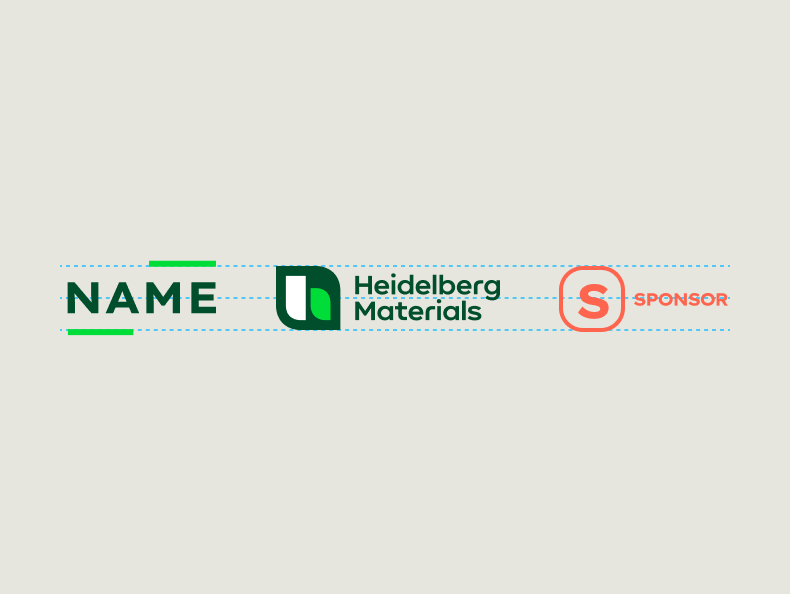

The sponsor logo is scaled by hand so that it has the same size as the Heidelberg Materials compact logo and the project/plant logo.
Projects/plants in use
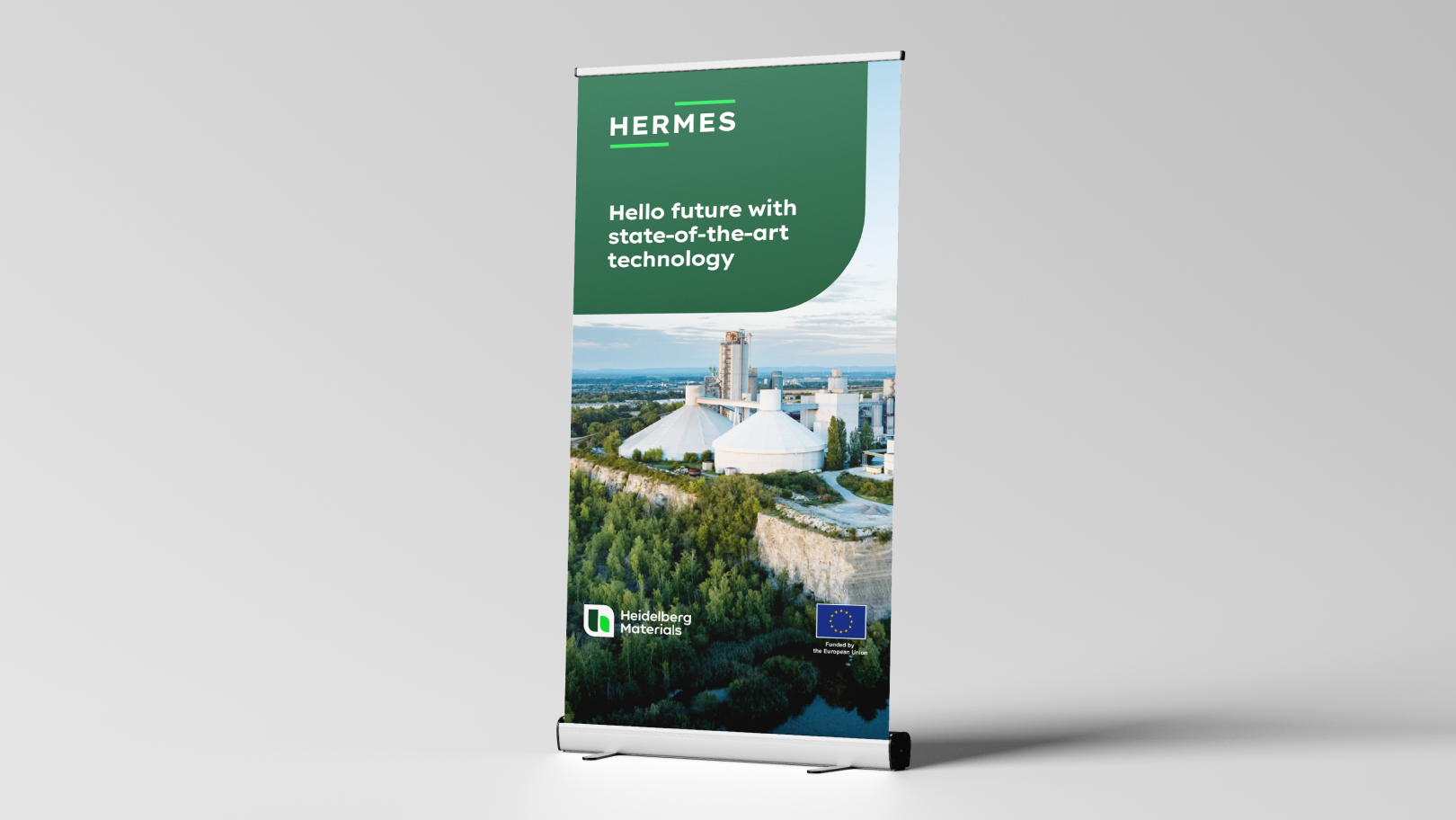

Roll-up
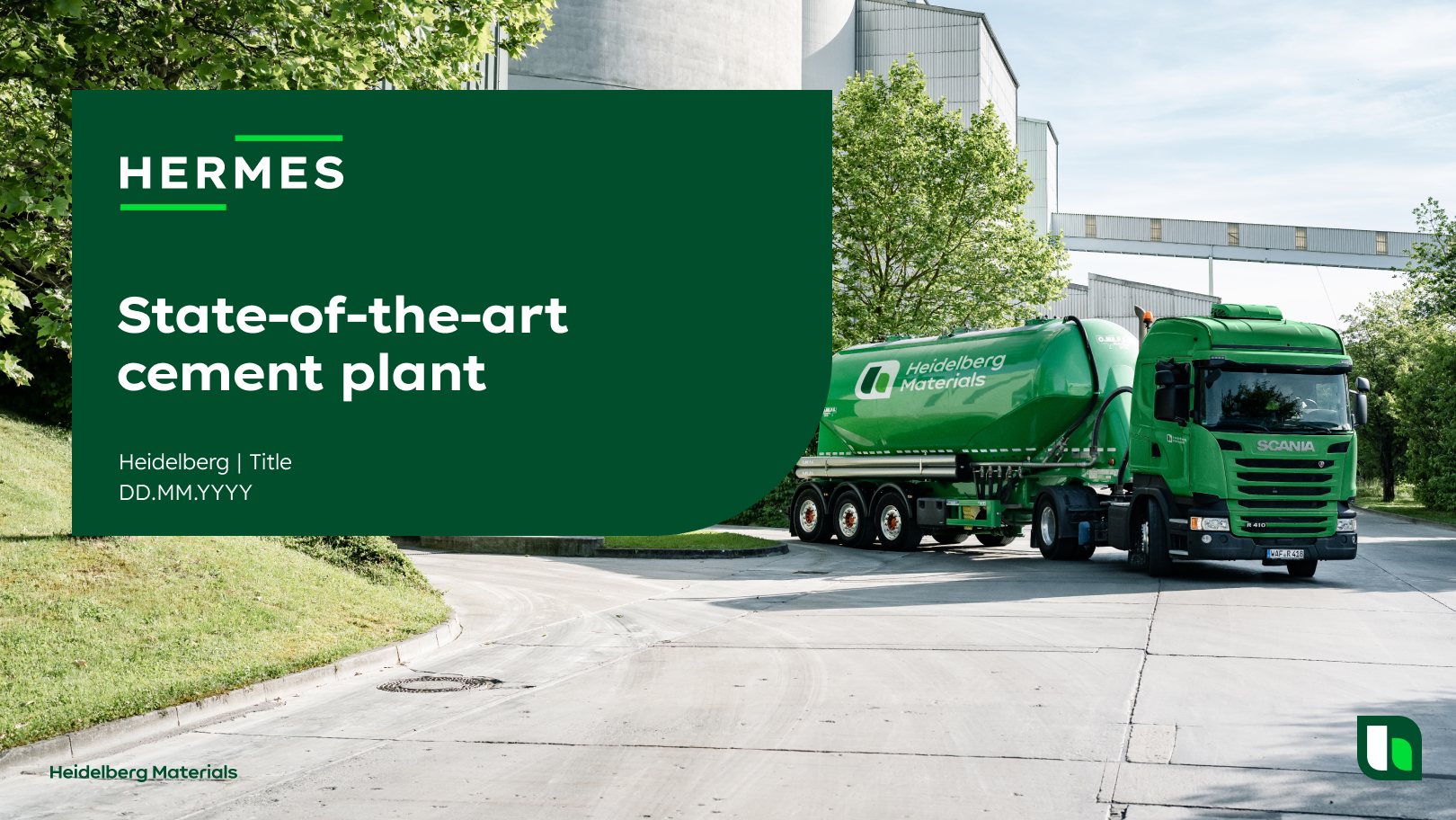

PowerPoint title
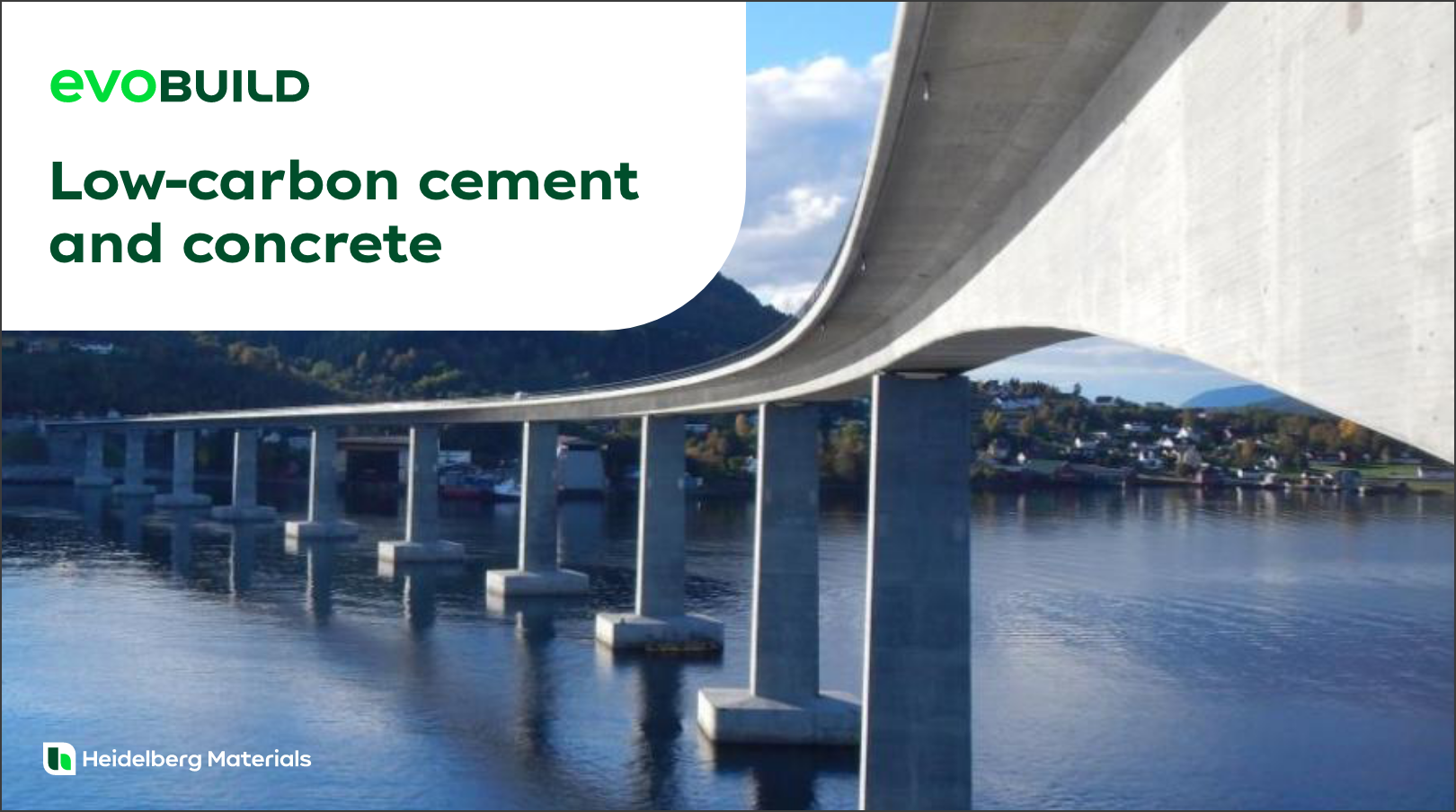

Brochure
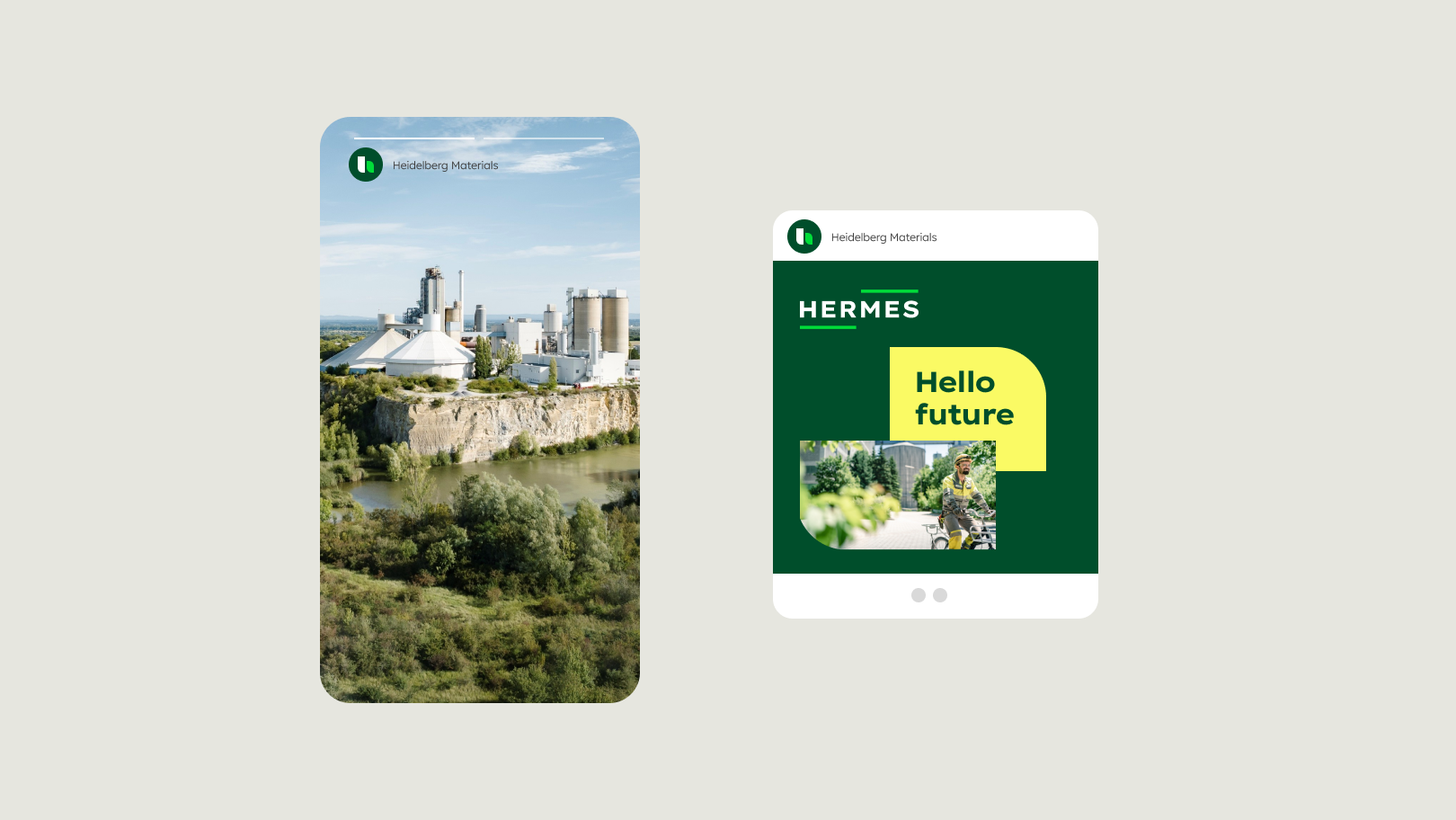

Social media
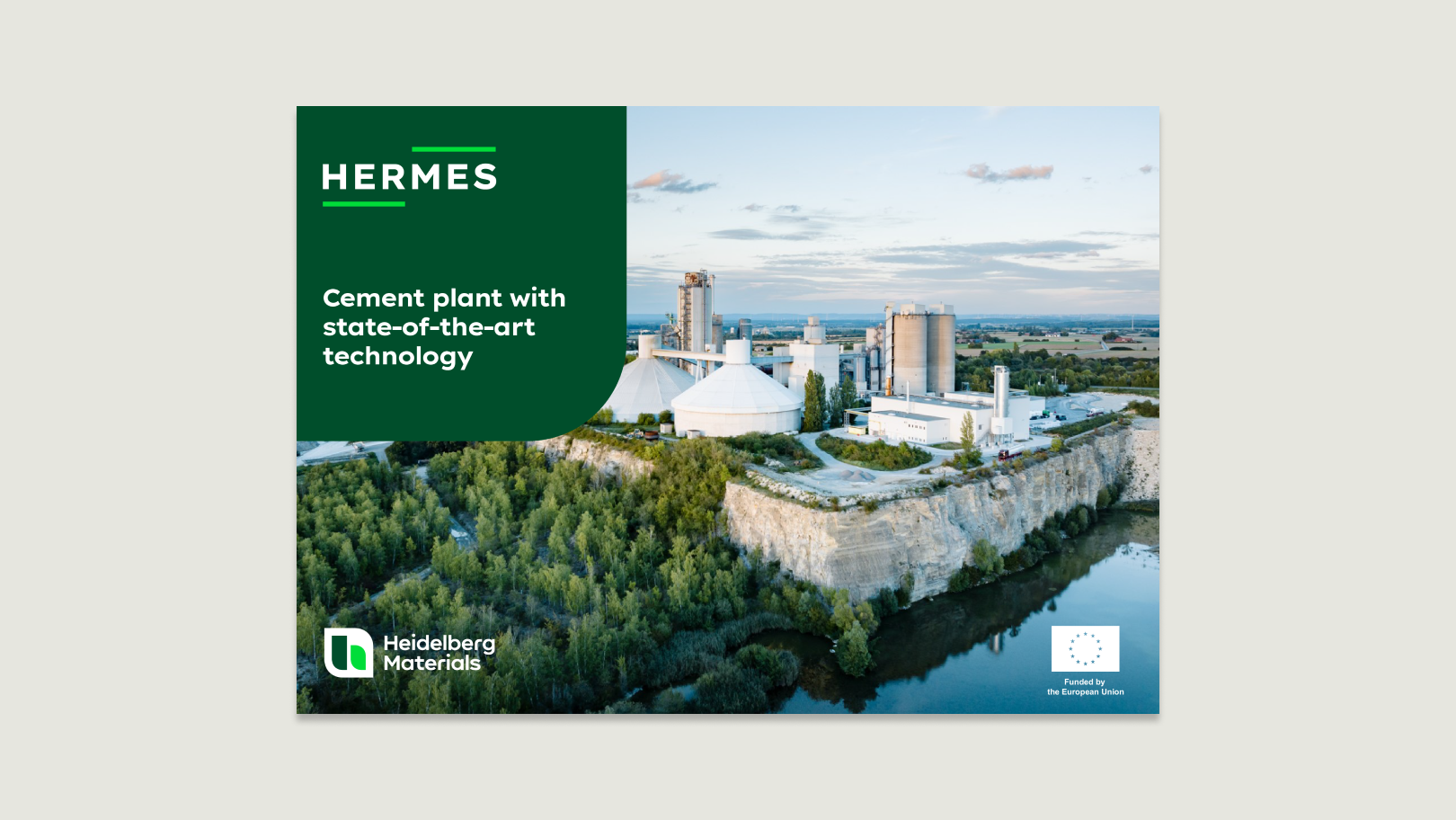

Print ad
Downloads
To create new logos, please use the master in RGB an then insert the finished logo into the CMYK master (if necessary).
Contacts
Any questions about our guidelines?
Contact us.
- N Support
- T + 49 211 690787-200
- E support@Brandhub.heidelbergmaterials.com