Header
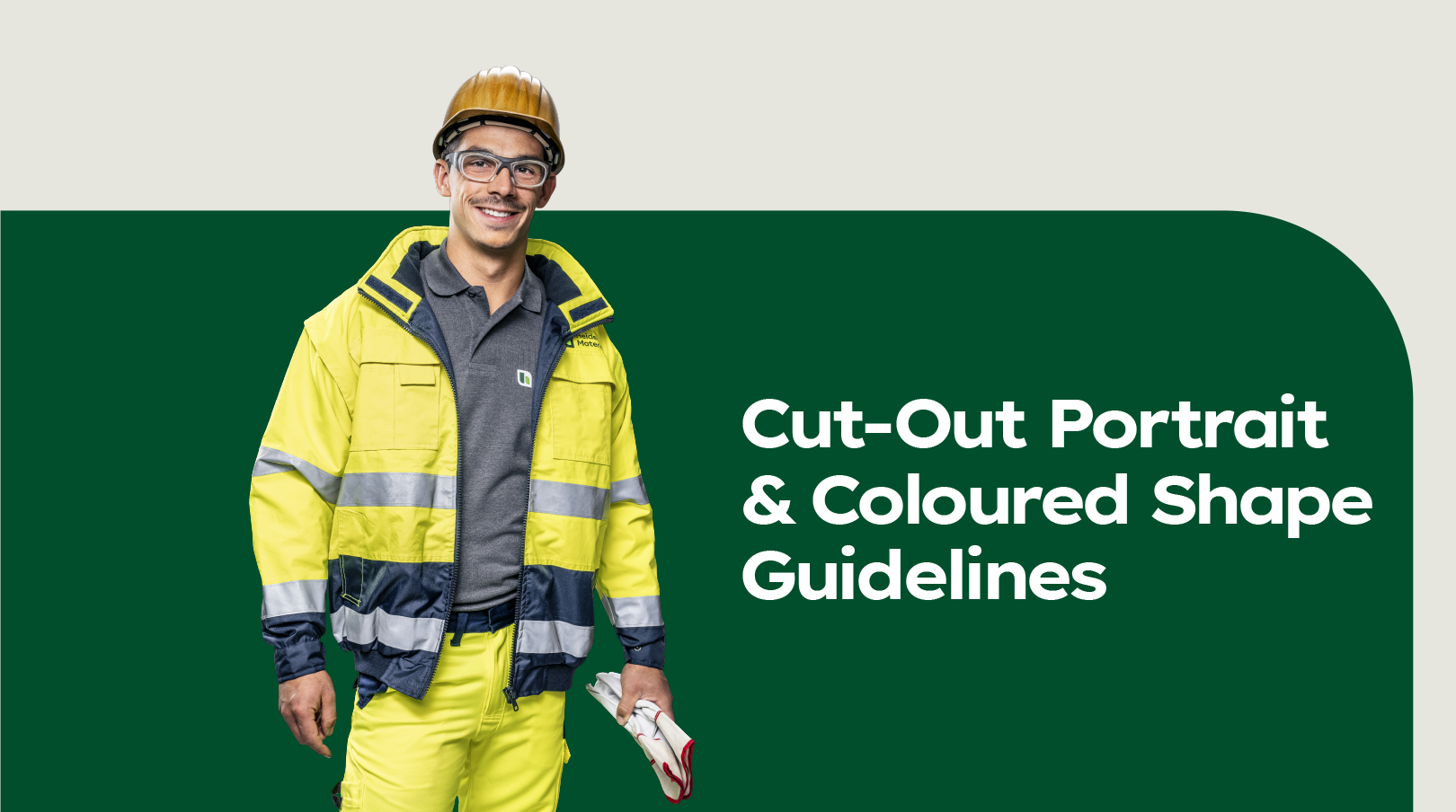

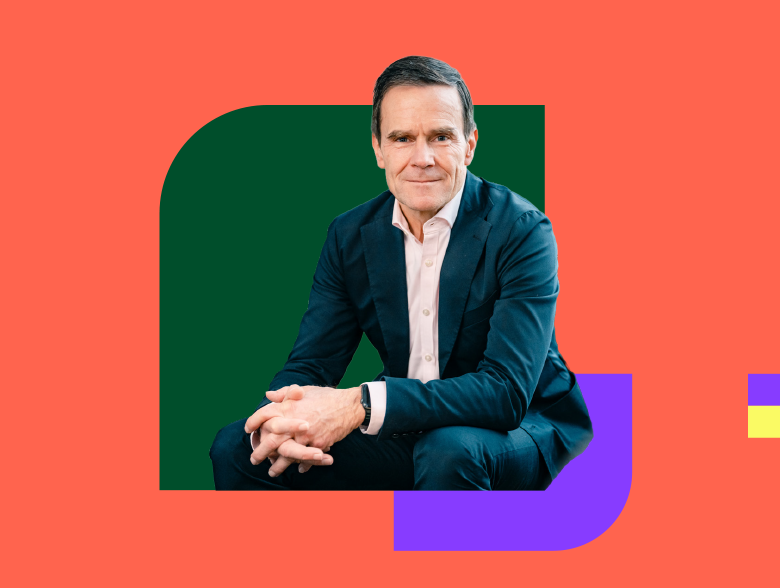
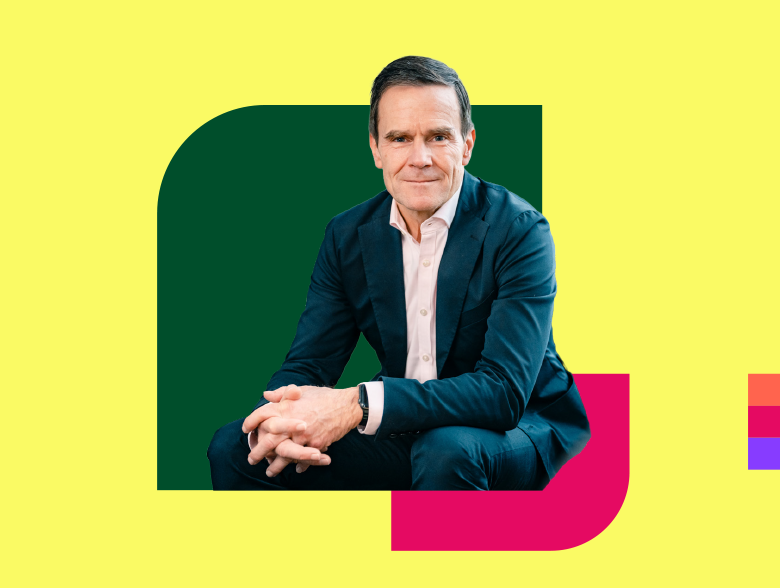
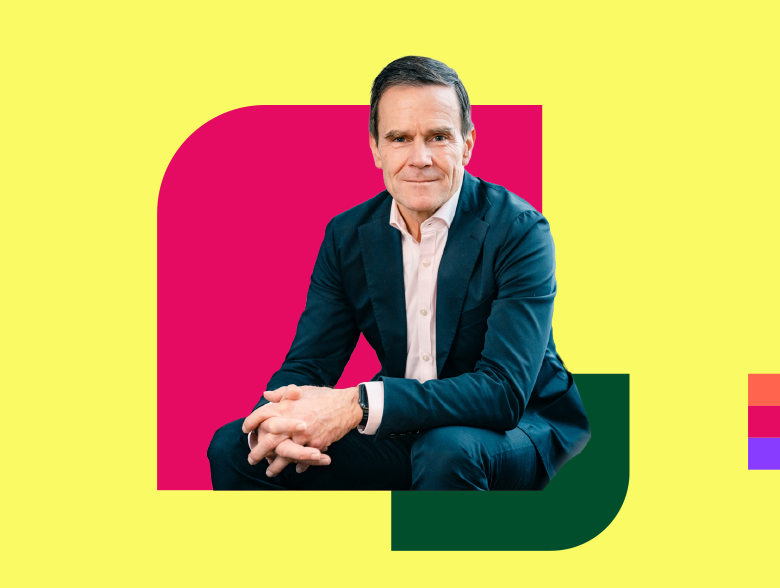
This visual system combines cut-out portraits with one or two flat coloured shapes placed behind the subject. The people are always the hero, while the shapes act as bold graphic frames that add energy, structure, and contrast without overpowering the image.
Disclaimer: To maintain appropriate execution and visual consistency, the creation, alteration, or recreation of cut-out portraits is restricted to professional designers. Ready-to-use elements in PowerPoint can be used without consulting designers, as long as they remain unchanged.
Composition system
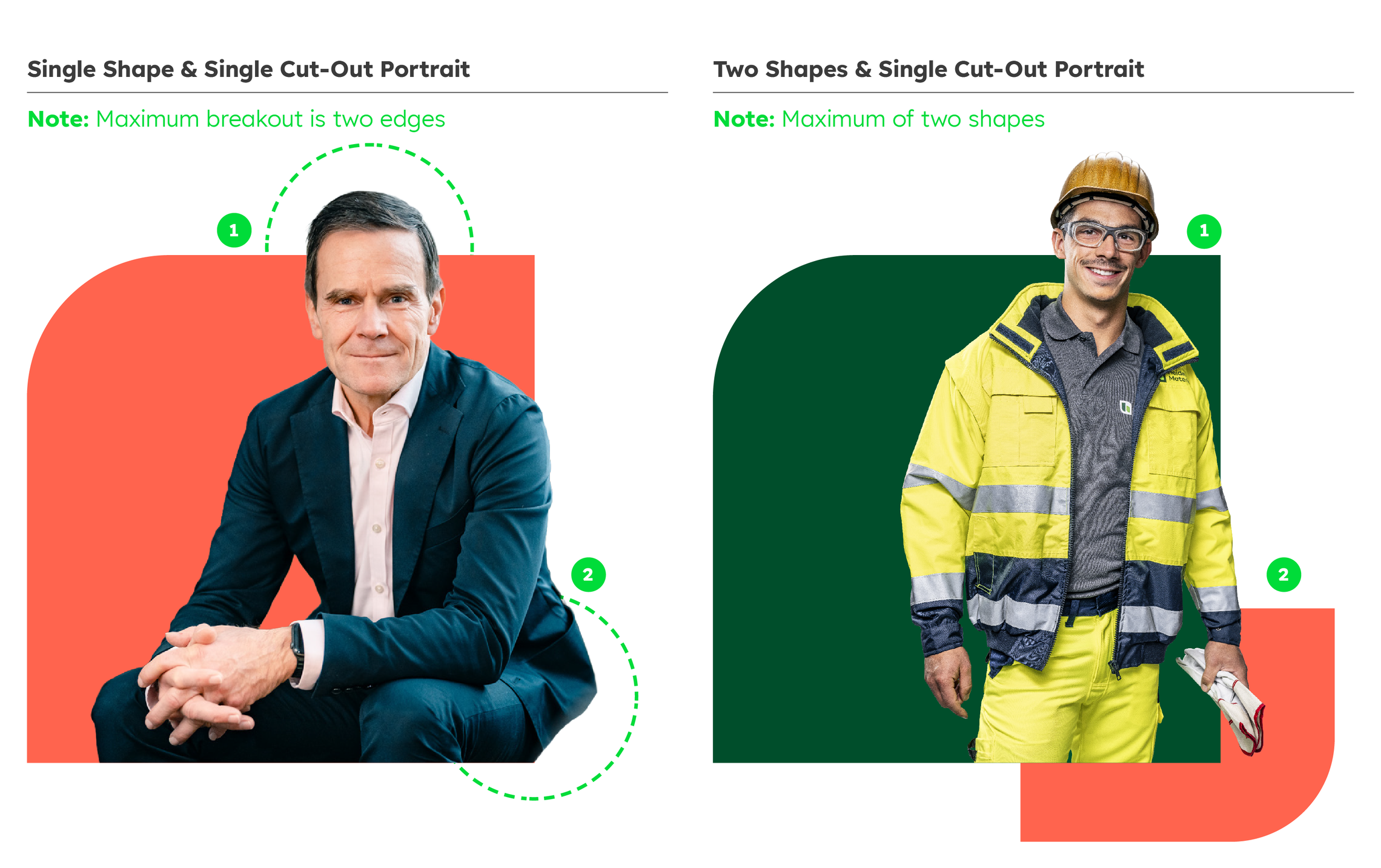

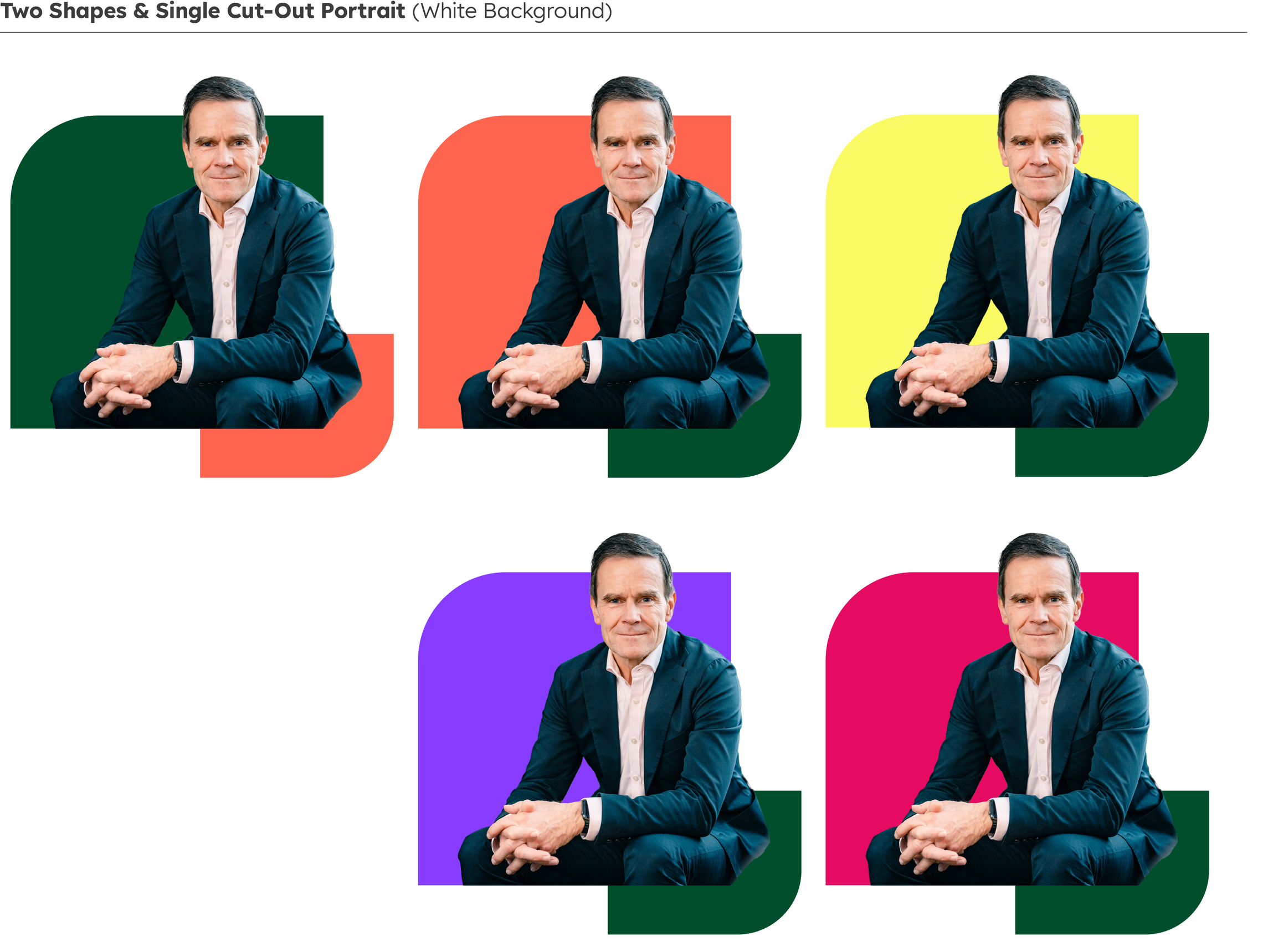
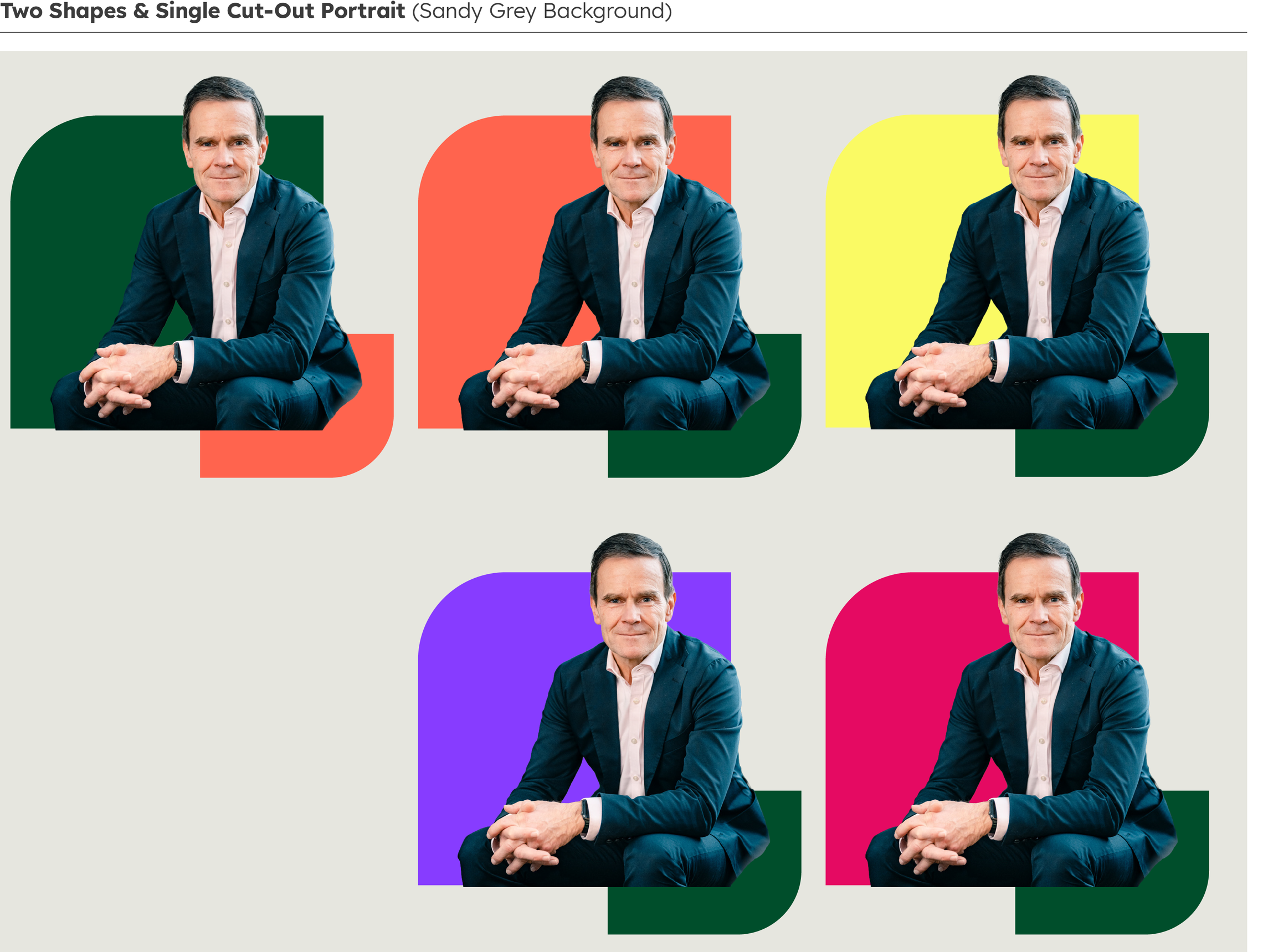
Each layout must use a maximum of two flat shapes, never more. A single shape creates a strong, simple statement, while two shapes add depth and movement, with the secondary shape always smaller than the main one.
The cut-out portrait may only extend beyond the shape from a maximum of two edges to keep the layout visually grounded. Breaking out from three or more edges, or floating entirely outside the shape, is not allowed.
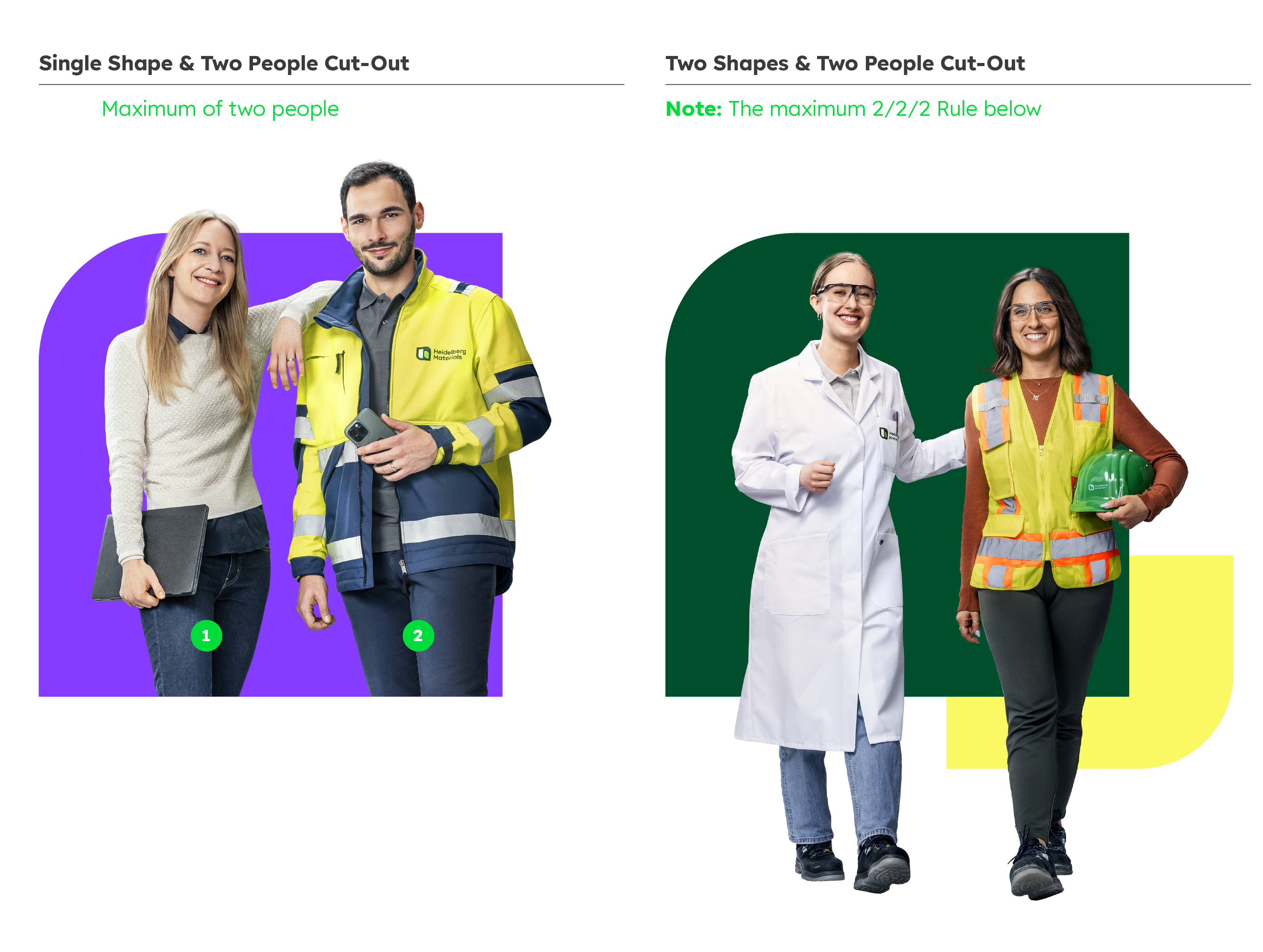

The portraits should be centred or gently offset, with the face clearly visible at small sizes. Never place over the rounded corner of the shape. Avoid extreme zooms (no forehead or chin cropping). The head or feet may break the top or bottom edge of the main shape, creating depth while keeping the composition balanced.
Portrait image rules
Portrait quality
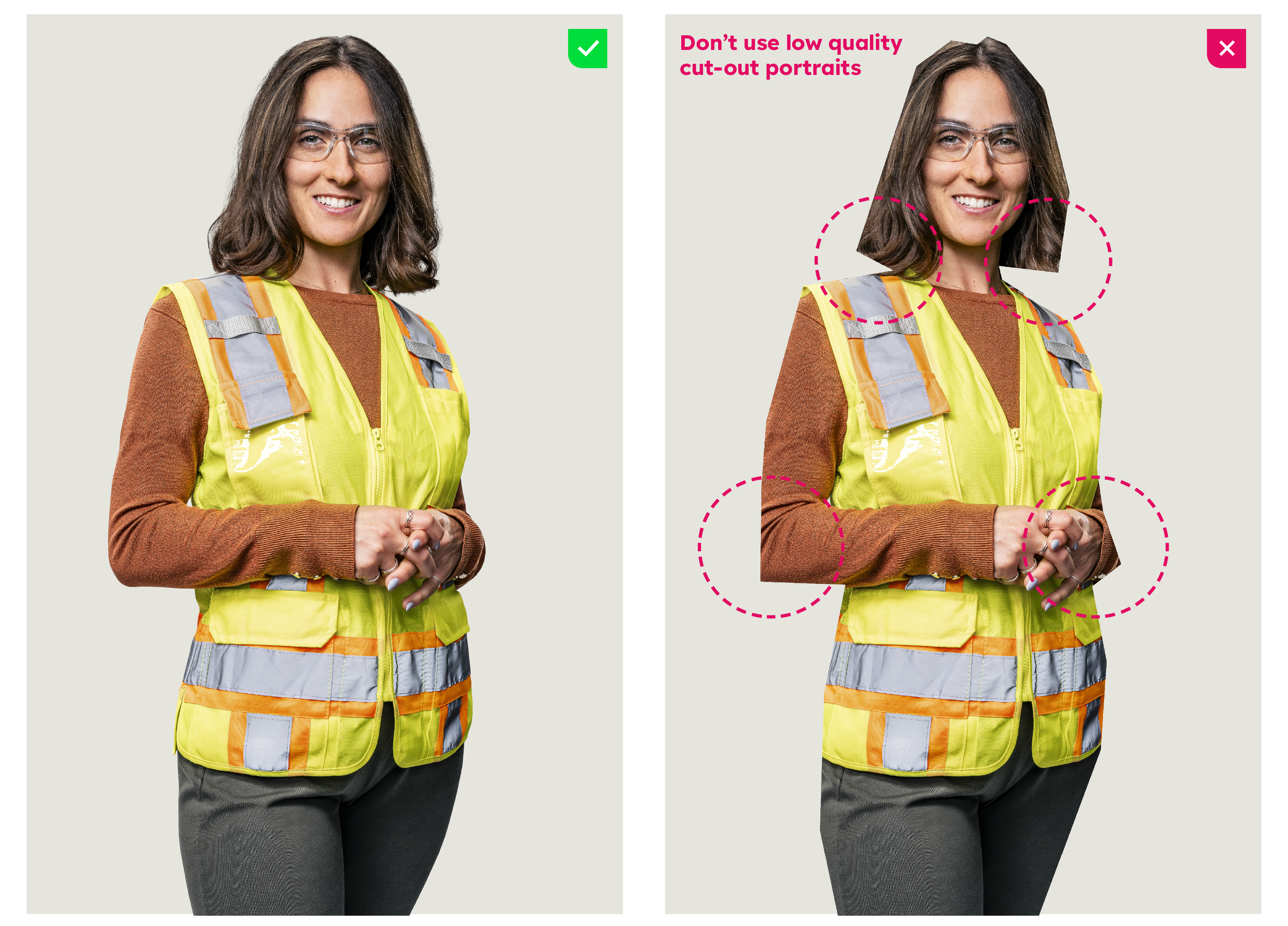

Use high-resolution, well-lit portraits with clean, smooth cut-out edges and no jagged or feathered masking. Subjects should face forward or be shown in a ¾ view to keep expressions clear and engaging. Clothing should be free from busy patterns or textures, ensuring the focus remains on the person’s face and not on visual distractions.
Portrait scale
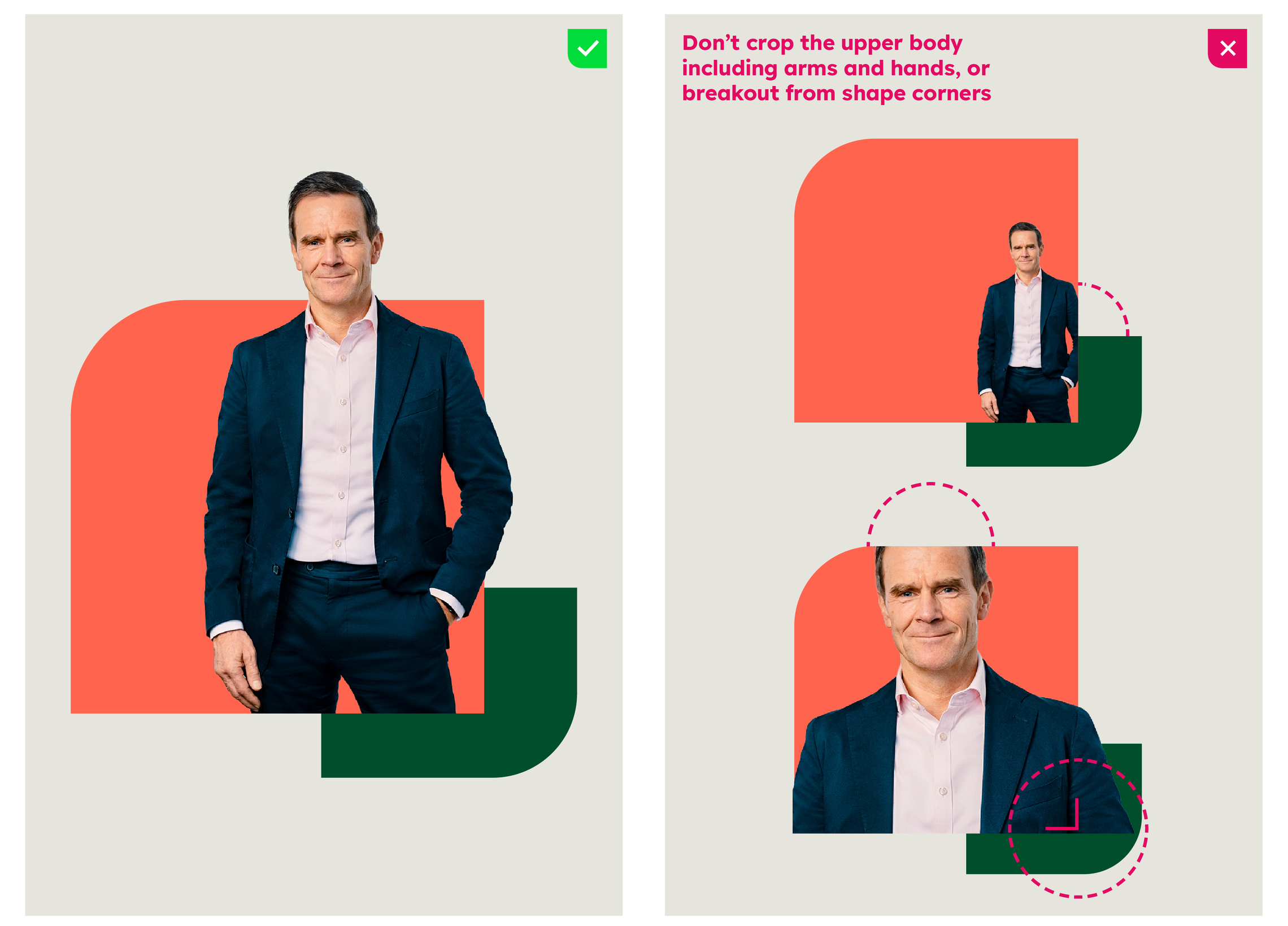

The portrait should fill the total composition height so it feels bold and present without overwhelming the layout. The face must remain clearly visible and recognisable even at small sizes, ensuring strong impact across all formats. Avoid extreme zooms or awkward cropping, especially cutting into the forehead or chin.
Cropping
Cropping is only permitted within the lower body, with legs allowed to be partially or fully cropped inside the shape to maintain a clean, grounded composition. The upper body, including arms, hands, shoulders, neck, and head must always remain intact and uncropped. This rule ensures the portrait feels anchored to the shape, rather than awkwardly cut or visually unstable.
Colour rules
Shape Colours
Use only solid, flat colours with no gradients, textures, or visual effects. All colours must be selected from the approved brand palette to ensure consistency across all materials. When two shapes are used together, deep green must feature unless on a deep green background.
Contrast
The portrait must always stand out clearly from the shapes behind it, with strong visual contrast between the subject and the colour blocks. Primary shapes should use colours that give contrast to the subject’s clothing for clarity. The secondary shape colour should complement the subject. As a simple rule, pair lighter portraits with darker primary shapes and darker portraits with lighter primary shapes.
Standard Background Colours
Backgrounds must use the following selected colours from the approved brand palette to ensure consistency across all materials and keep focus on the portrait and shapes. No patterns, photos, or textures should appear behind the shapes, as they reduce clarity and visual impact.
Single shape
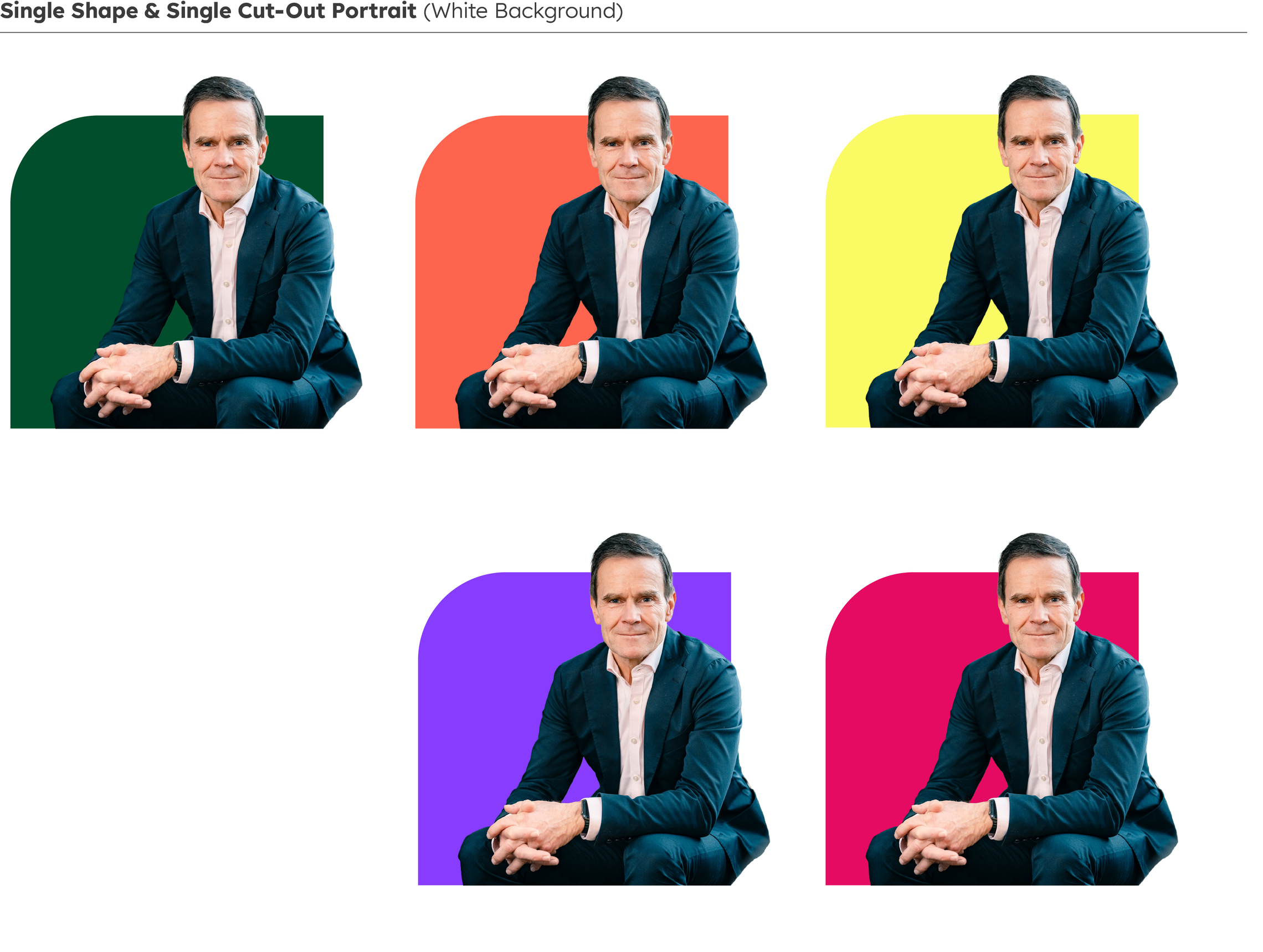

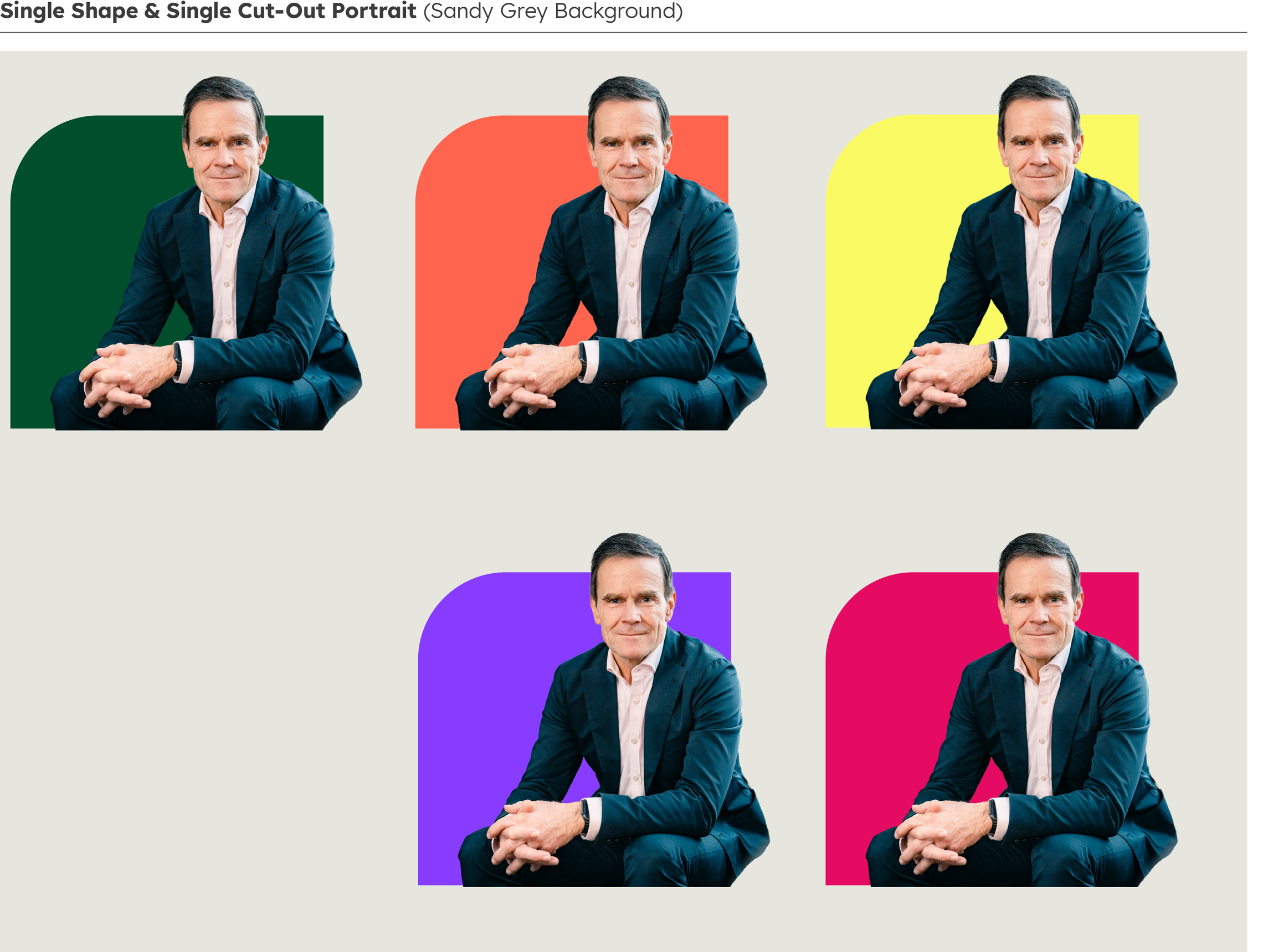


Two shapes



Inspirational background colours
Inspirational Background Colours
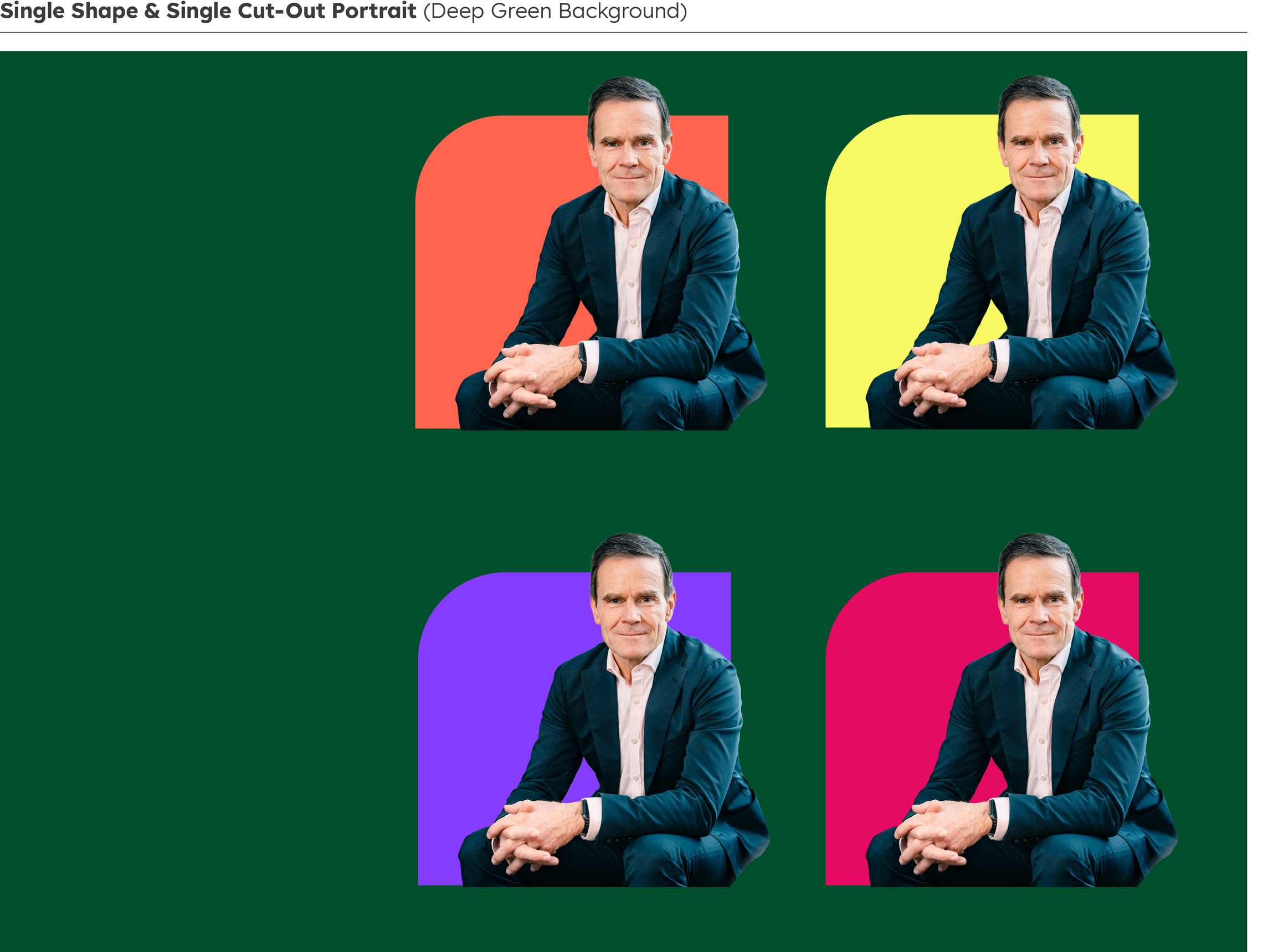
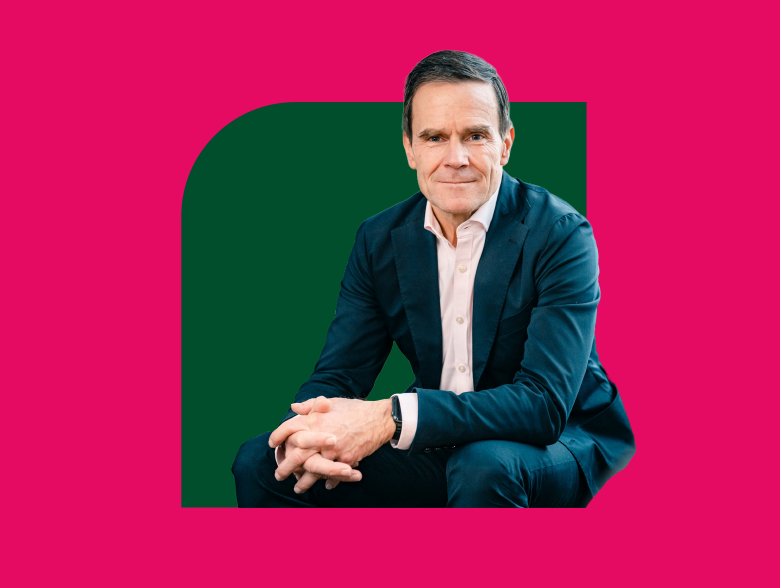
Single shape
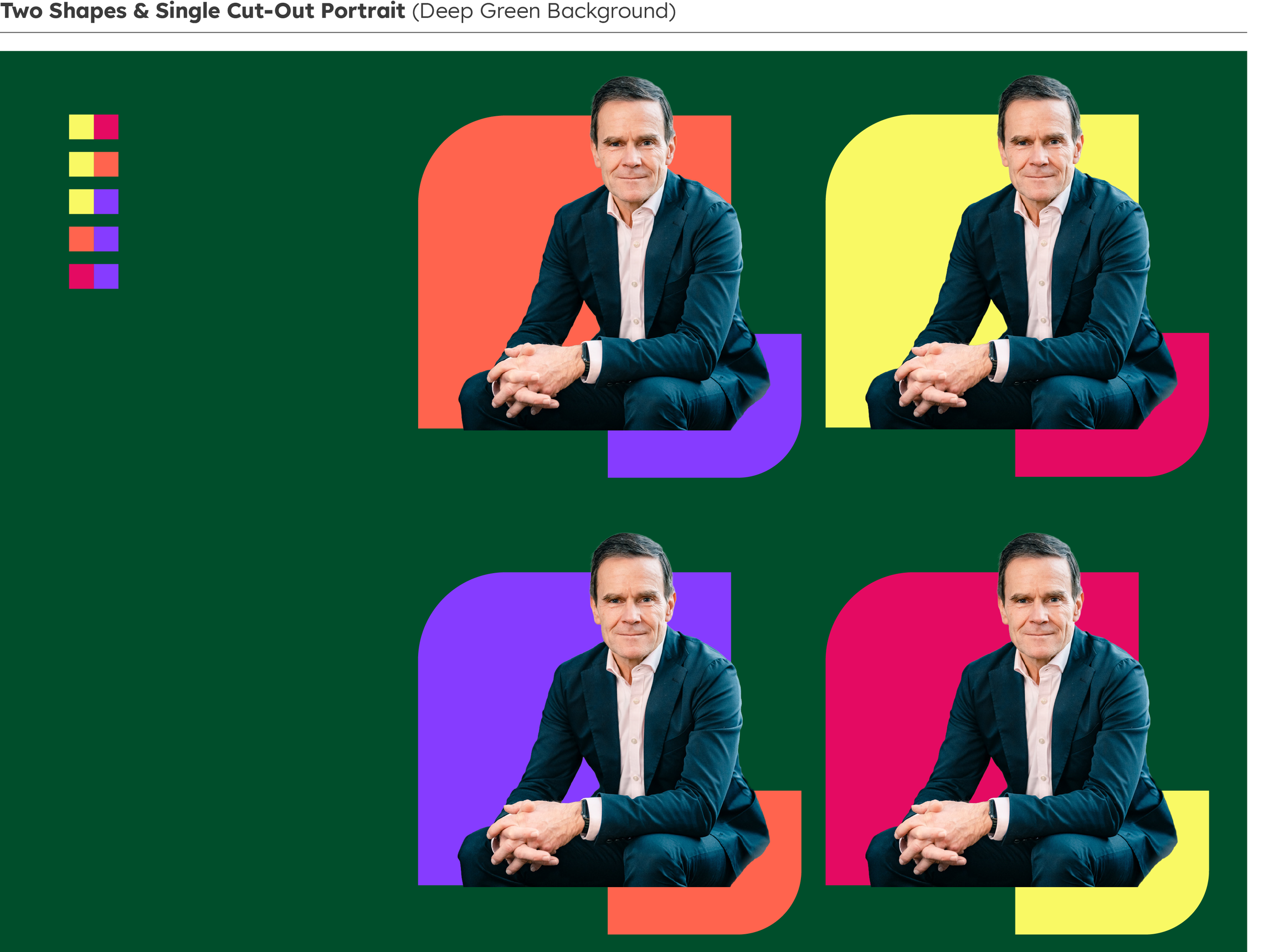
Single floating shapes should always use Deep Green with any of the inspiring colours as a background.



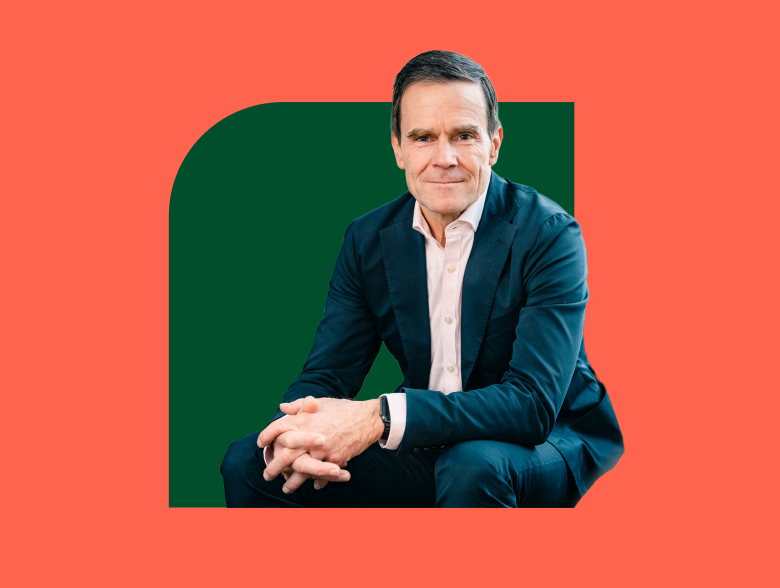

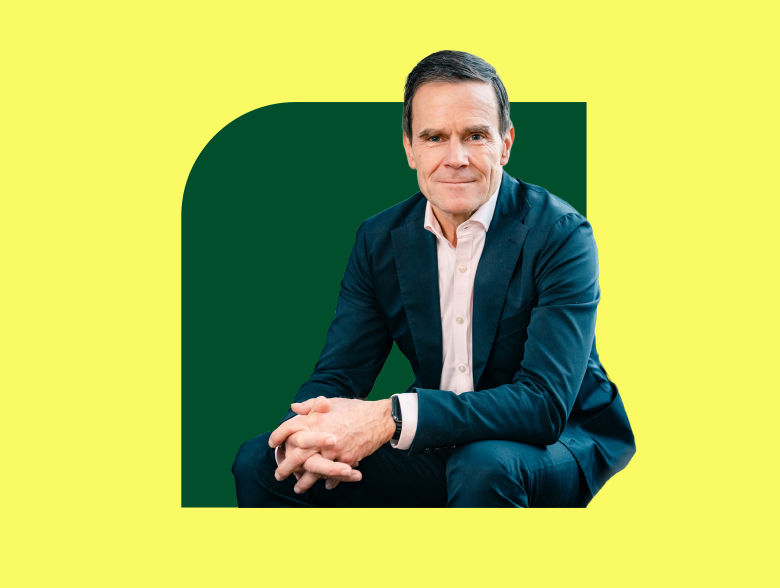

Two shapes
Two floating shapes may use Deep Green with any of the inspiring colours. Be sure that at least one shape in the format is Deep Green. Inspirational Colour squares indicate permitted highlight shape colours for each background.
Two shapes




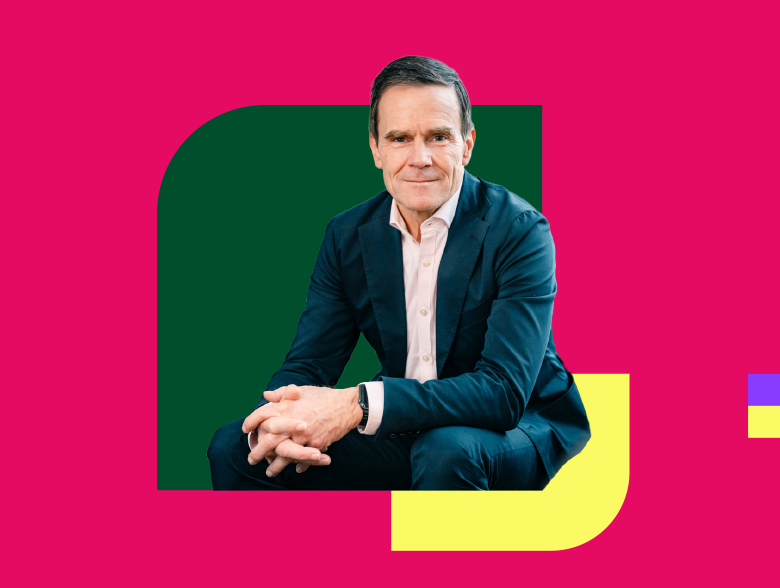

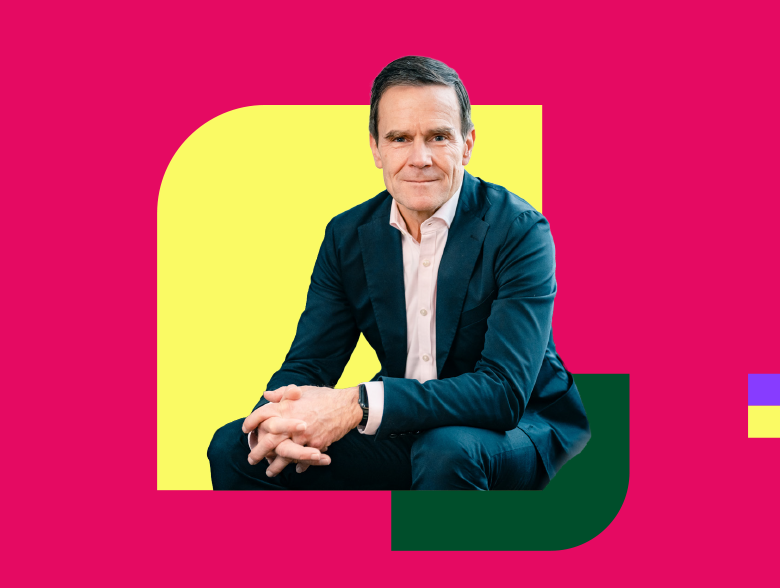






Don'ts
Always use clean cut-outs, strong colour contrast, and no more than two shapes, ensuring the face remains the focal point. Avoid gradients, textures, cluttered compositions, awkward cropping, drop shadows, or letting the portrait overpower or detach from its shape base.


Don't apply drop shadows.
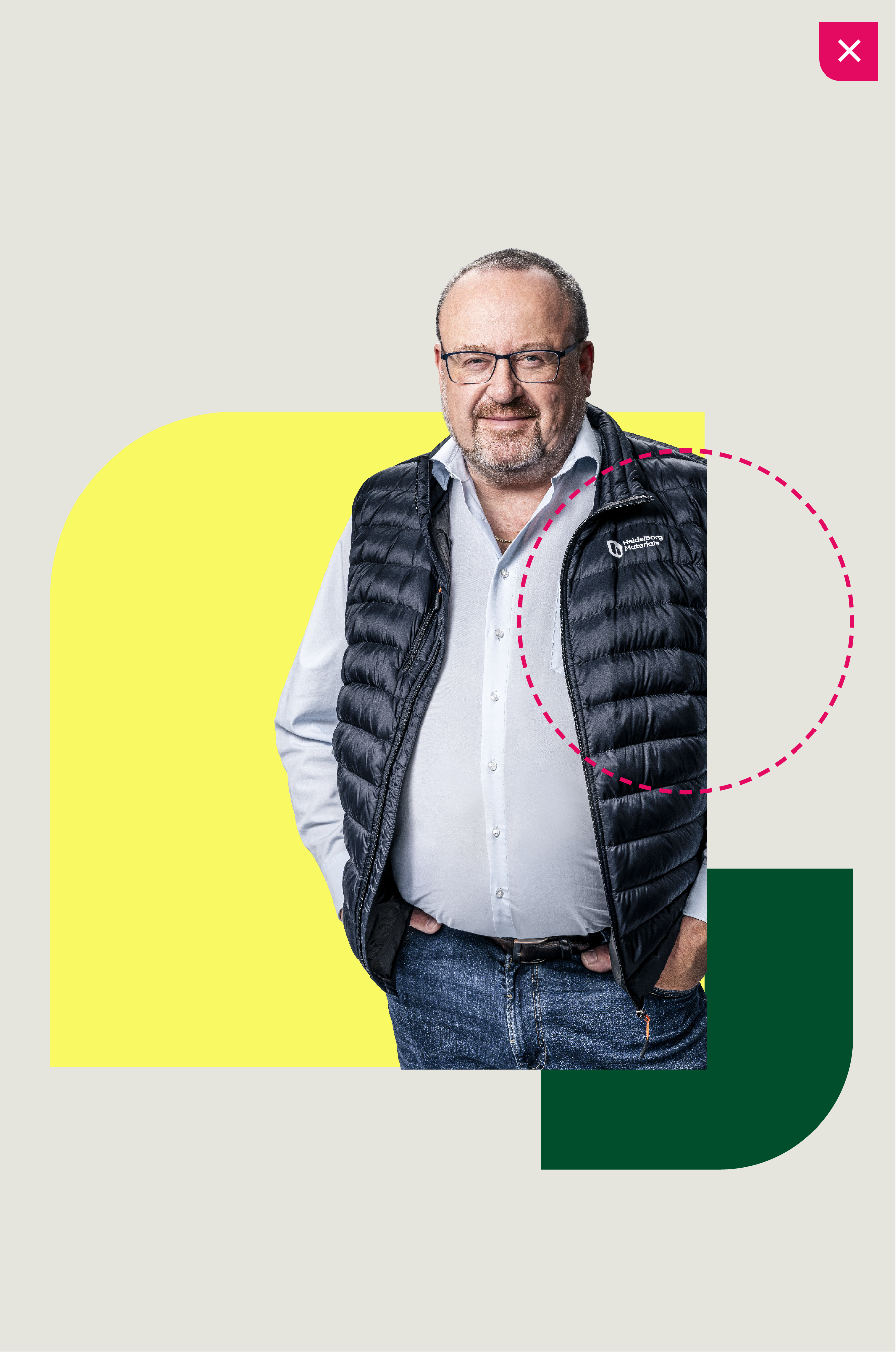

Don't crop off the upper body.
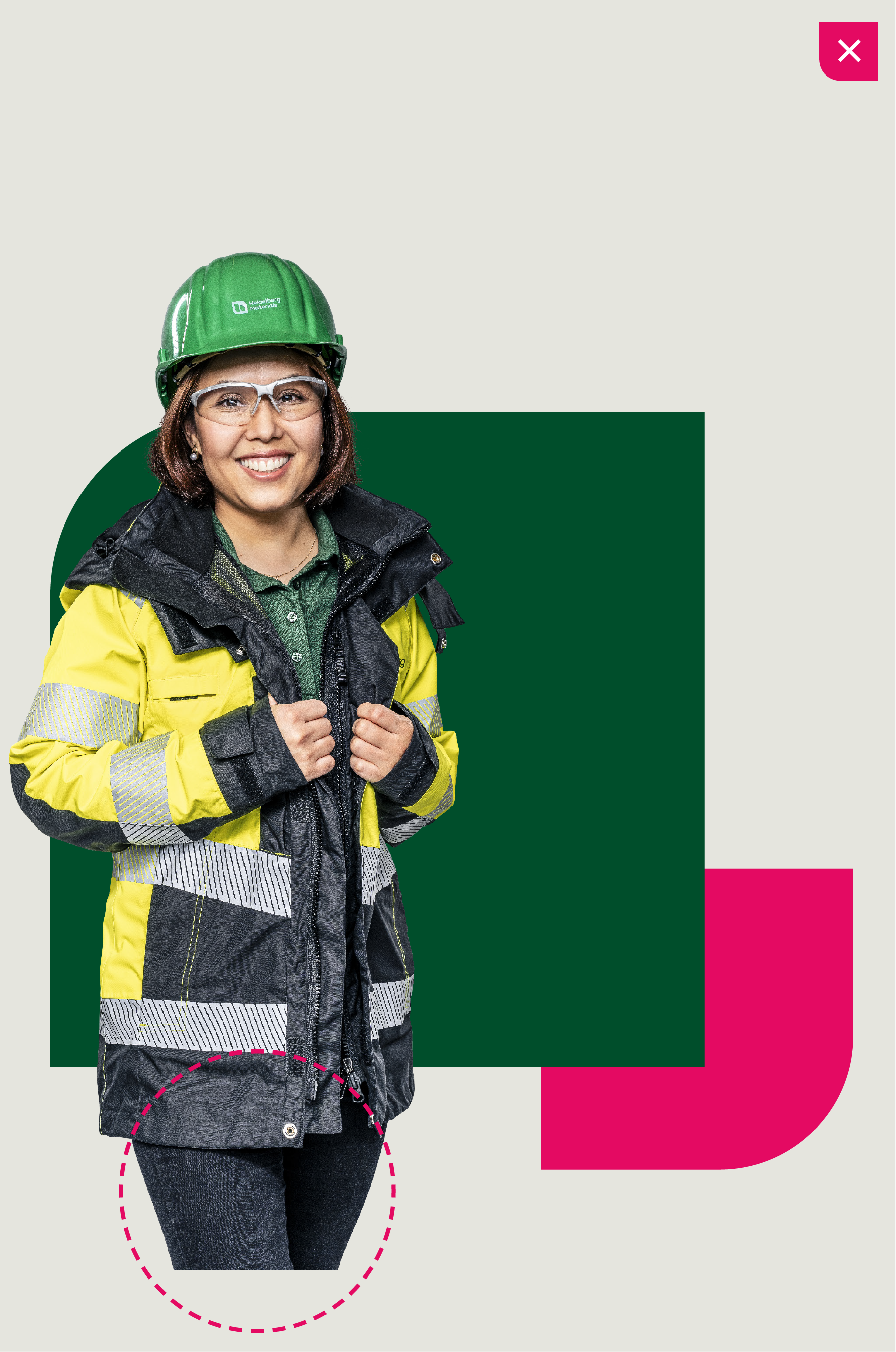

Don't crop cut out outside shape or place over curve.
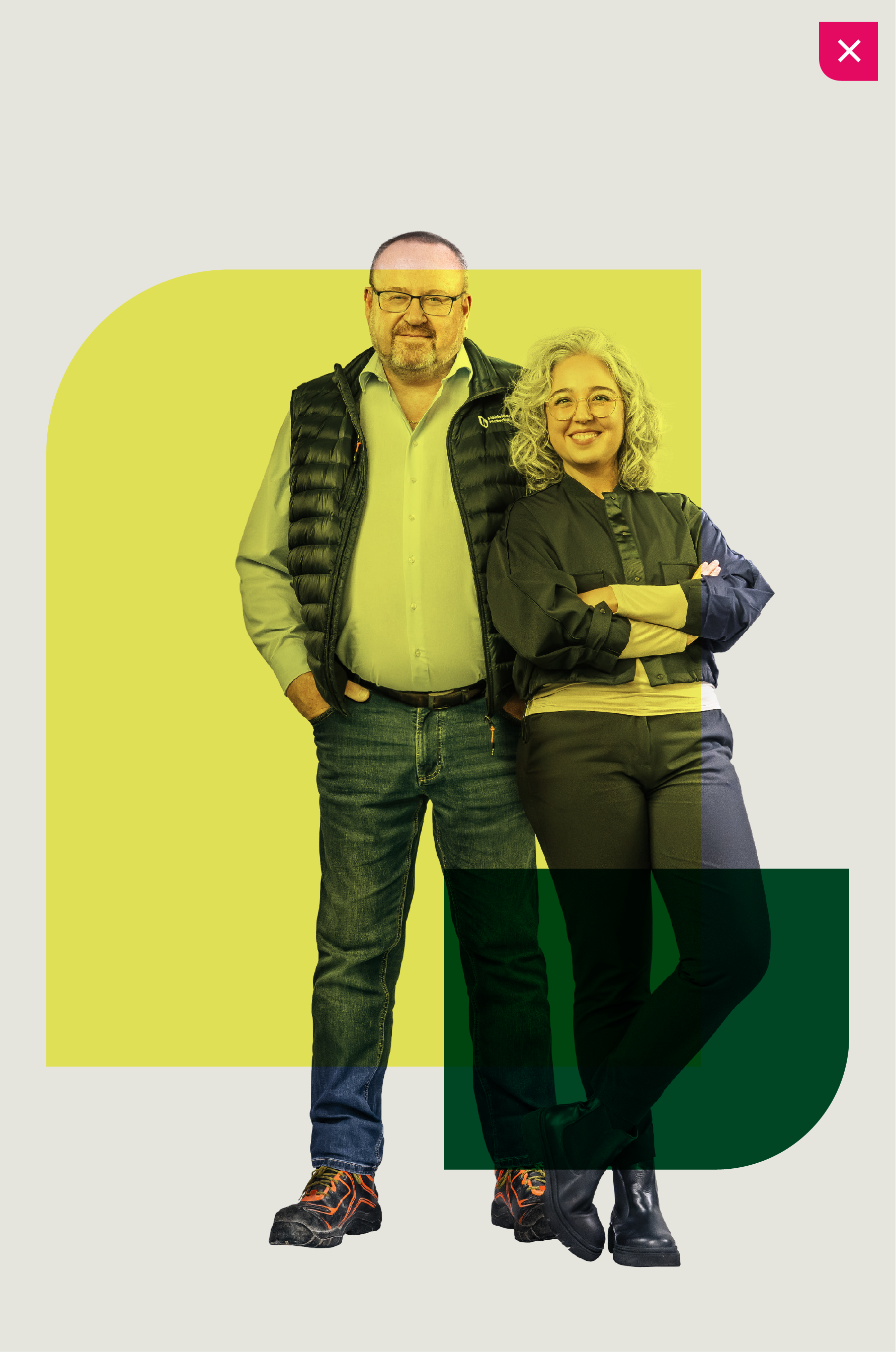

Don't overlay shapes over cut-outs.


Don't add more than 2 shapes.
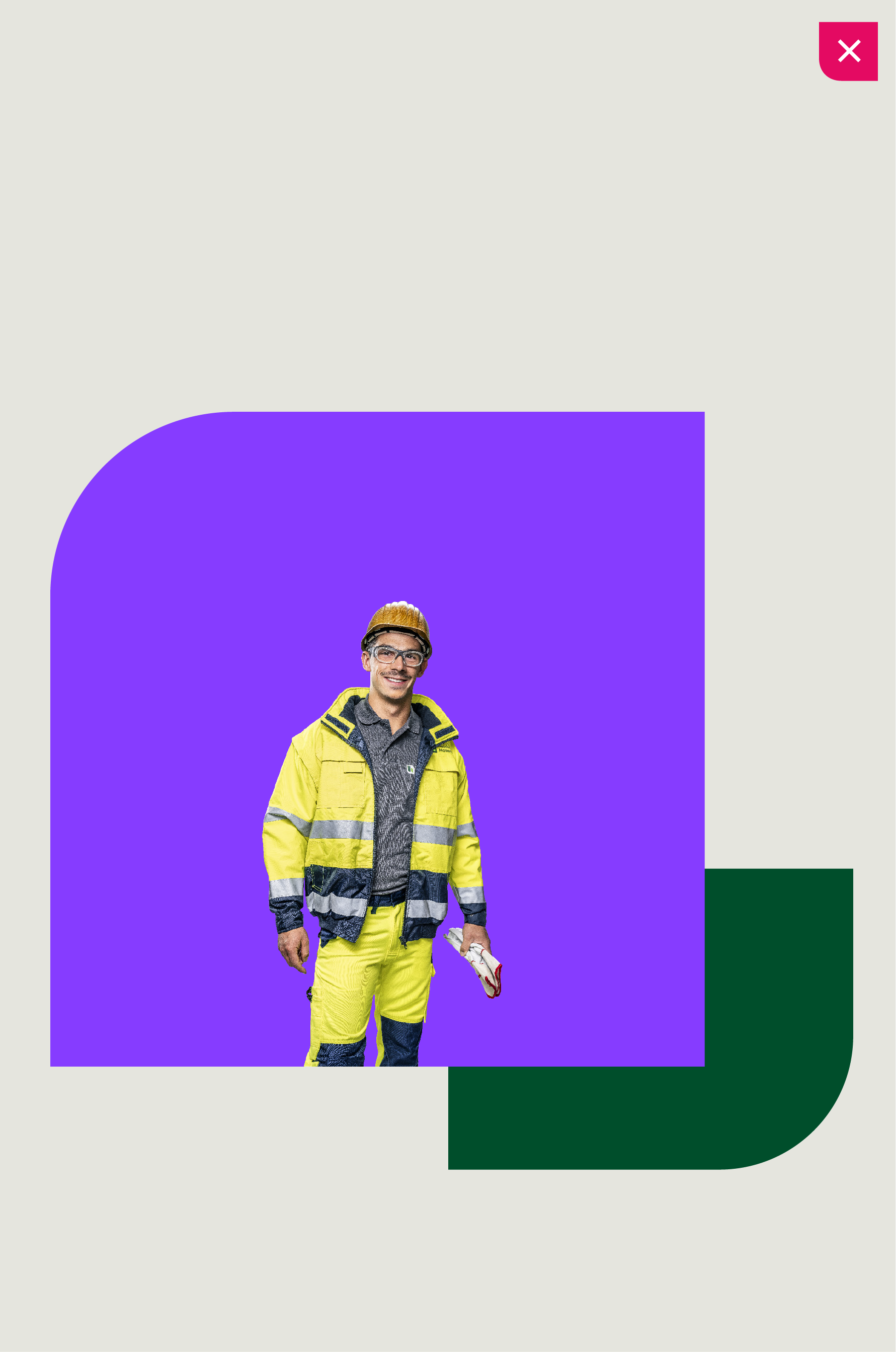

Don't sclae cut-out too small.
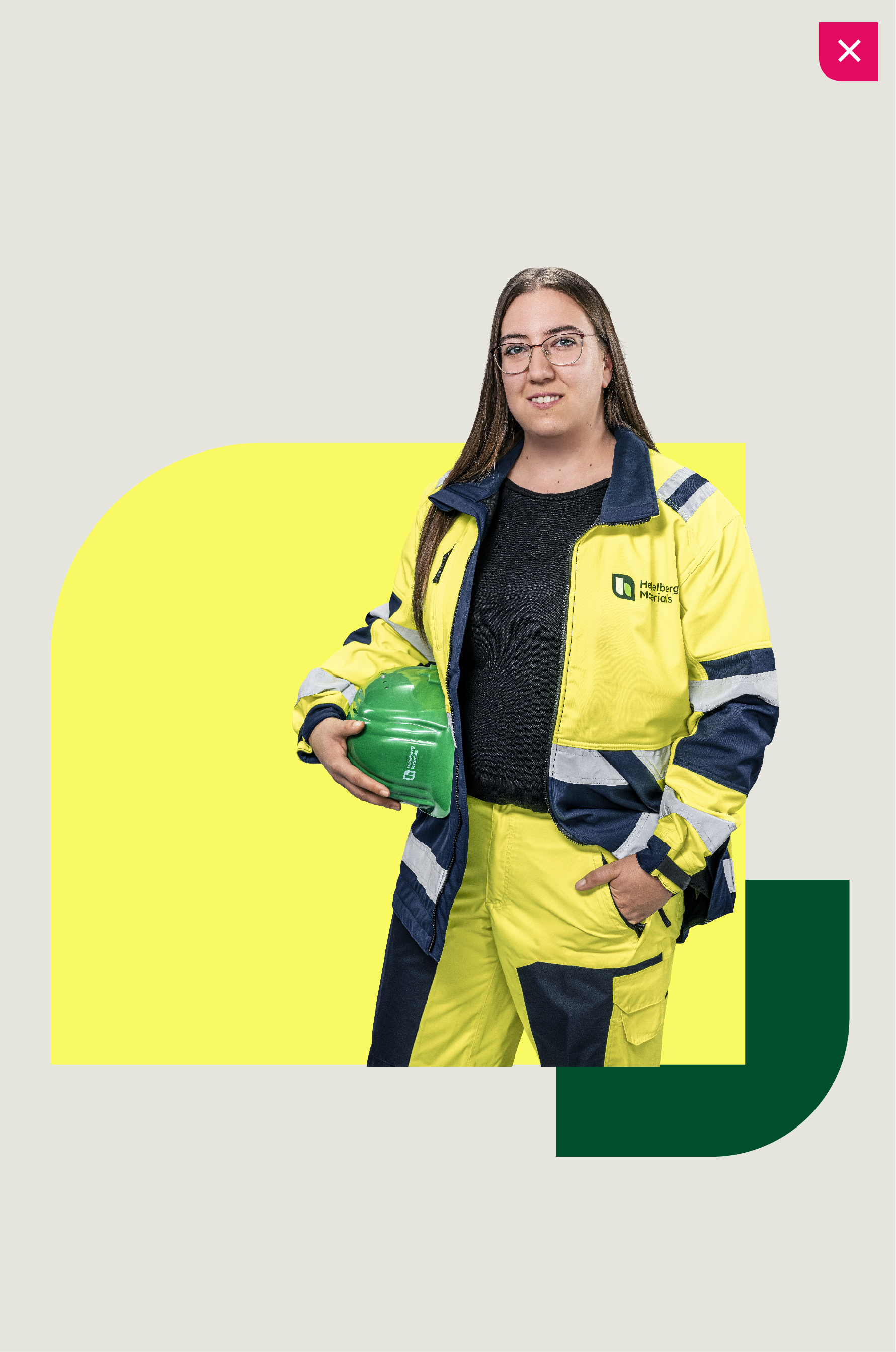

Don't use sam colour shape as cut-out clothing.
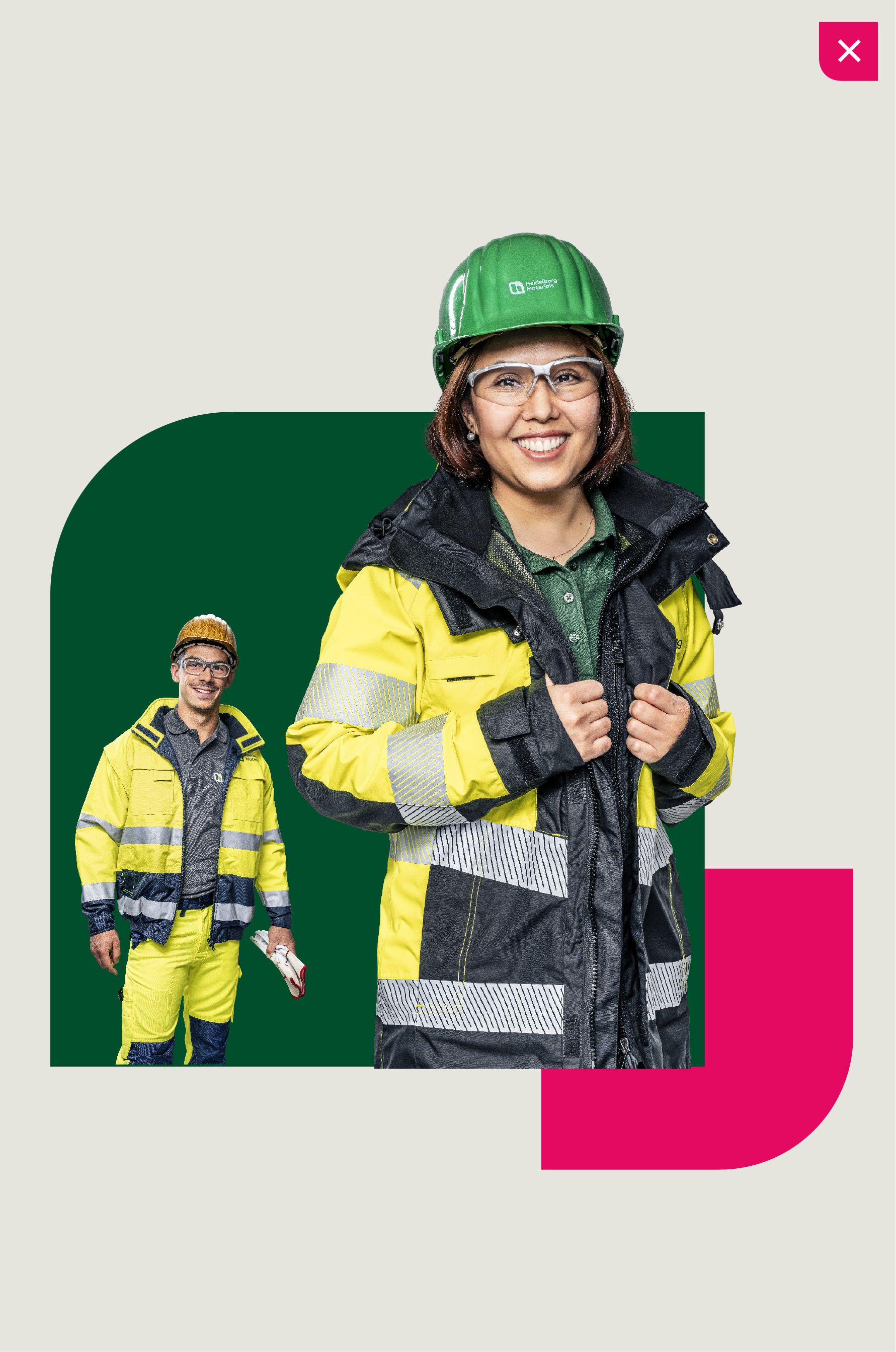

Don't apply cut-outs at different scales.
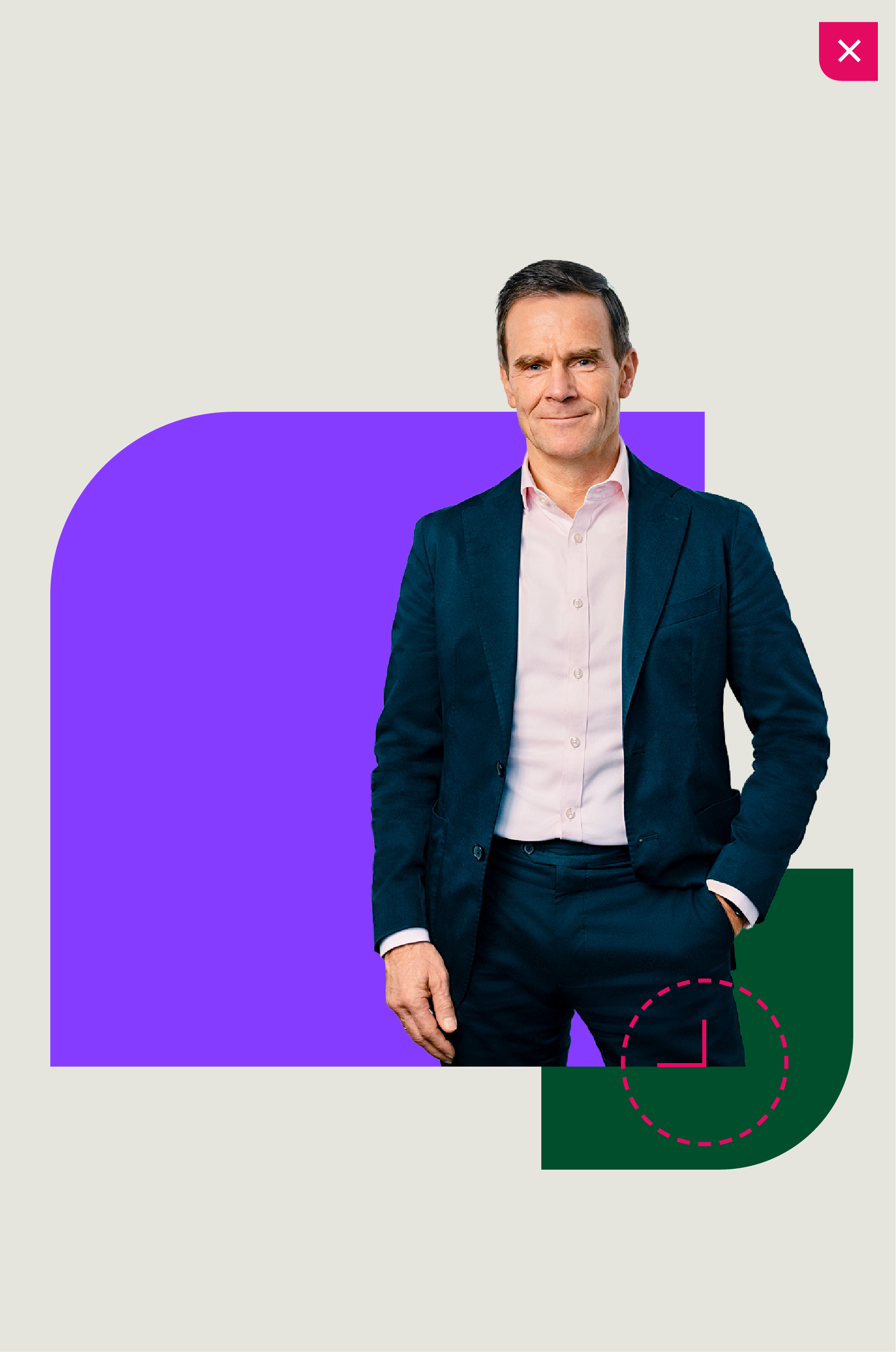

Don't breakout from shape corners.
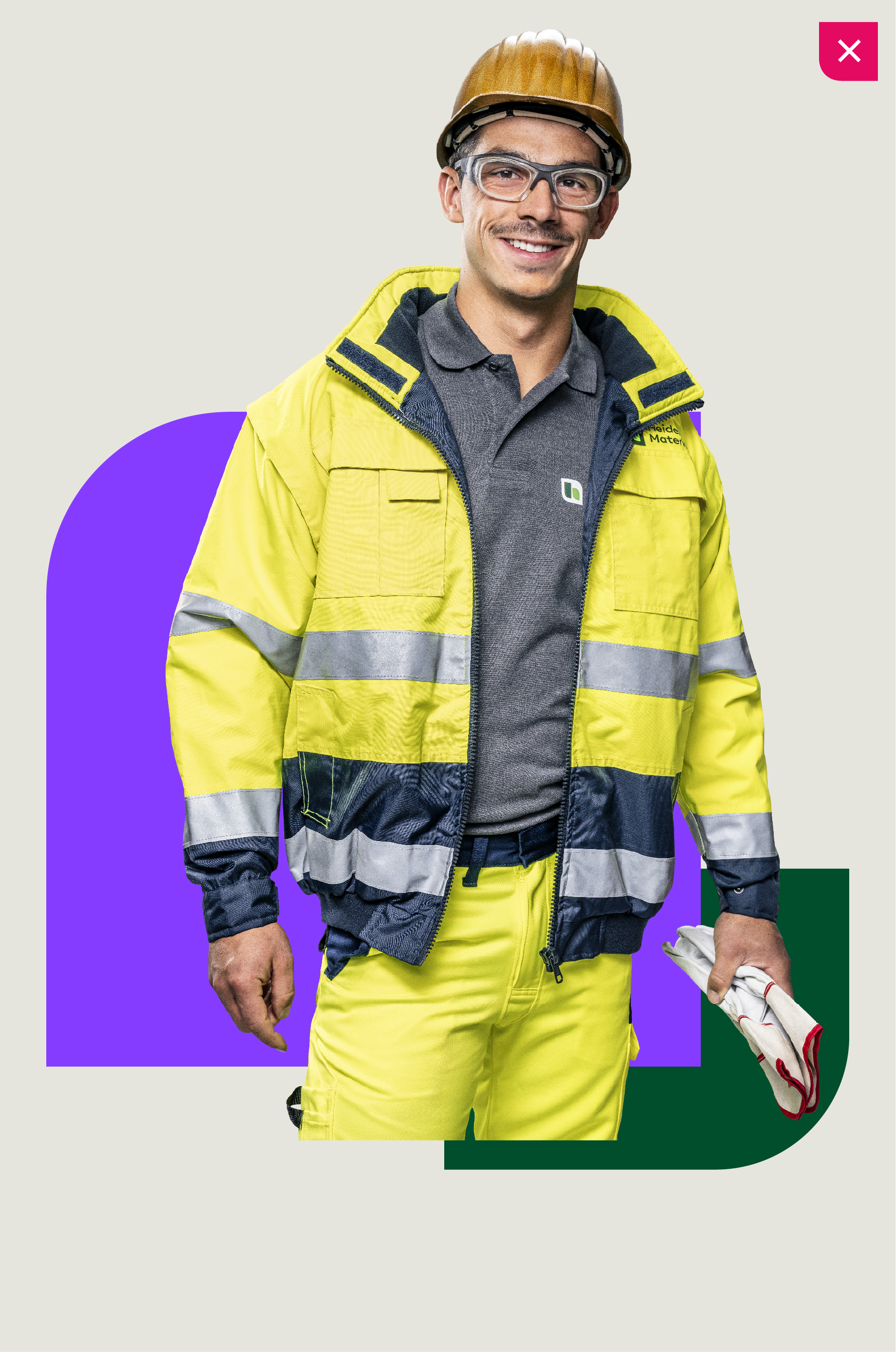

Don't sclae cut-out too big.


Don't include more than two people.
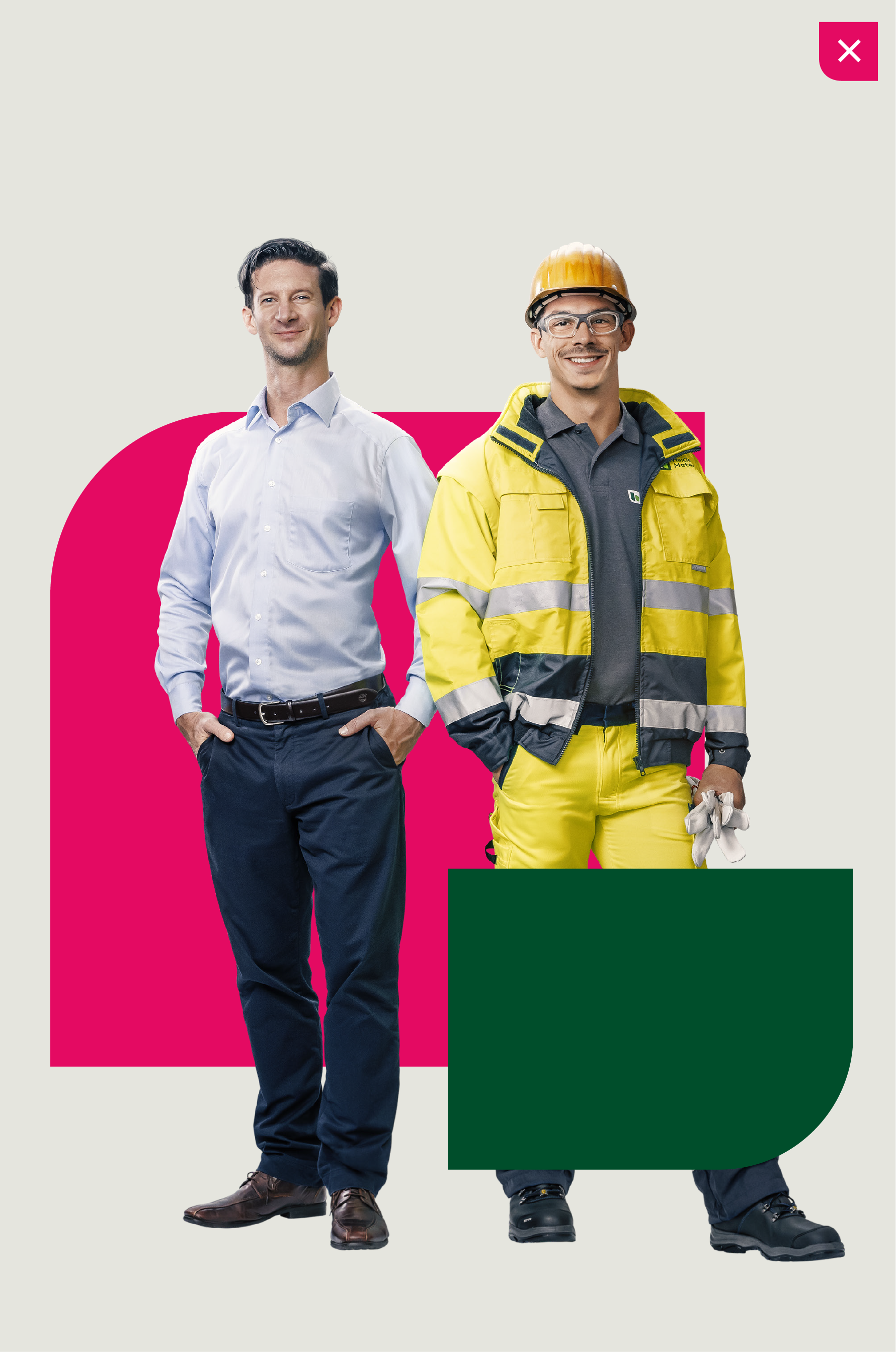

Don't place people behind shapes.
Downloads
Important Note Regarding Login
Due to the transition to our new website, all users must
set a new password the first time they log in.
To do so, please use the “Forgot Password” feature and
follow the instructions.
Thank you for your understanding.
Contact
Any questions about our guidelines?
Contact us.
- N Support
- T + 49 211 690787-200
- E support@Brandhub.heidelbergmaterials.com