Print Media
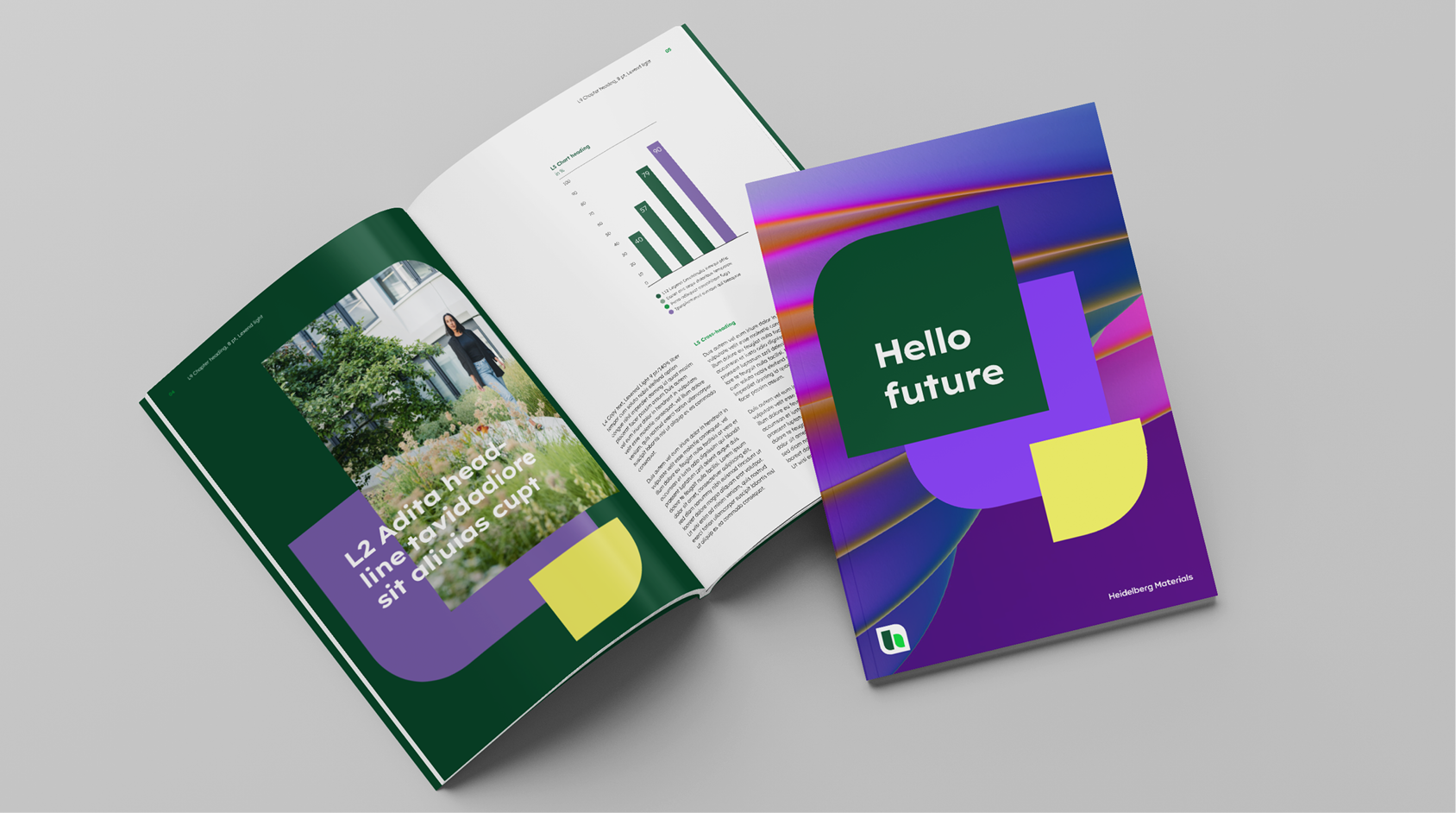

Level of expression
Our brand design enables the visual tone to adapt to different communication contexts. From factual and formative to expressive and inspiring, it supports a wide range of creative execution.
Learn more about our flexible design fields in the Fundamentals section.
Simply choose the level of expression that bests suits your message.

For orientation purposes, please select a design field to start from, and adapt the level of expression to meet your exact communication context.
Text elements
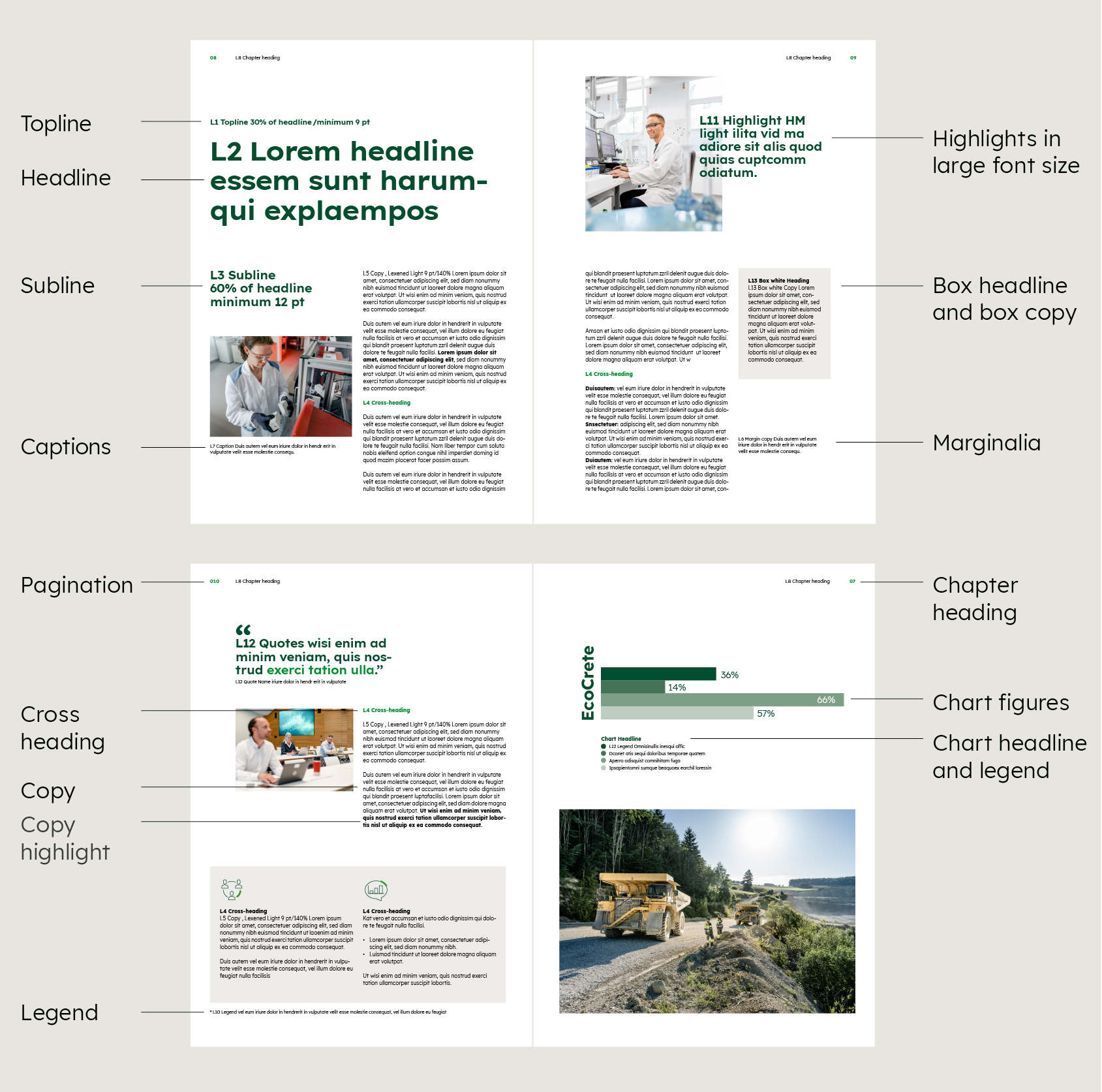
For better understanding, here are the text elements that can be used in a print brochure.

Content level design
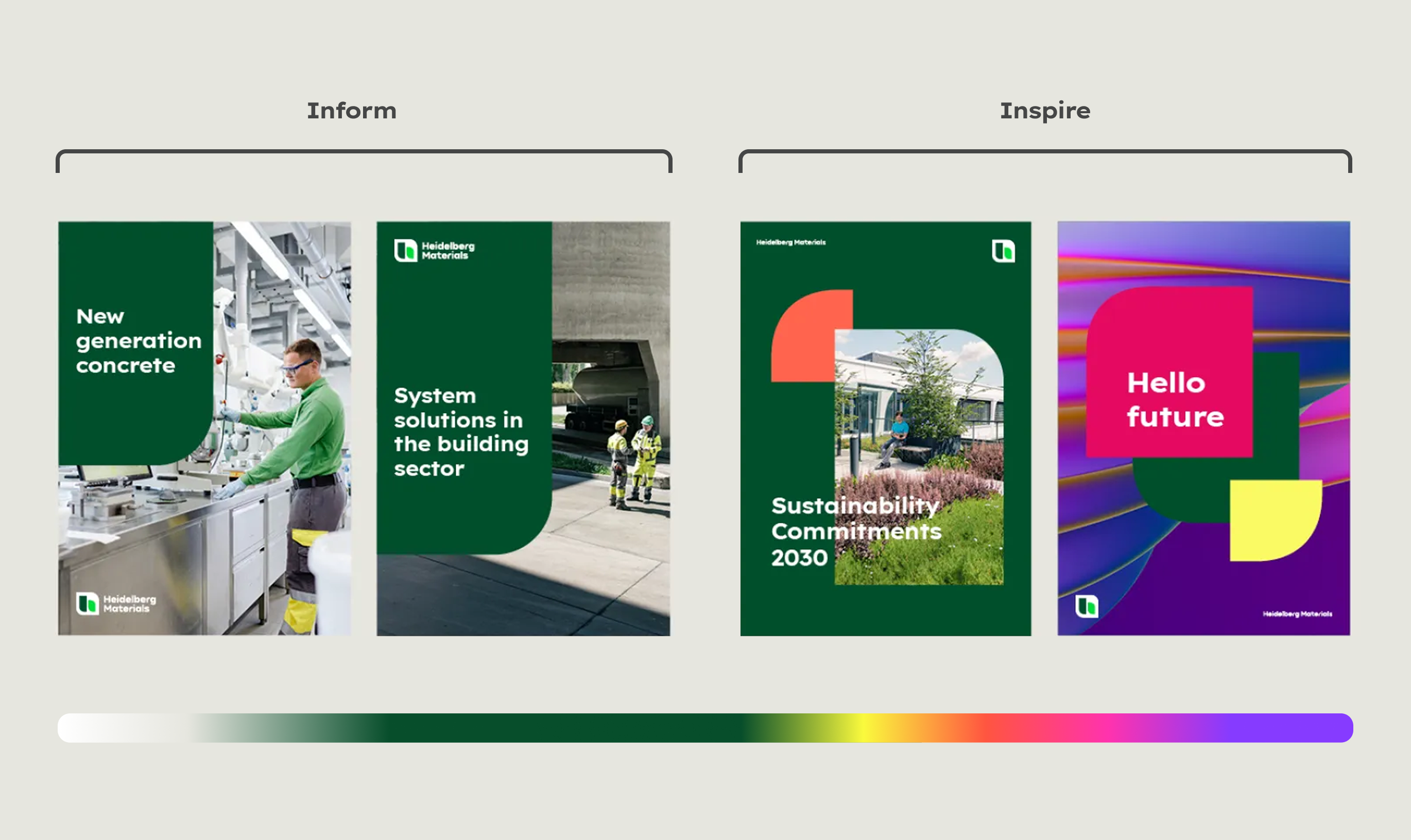
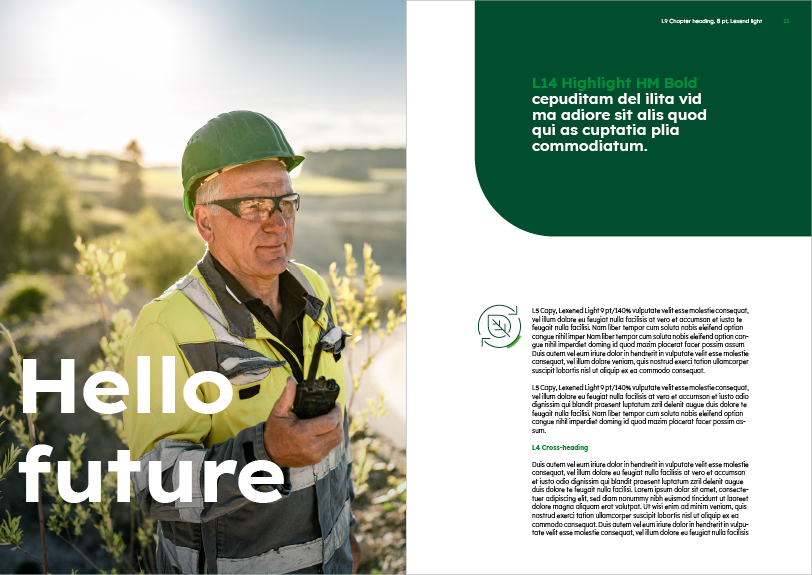
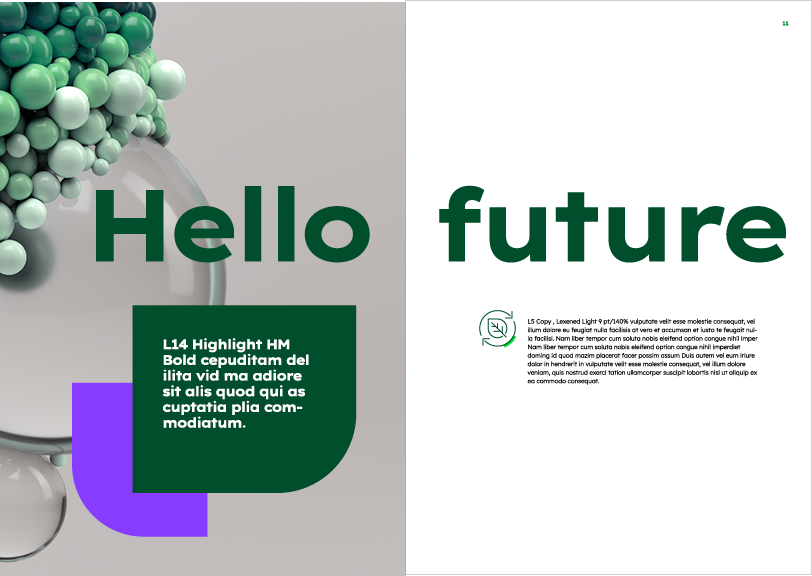
At the content level, a distinction is made between “Inform” and “Inspire”, just as at the design level. Here is a direct comparison of a few pages to illustrate the differences in design between the two fields.
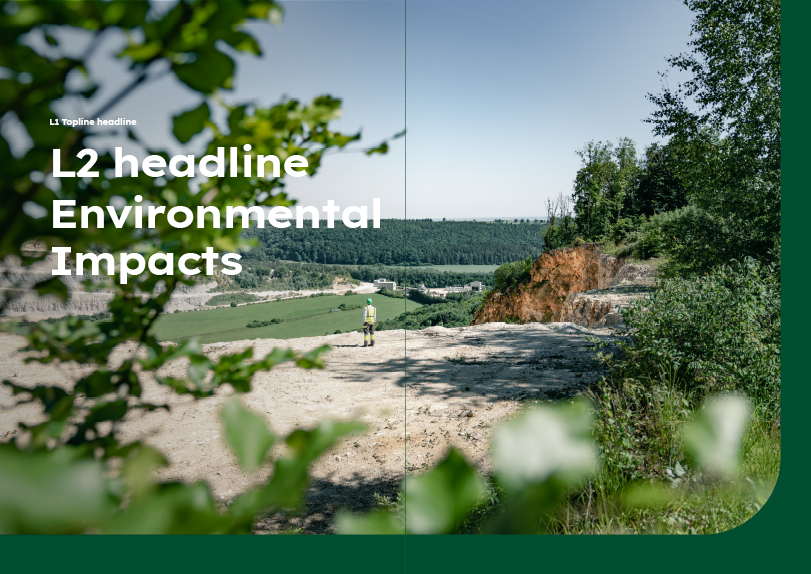
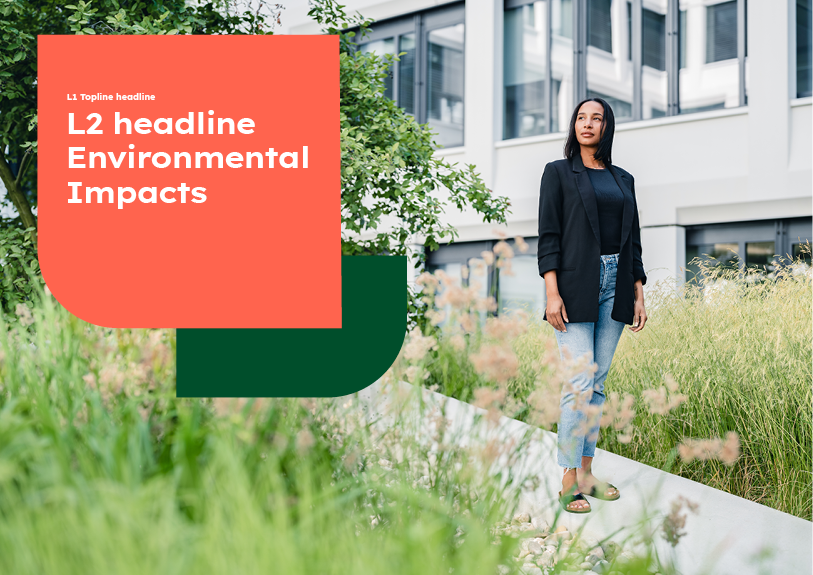
Divider page


Images and highlights


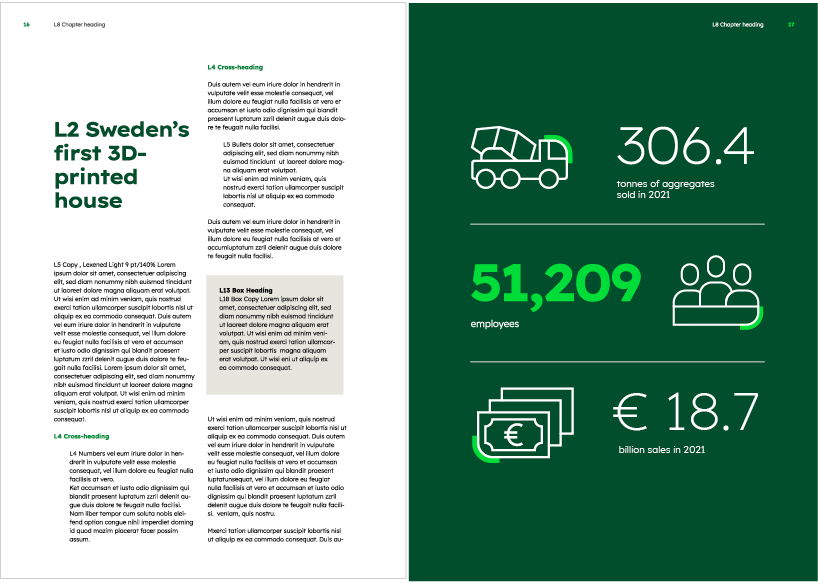
Boxes and infographics

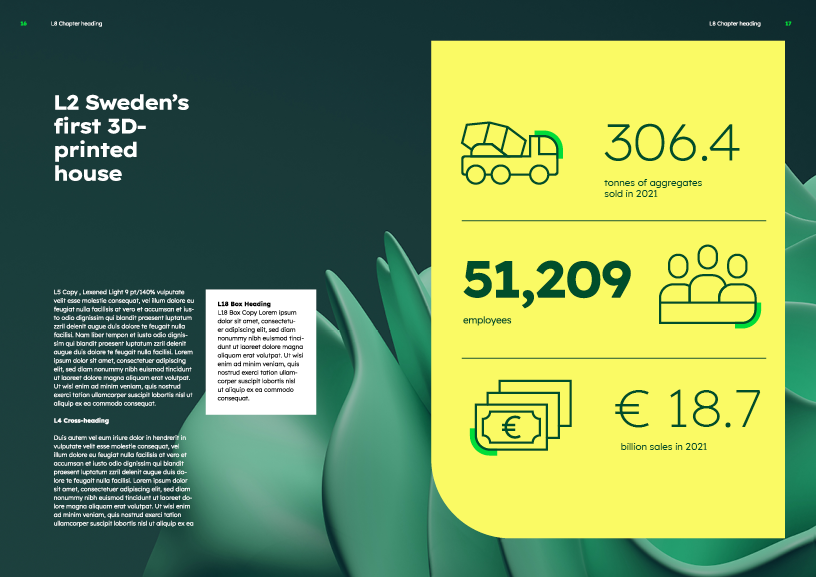

Learn more about our layout principles in the Design system section.
Grid
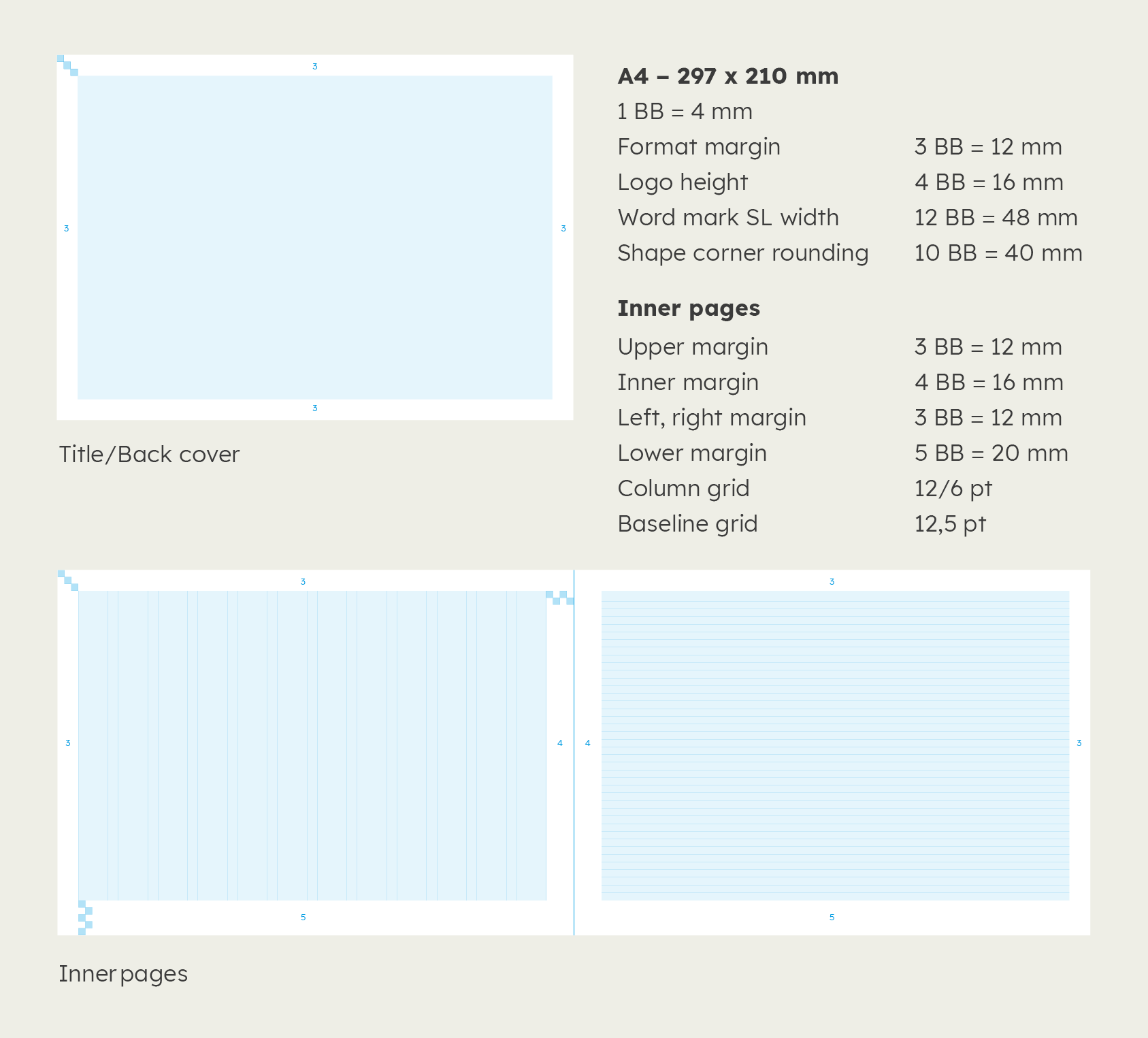
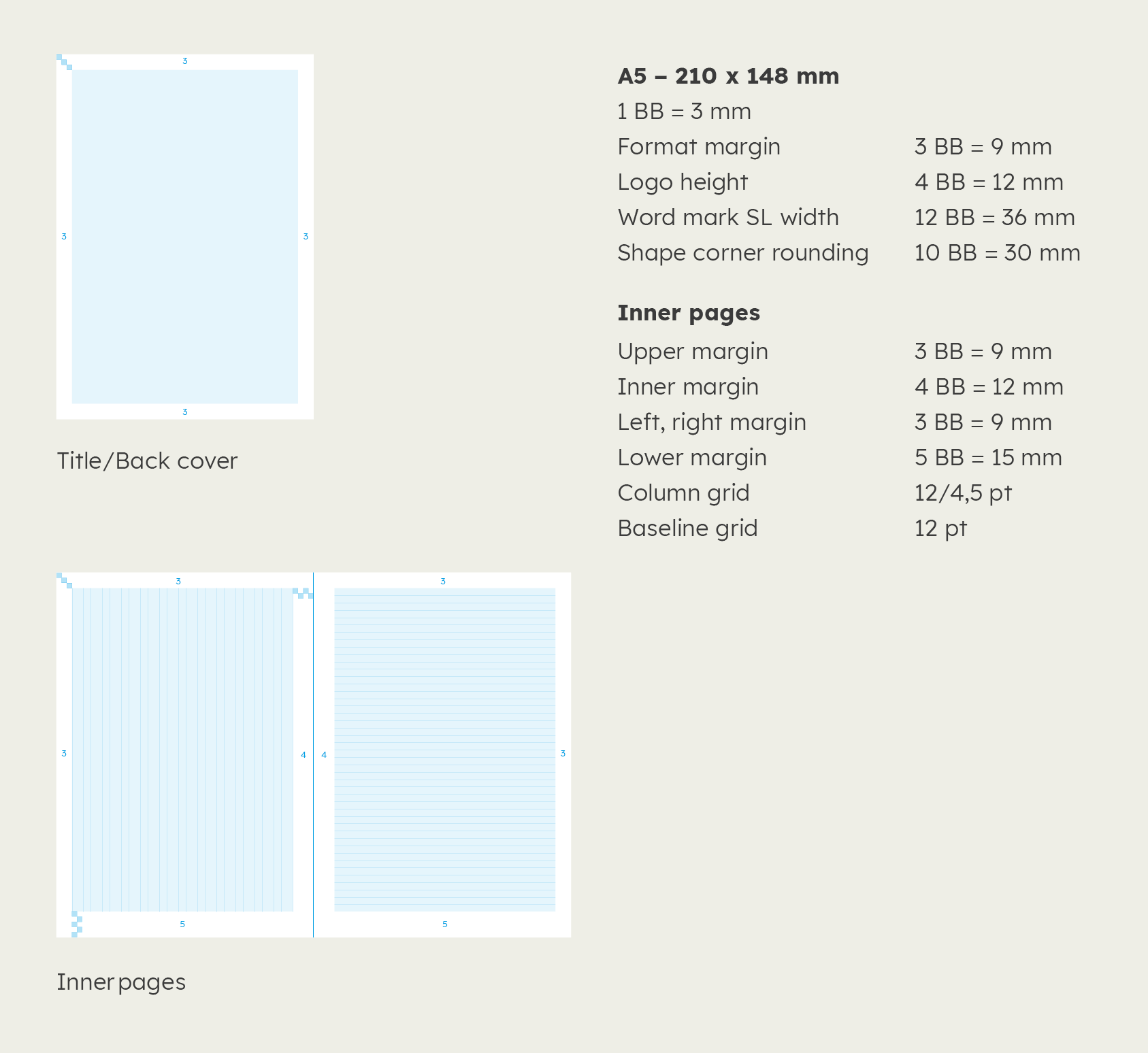
The format grid follows the logic of our building block system.
Divide the longer side of the format by 72 to find the size of the building block.
To obtain clear values, round up or down.
DIN A4 Portrait
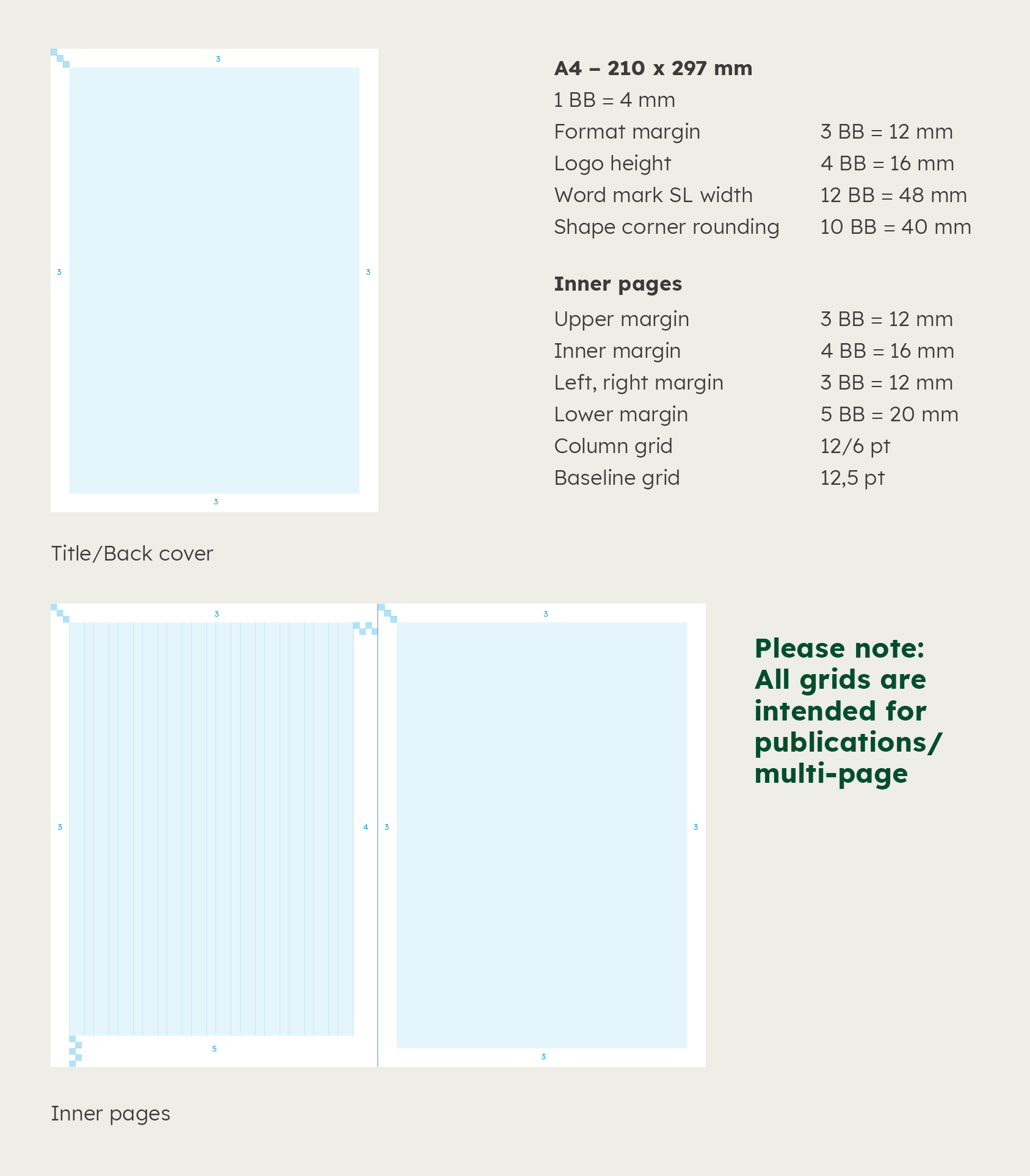

DIN A4 Landscape

DIN A5 Portrait

DIN A5 Landscape
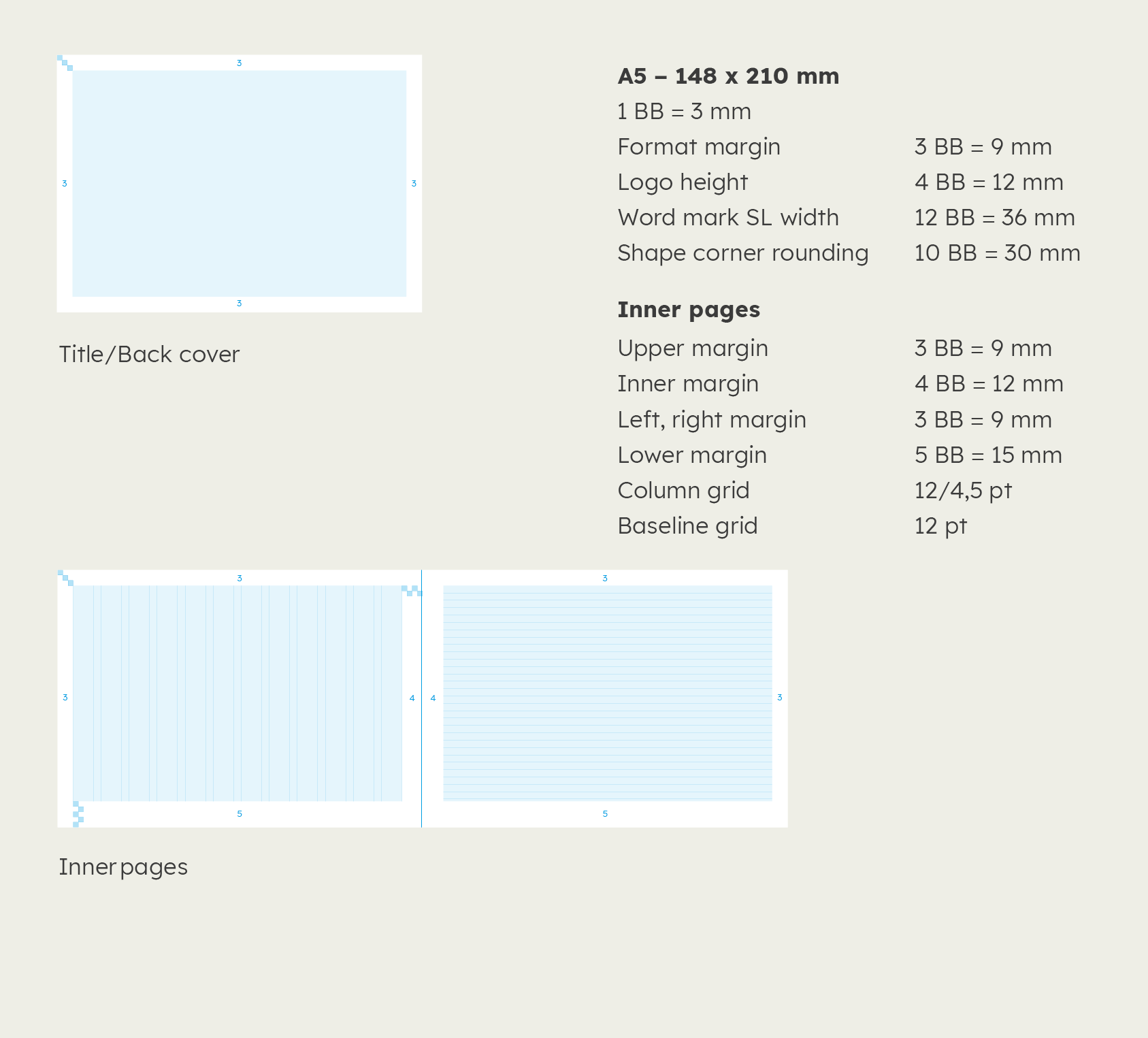

DIN long Portrait
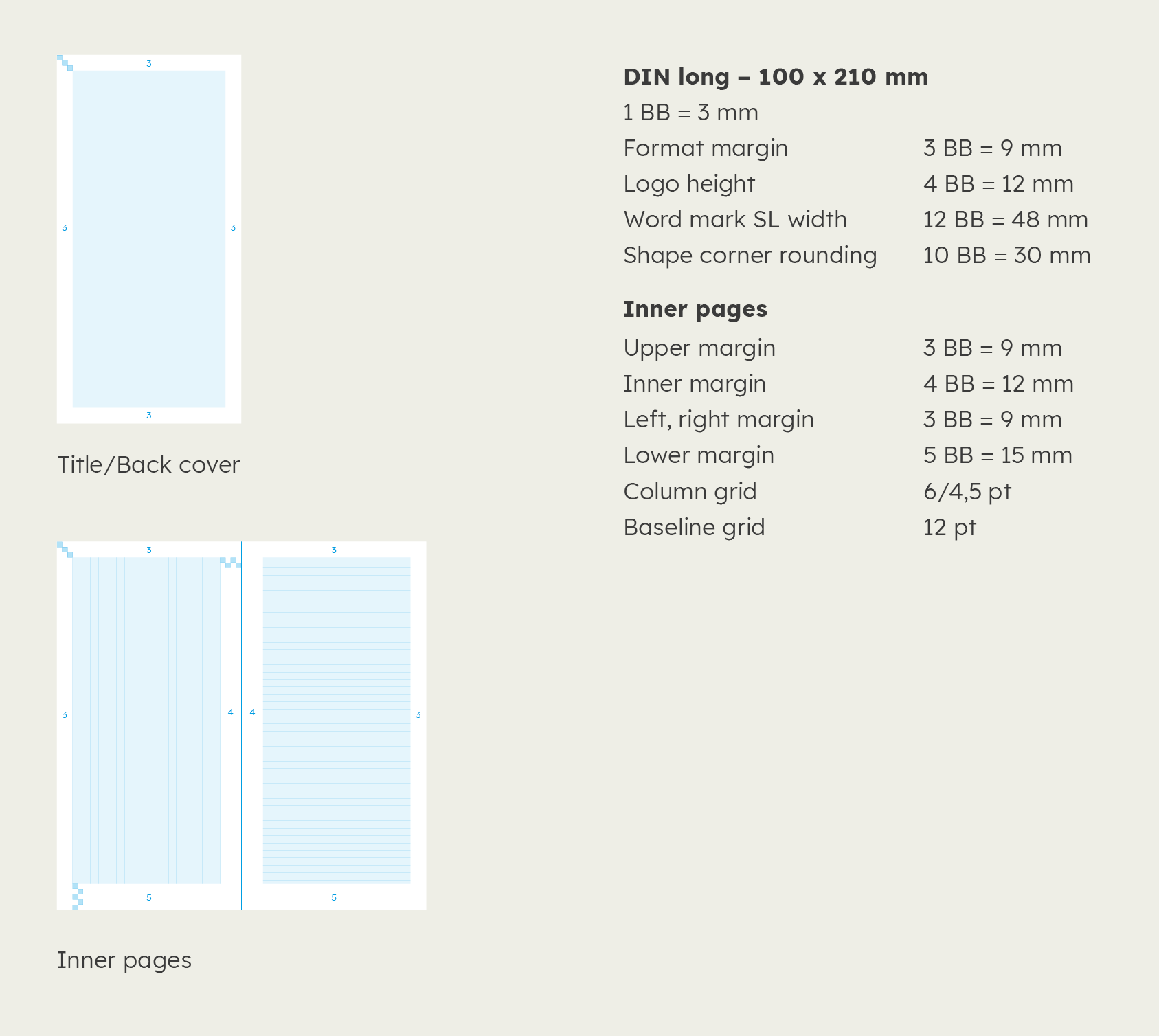

DIN long Landscape
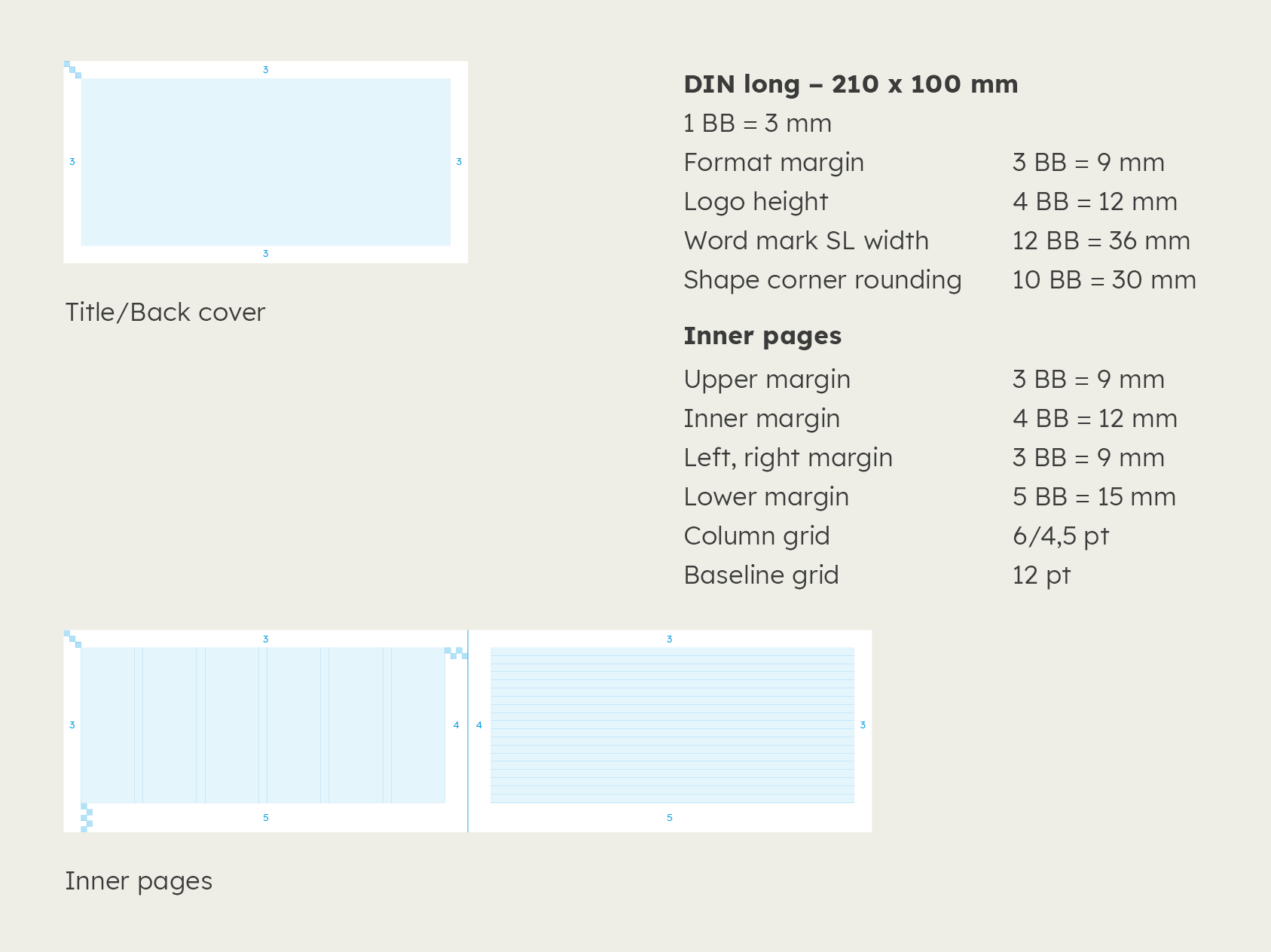

Use of typography
The recommendations regarding typeface in publications follows the applications and formatting specified in the corporate design principles.
You can find more information on how to use typography here: Typography
Learn more about our fonts styles in the Typography section.
Components
To facilitate the design of literature, we have created an extensive library of editorial design components. All components cover the spectrum from informative to inspiring for use in the standard media DIN A4, DIN A5 and DIN long.
Table of contents
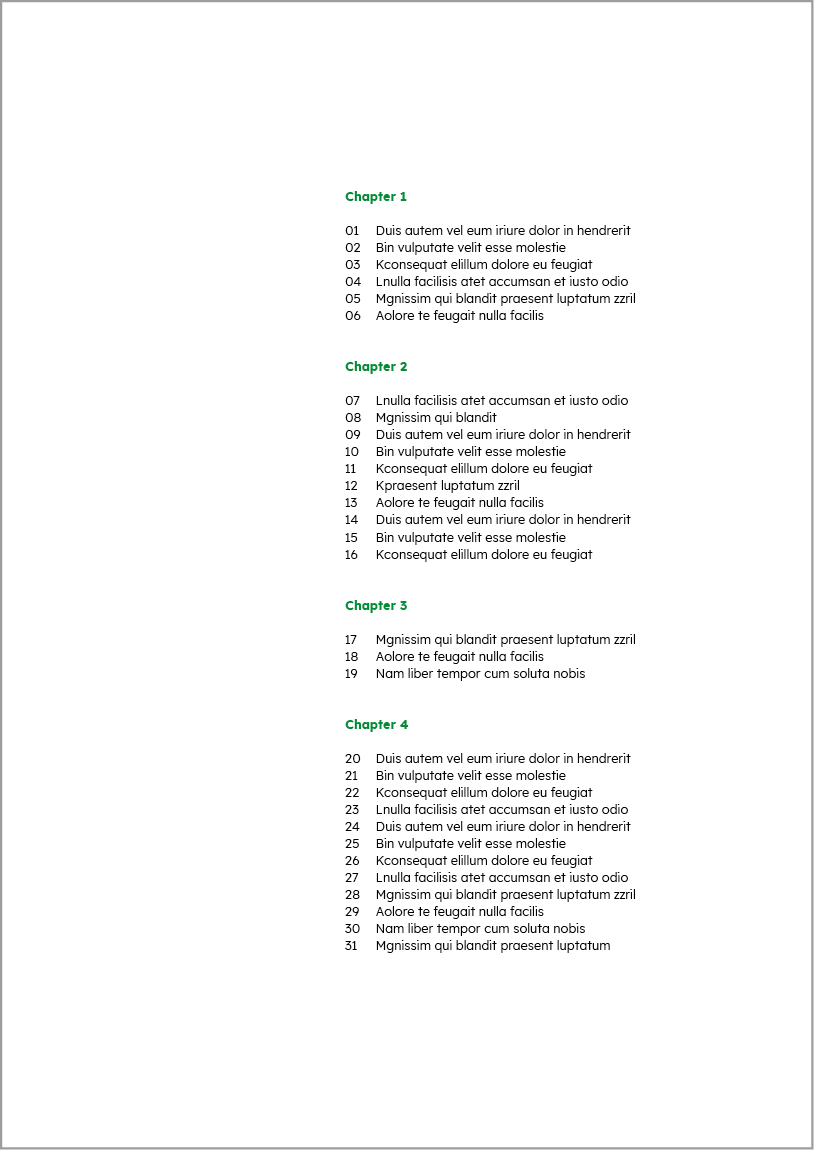

Long table of contents with focus on the individual topics.
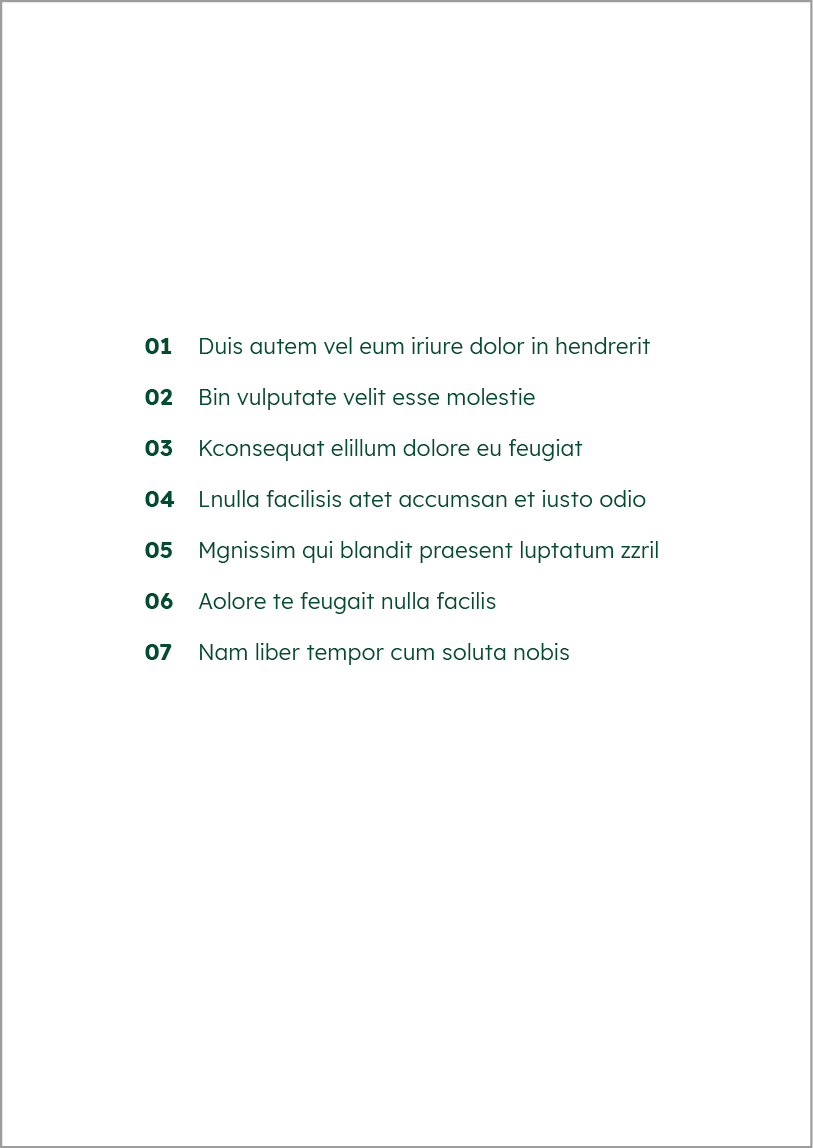

Table of contents with fewer points for more striking effect.
Quote
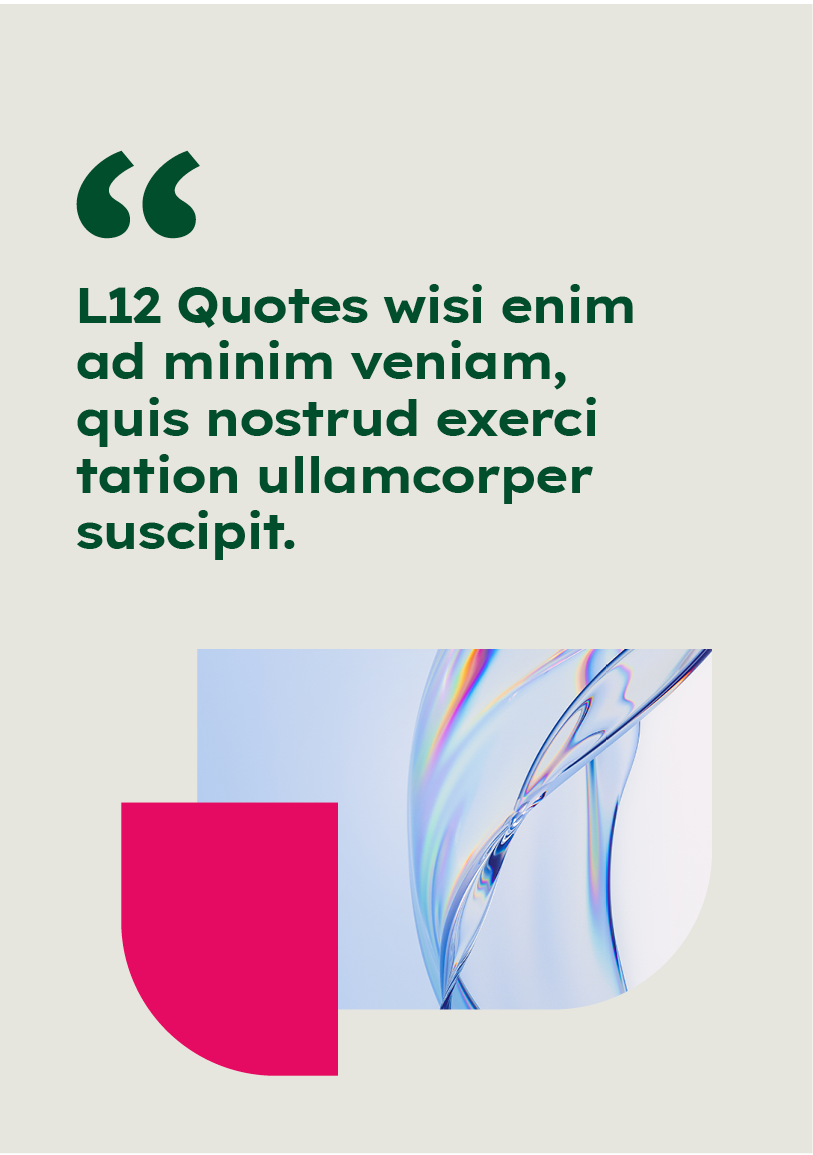

Striking quote with space.


Quote embedded in a shape.
Enumerations
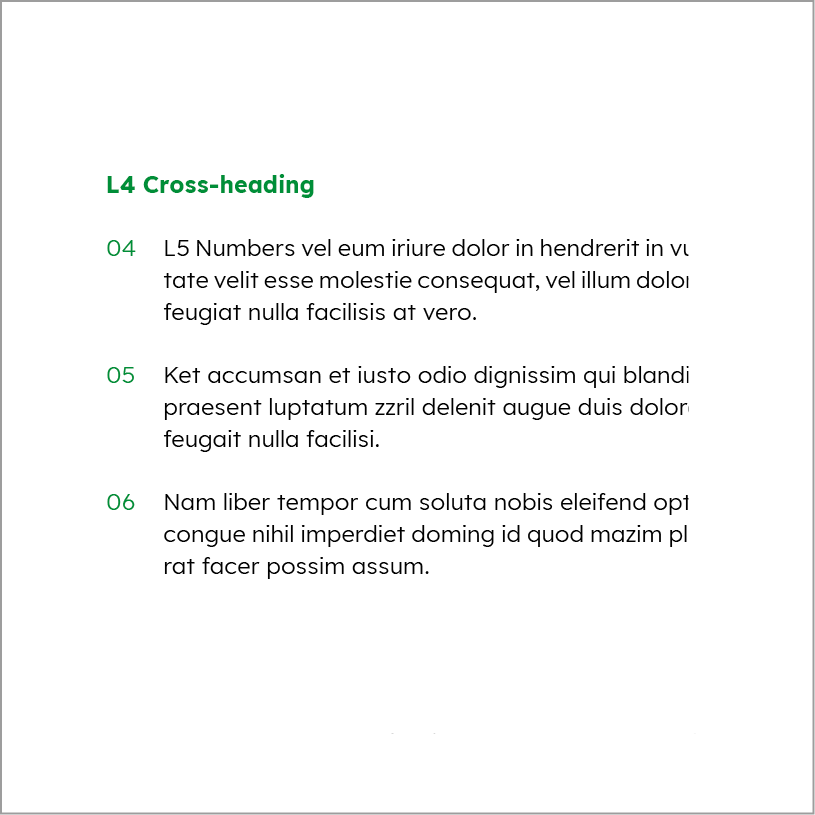

Enumeration with numbers.
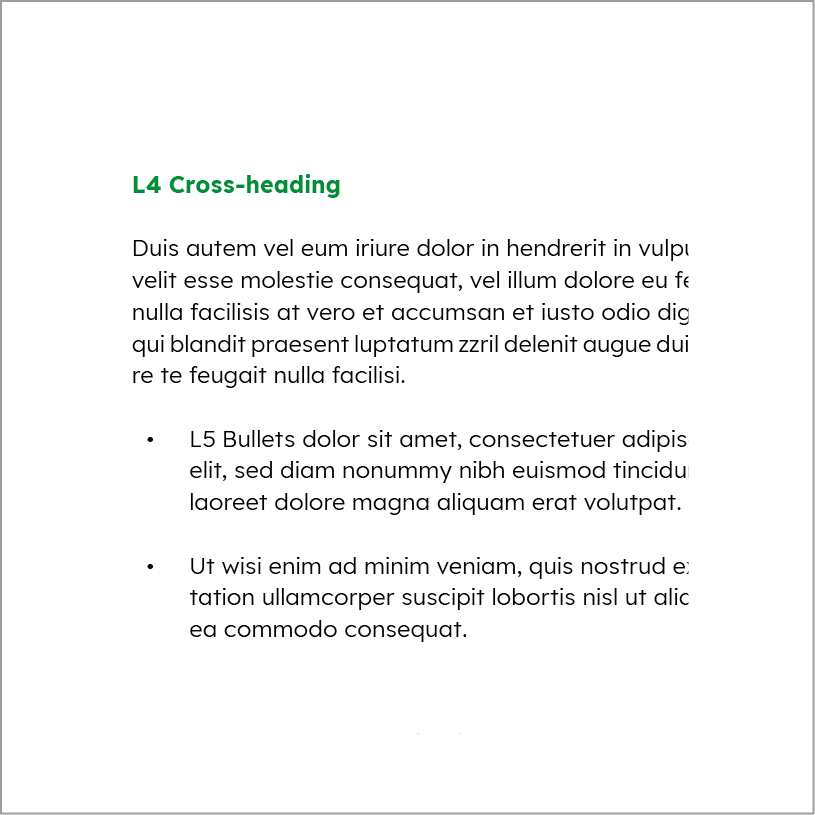

Enumeration with bullets.
Graphs
Infographics help to make complex information accessible and to present it in a relatable way.
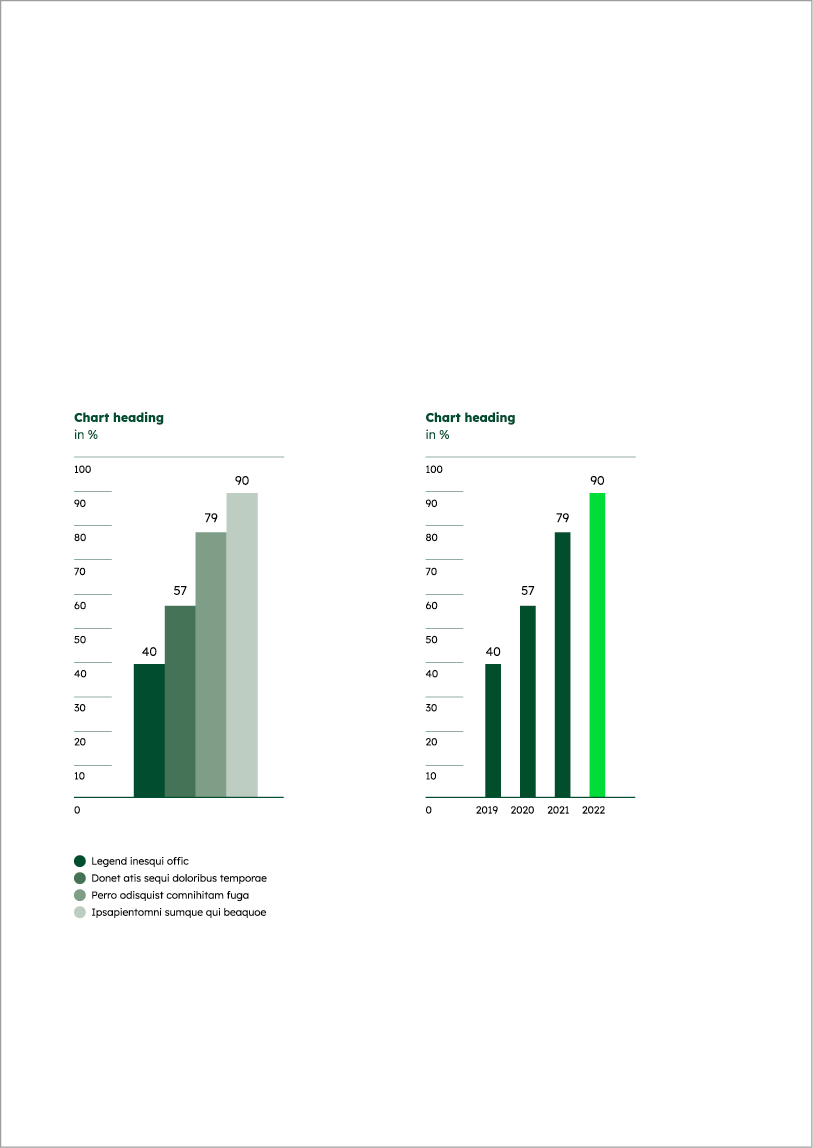

Bar charts.
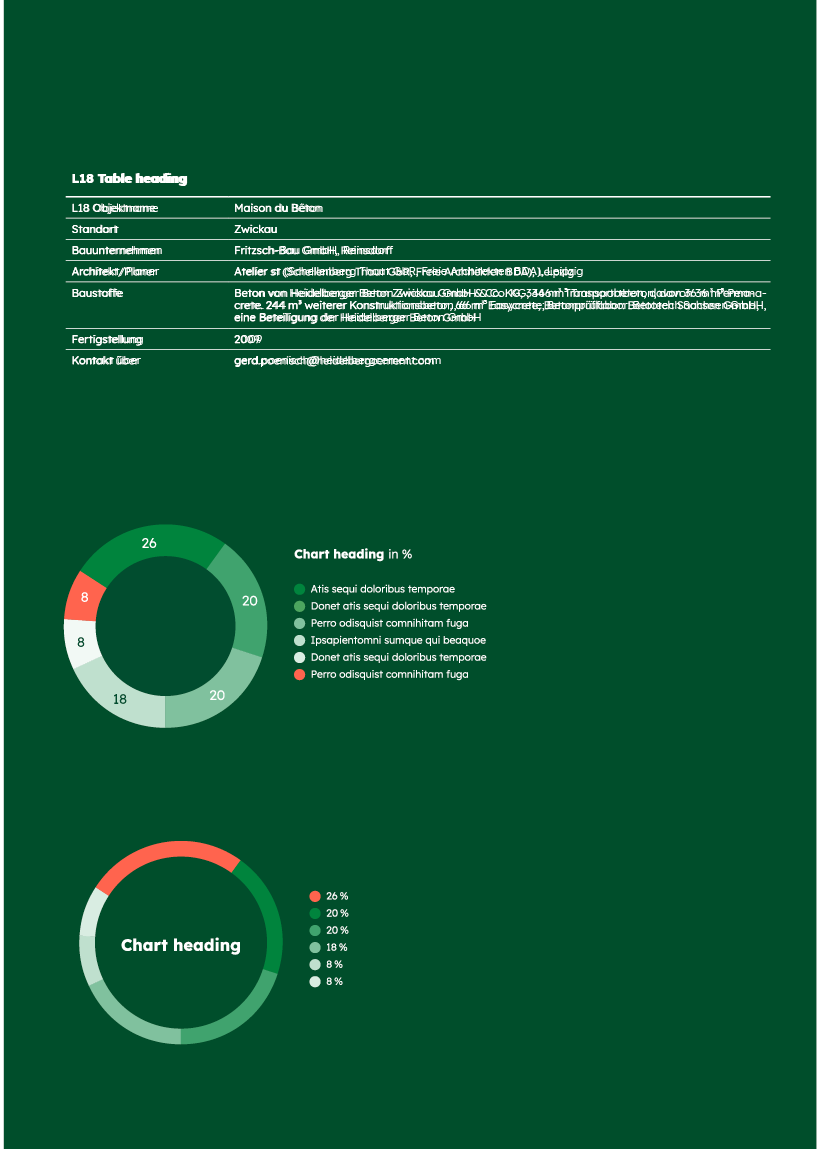

Donut charts.
Tables
Tables should be clearly structured and kept as simple as possible.
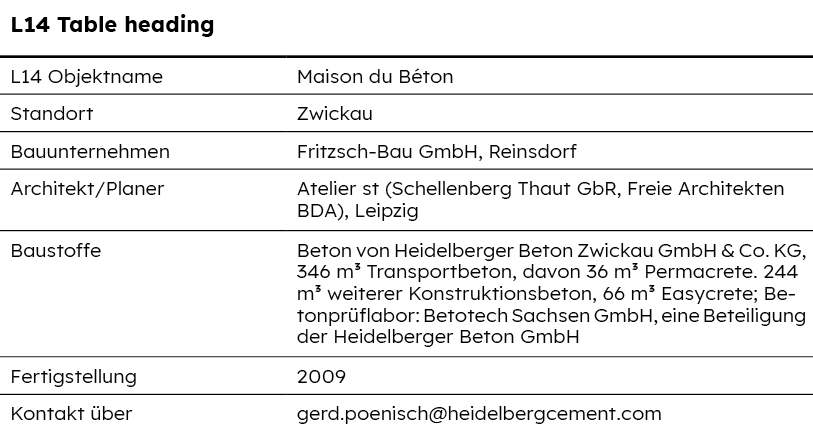

Two-column table.
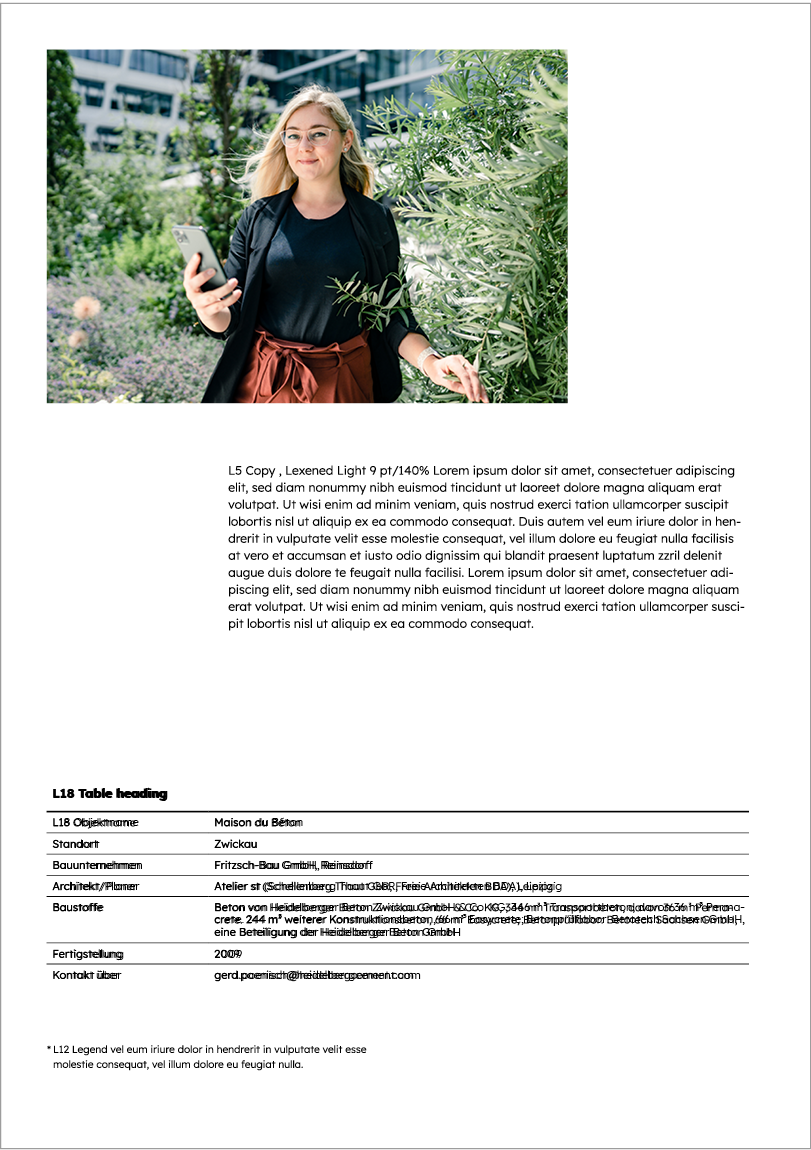

Table in the layout.
Infoboxes
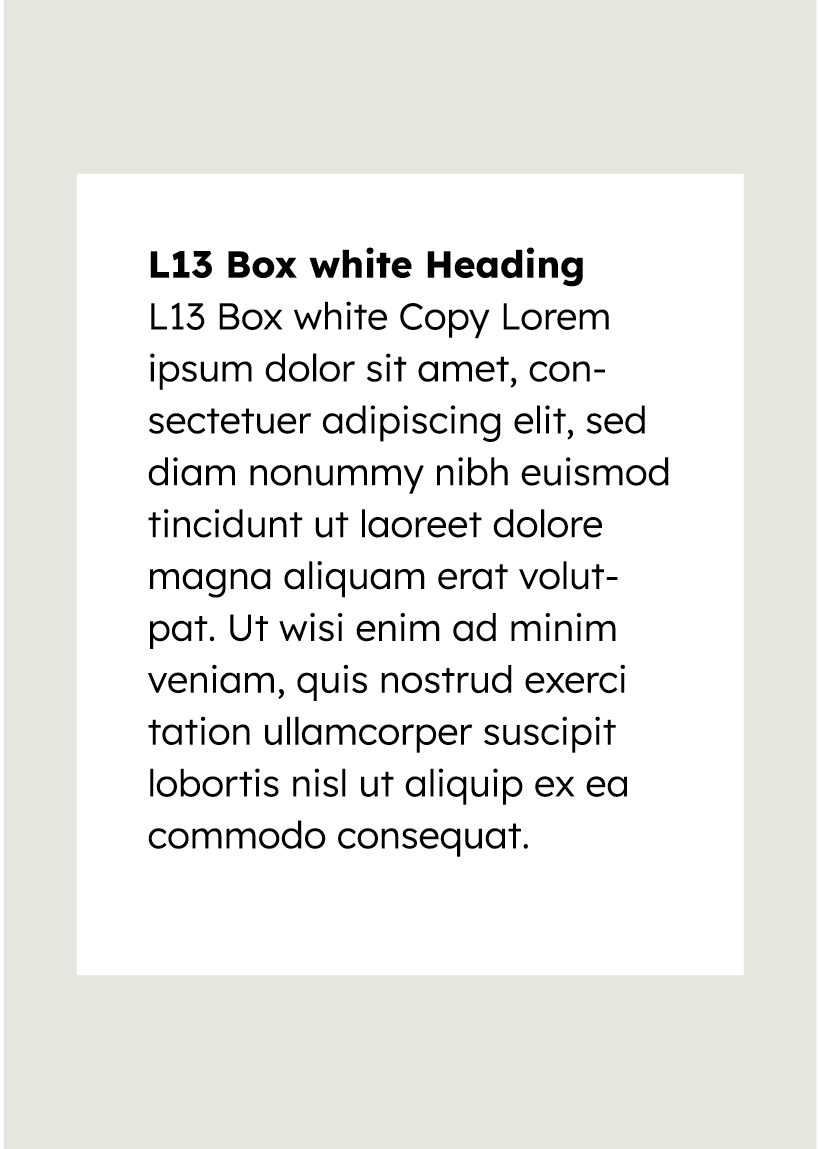

Information is placed in infoboxes, which differ from shapes in their design language.
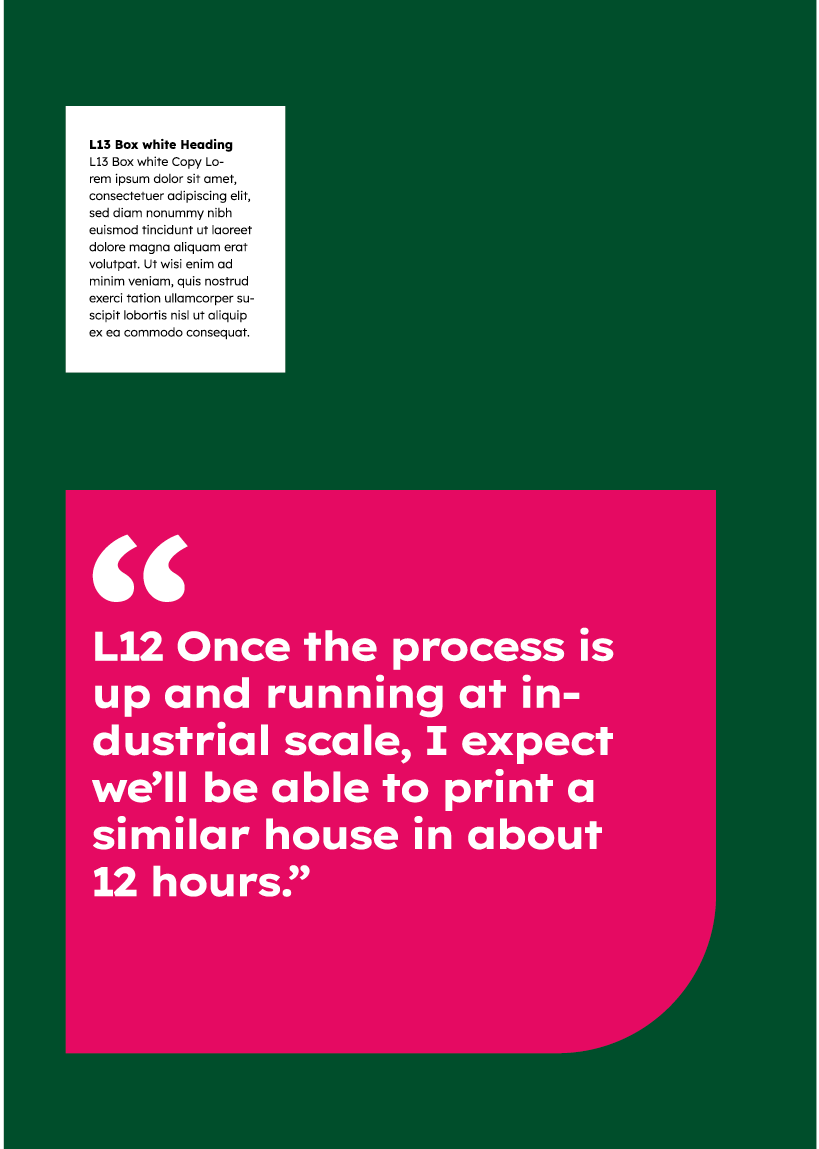

Shapes should not be used excessively and only for striking information.
Print media in use
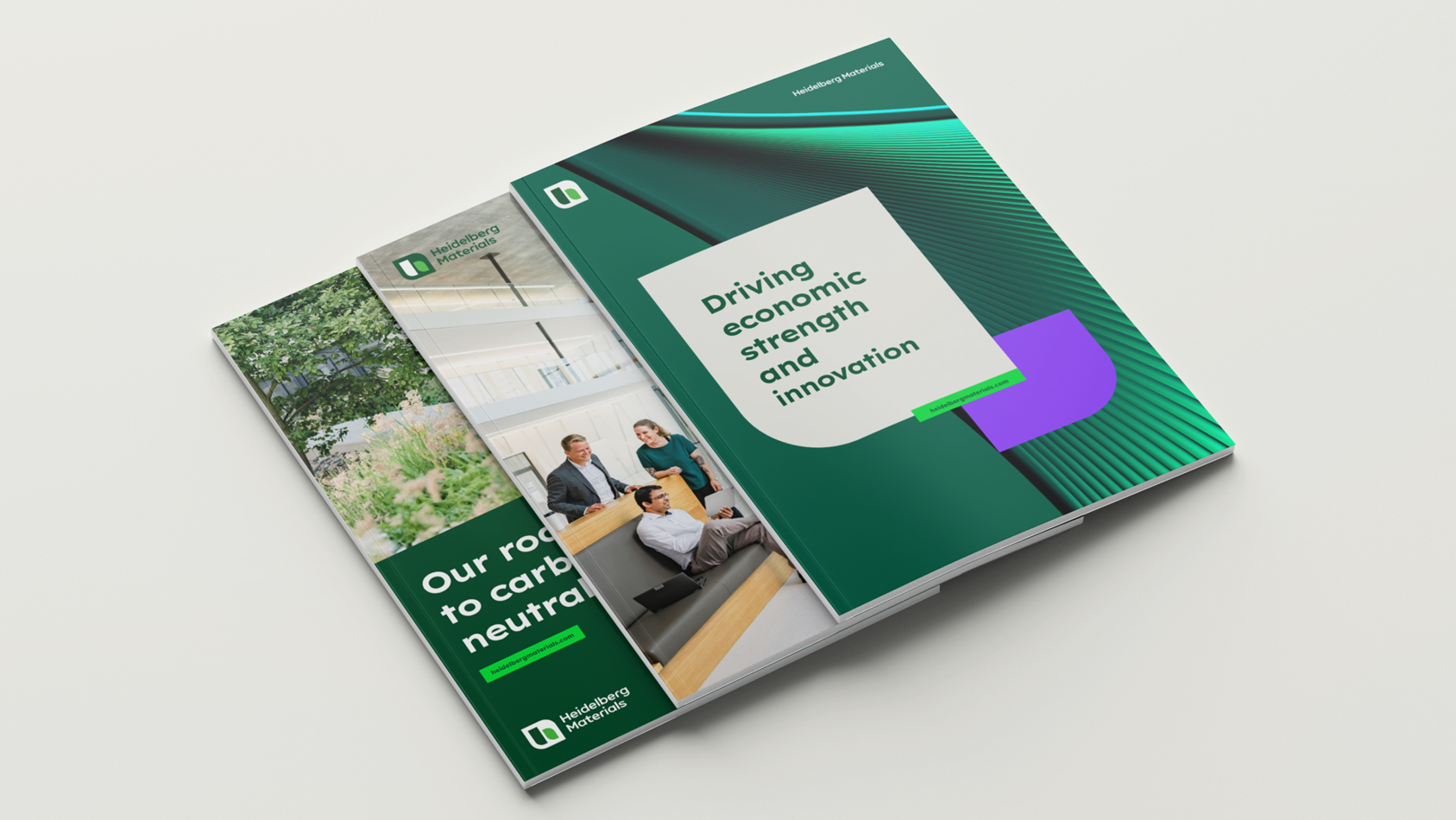

Brochure
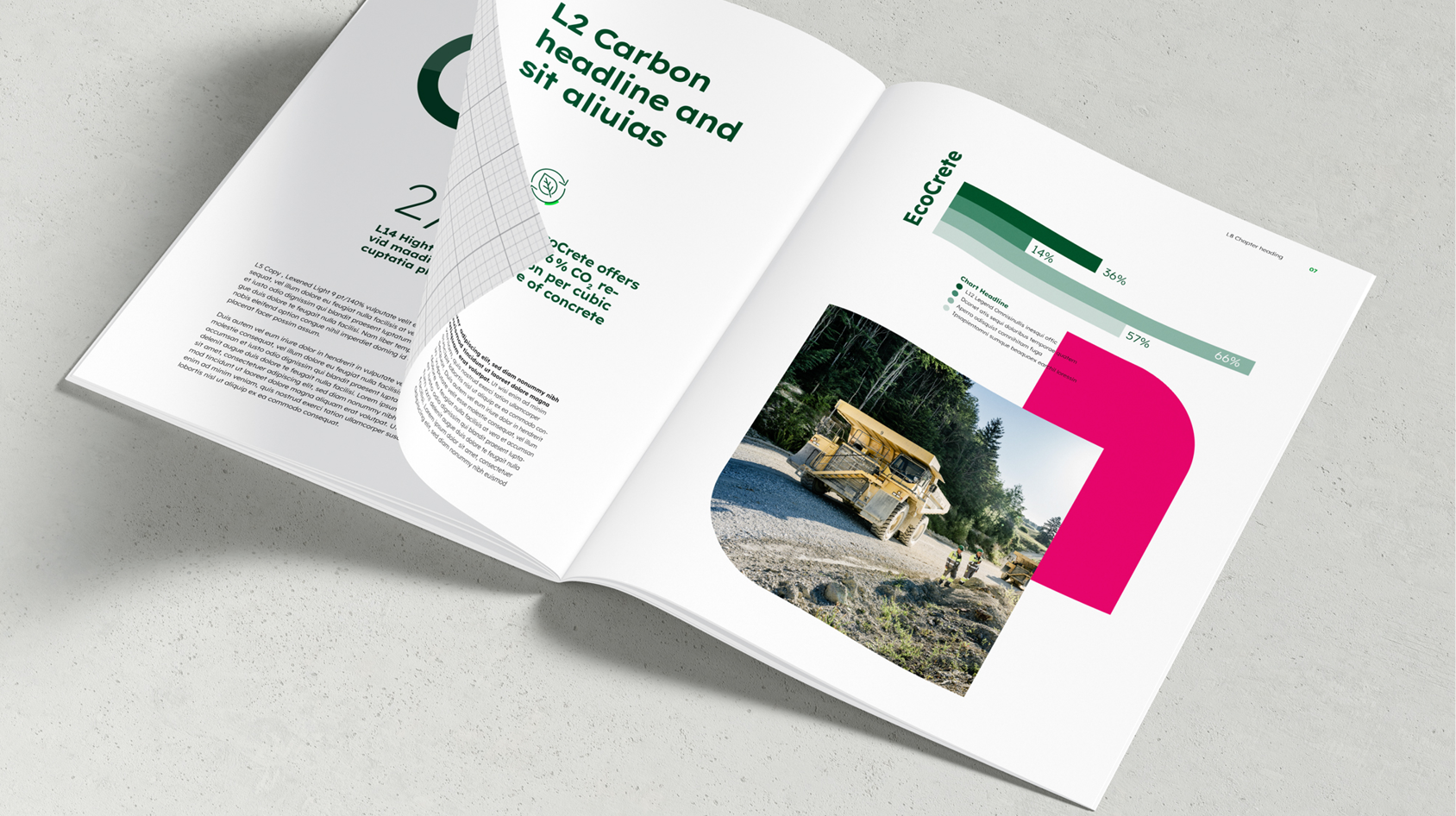

Inner page
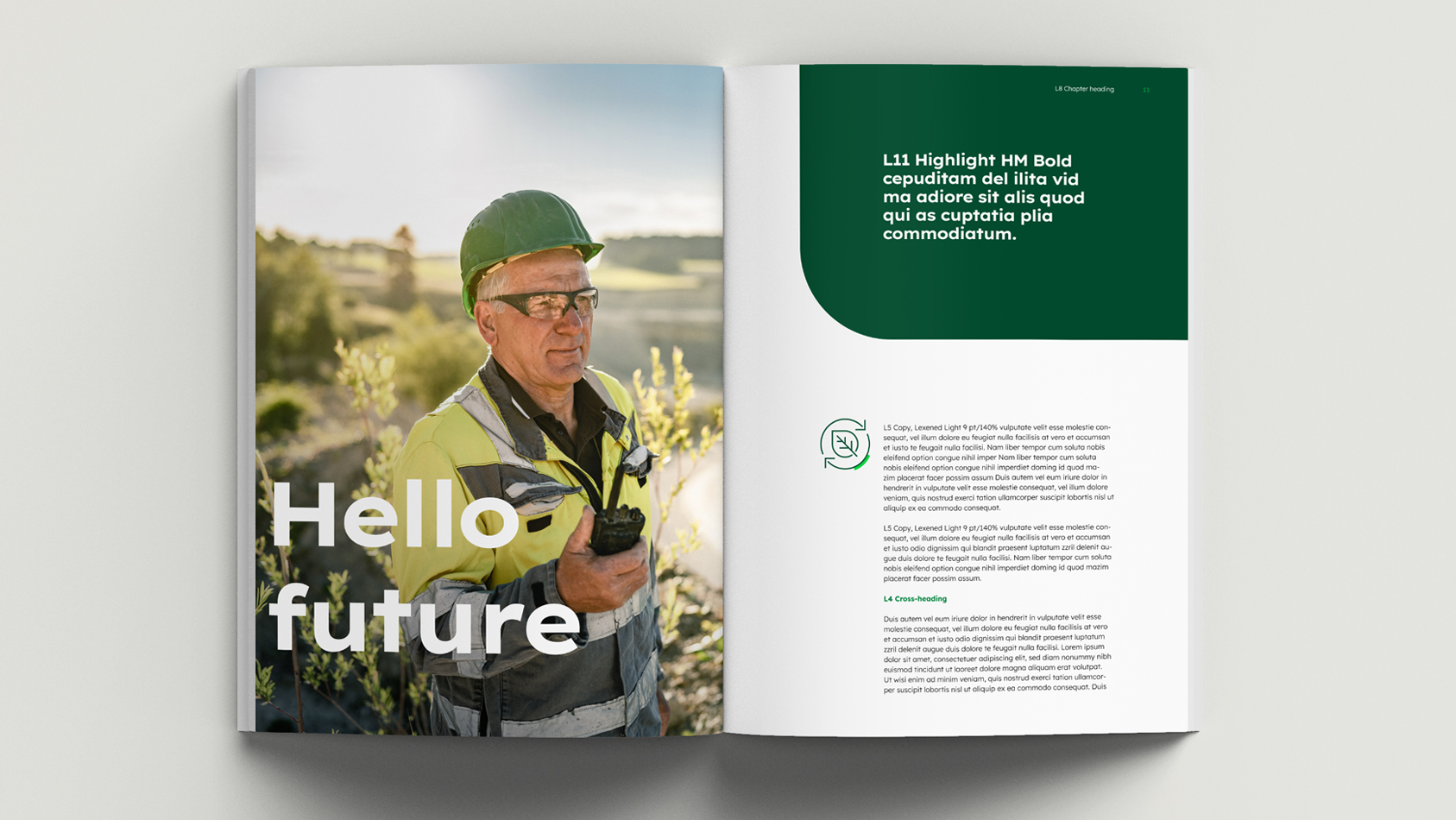

Inner page
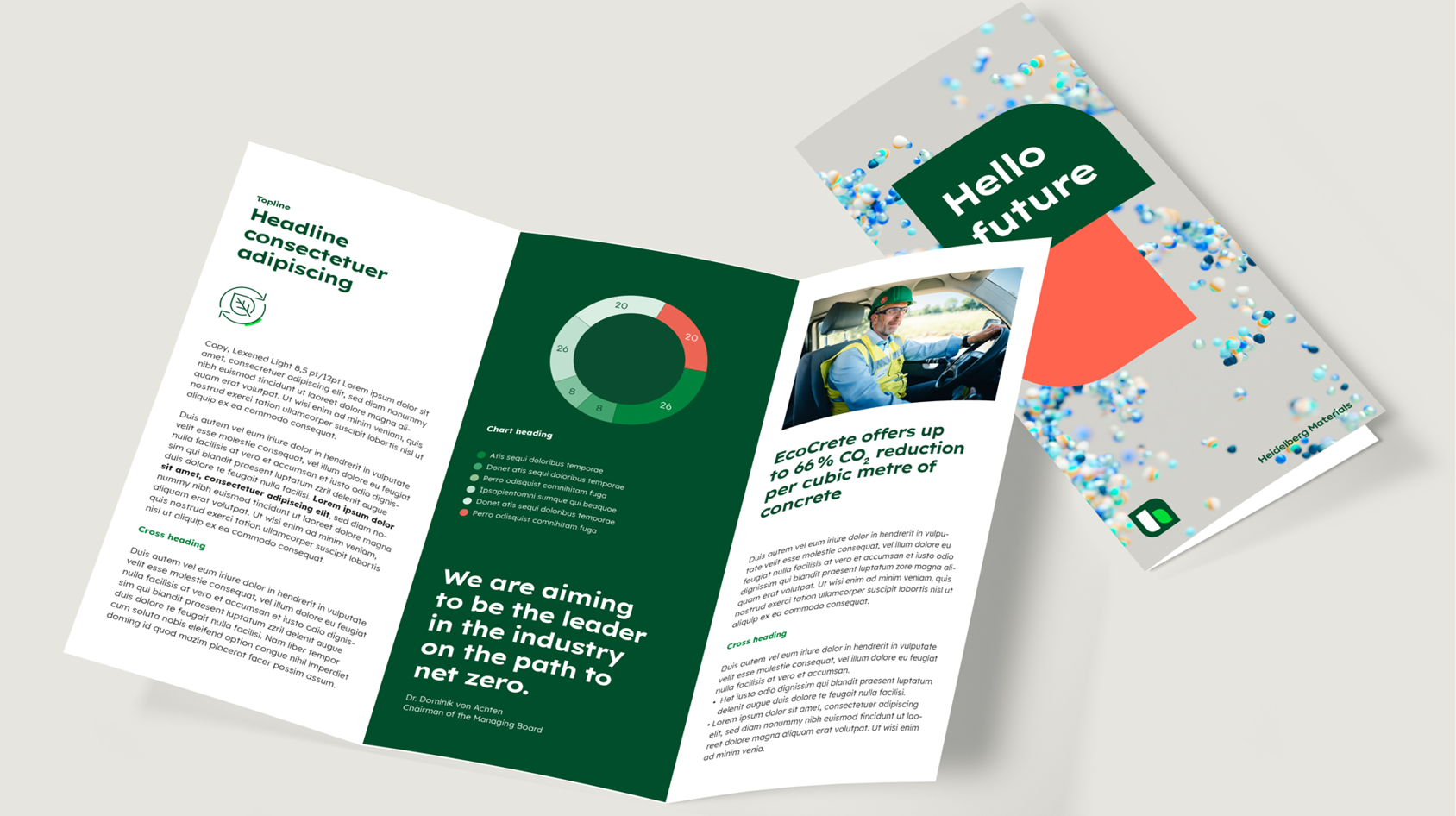

Flyer
Ready-to-use templates
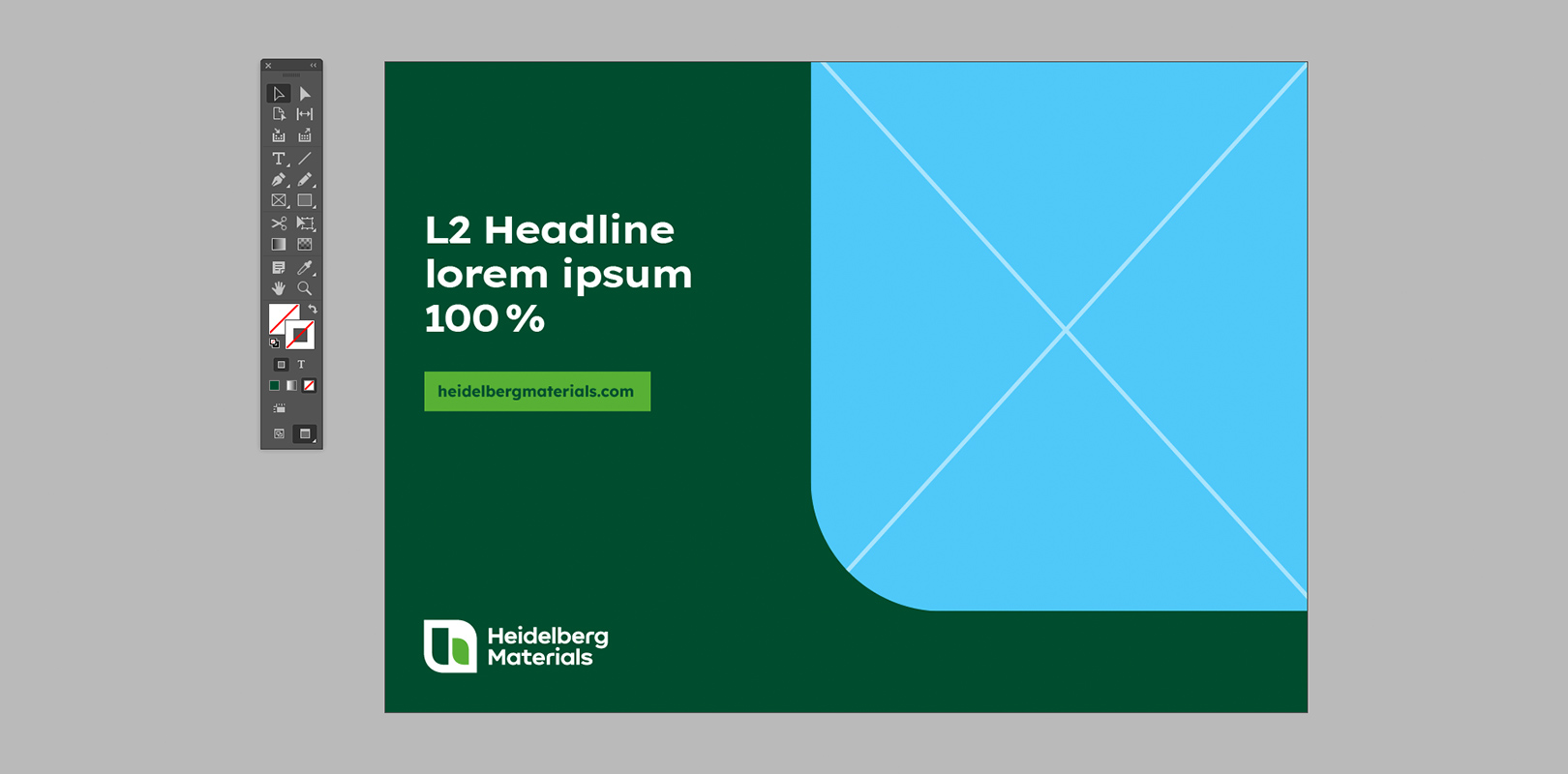
Our InDesign templates make it easy to get started and serve as a basis for your own designs. For inspiration, also check out the examples shown above.

Downloads
Important Note Regarding Login
Due to the transition to our new website, all users must
set a new password the first time they log in.
To do so, please use the “Forgot Password” feature and
follow the instructions.
Thank you for your understanding.
Contact
Any questions about our guidelines?
Contact us.
- N Support
- T + 49 211 690787-200
- E support@Brandhub.heidelbergmaterials.com